
Reference
The Editor
Every part of the Editor, the view where the dataset is validated, edited, viewed and checked. The course uses each of them in chapters 9 to 14.
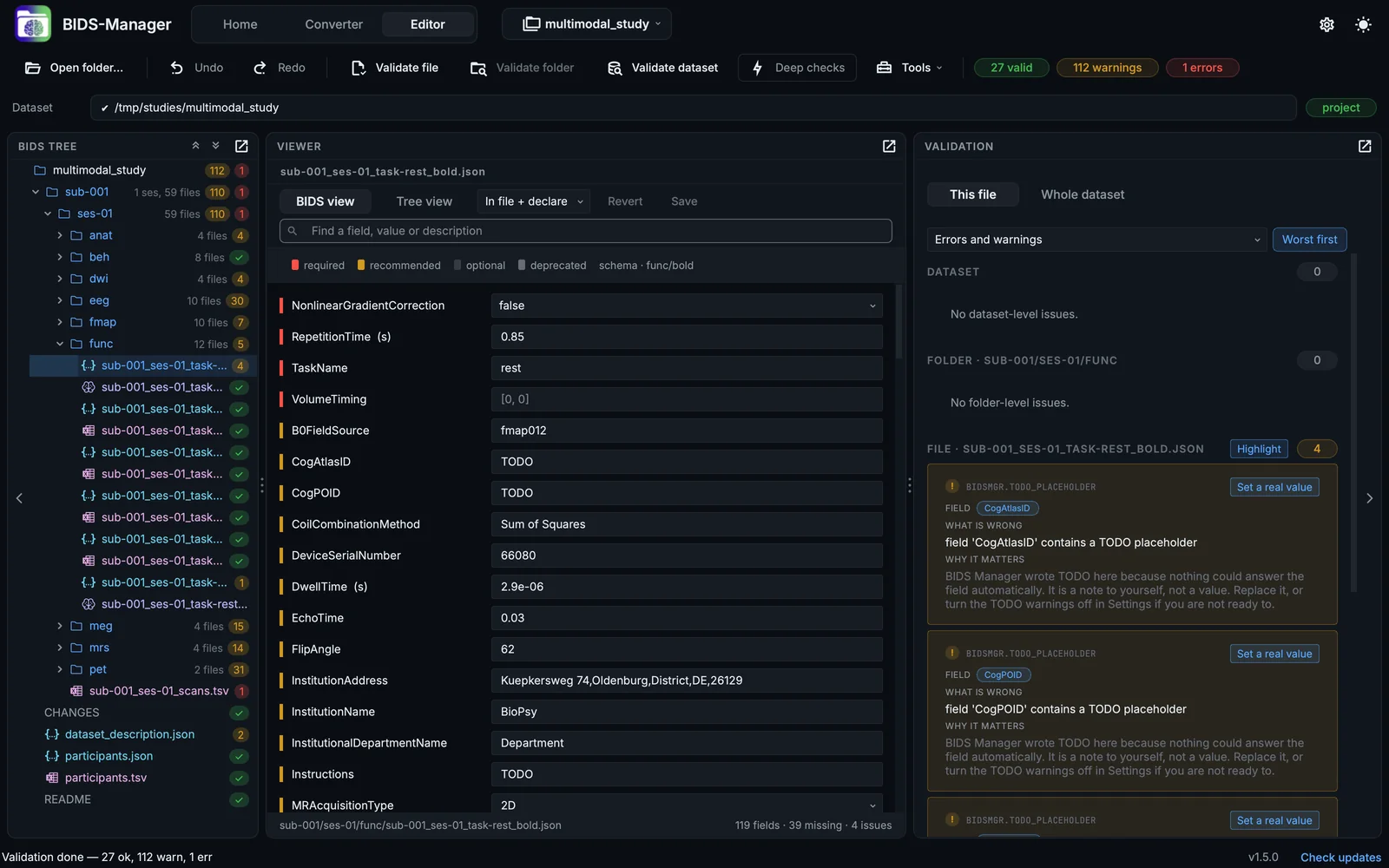
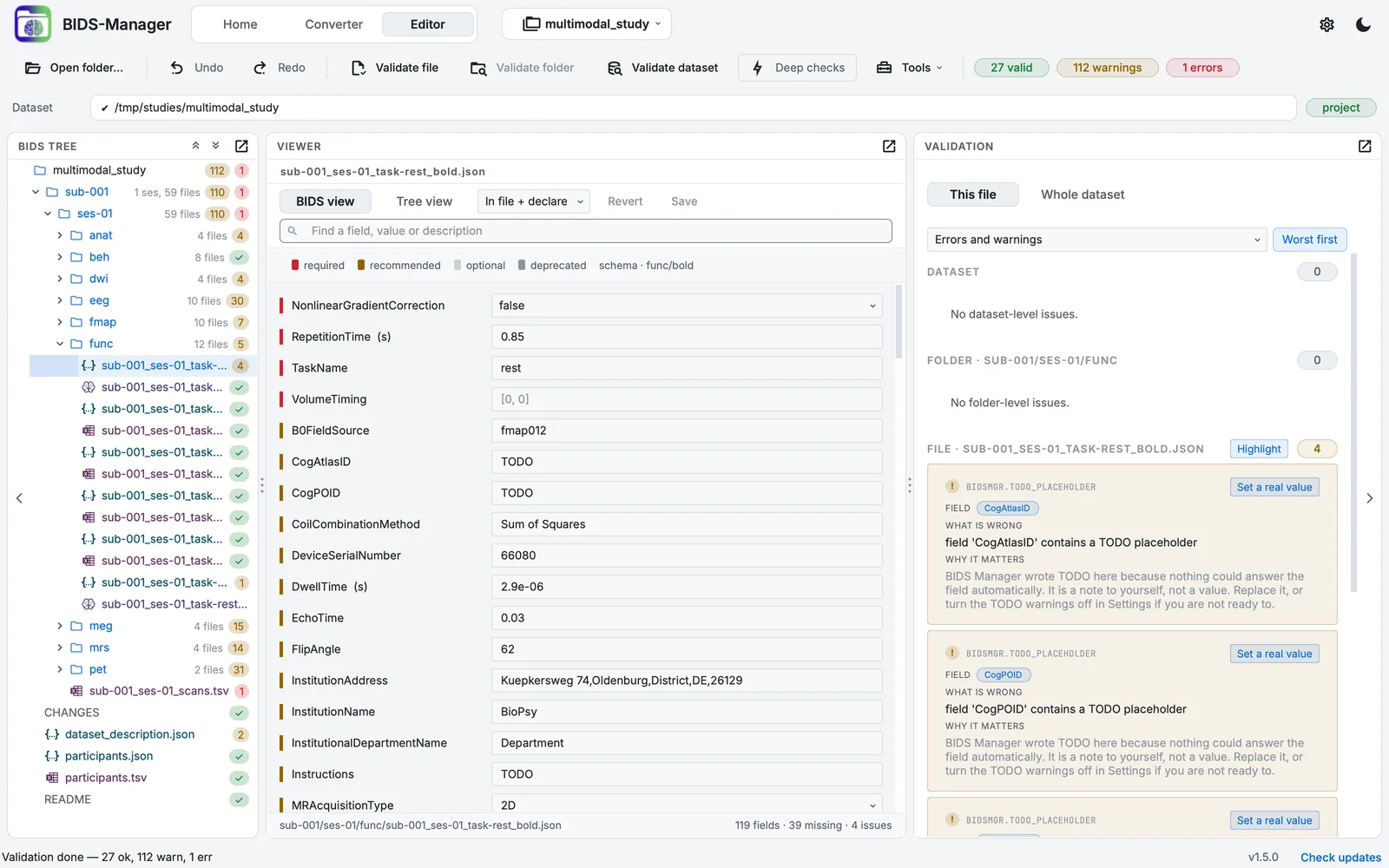
The Editor on a converted dataset.
- The toolbar: open, undo, validate, deep checks, tools, the counts
- The dataset and how it is open
- The BIDS tree
- The viewer: a form, a table, an image, a signal
- Validation
The toolbar
| Control | What it does |
|---|---|
| Open folder… | Opens any folder: a BIDS dataset as a project or to view only, anything else to view only (The project folder and undo). |
| Undo, Redo | Your edits of the sidecar or table that is open. |
| Validate file, Validate folder, Validate dataset | Checks the file selected in the tree, every file under the folder selected in the tree, or the whole dataset, against the standard. |
| Deep checks | When on, Validate dataset also opens every NIfTI image's header to catch broken files: slower. It does not change Validate file or Validate folder. |
| Tools | The Editor's tools, grouped by purpose (Editor tools). |
| The counts | Valid files, warnings and errors of the last validation. |
The path bar
The folder that is open, and how: project, dataset or view only, with Back to the project or Open as project where it applies.
The BIDS tree
The dataset's folders and files, each with the result of the last validation (a tick, or the count of findings in its colour). Folders say how many files they hold. Right-click (Control-click on a Mac) for what you can do to the files under the pointer: rename, add or remove an entity, sessions, delete, deface, compare two images. Hidden files are shown with Settings > Display > Editor tree.
The viewer
What it shows depends on the file (Viewers):
| File | Viewer |
|---|---|
a .json sidecar |
a form of the fields the standard declares (BIDS view), or the plain tree of keys (Tree view), with a search |
a .tsv table |
an editable table; Visualize for a physiological recording |
| an image | the image viewer: planes, 3-D, time course, quality check |
| an EEG or MEG recording | its header, then the signal viewer after Load signal |
| a spectrum | the spectrum viewer |
.bval and .bvec |
the gradient table |
| a README or other text | the document viewer |
| a DICOM file | its header |
Validation
The findings for the selected file, its folder and the dataset, each as a card with what is wrong, why it matters and where the standard says so, and a button that goes to the field or cell. Whole dataset lists every kind of finding once, with Fix in all files where one answer fits all (Validating in the Editor).