
Reference
Editor tools
What each entry of the Editor's Tools menu does. Every tool that changes files shows what it will change before it changes anything, and records what it did in the project.
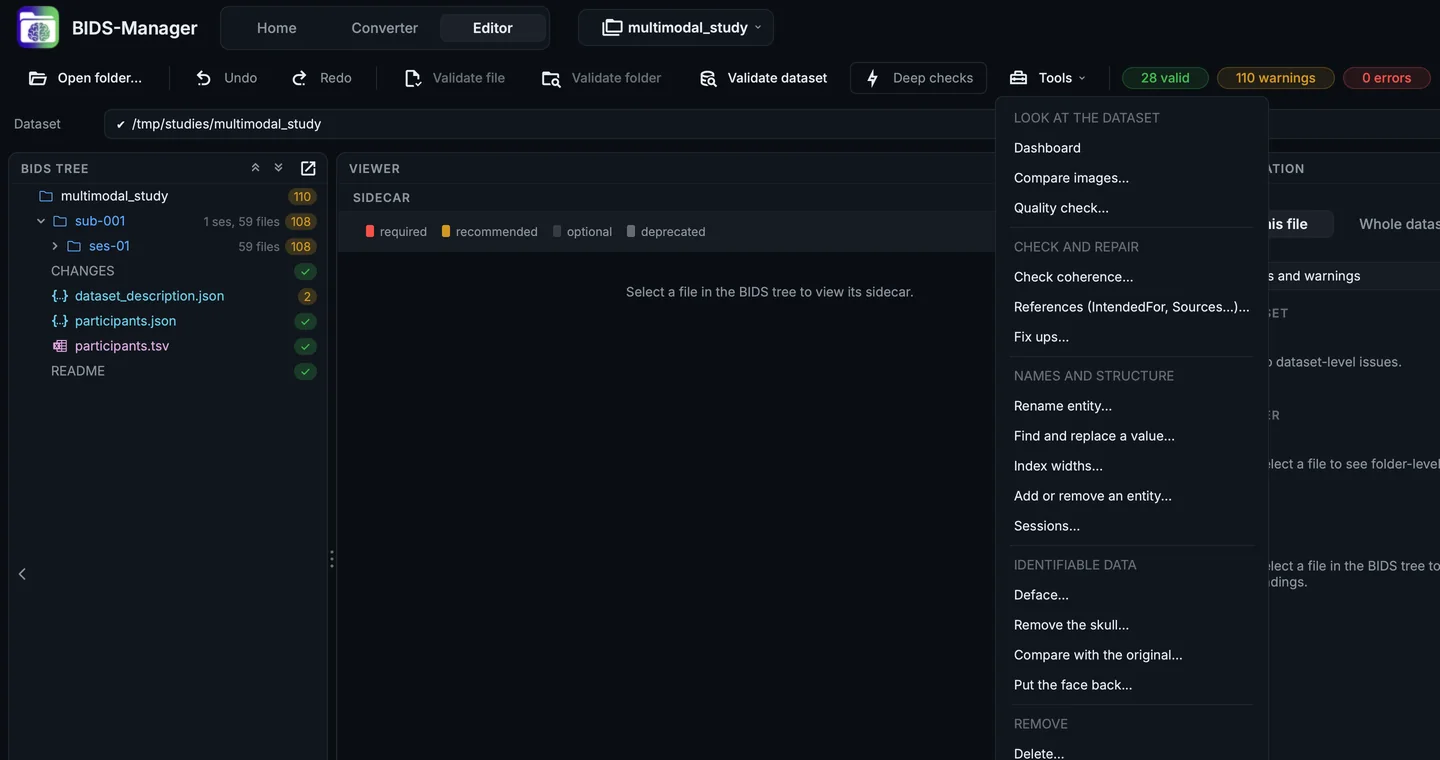
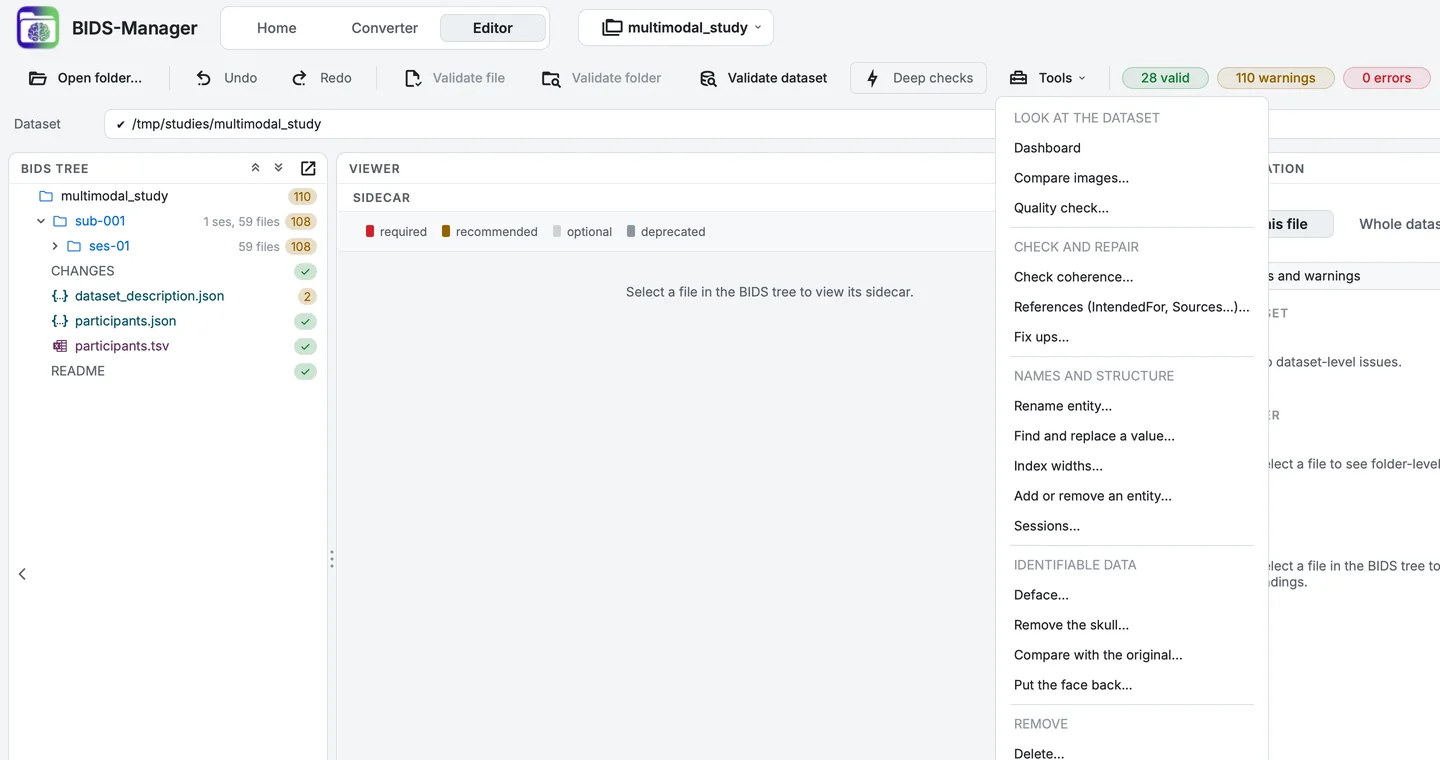
The Tools menu, grouped by purpose.
Delete..., Deface..., Remove the skull..., Add or remove an entity... and Sessions... open on a scope: the selection in the tree, the whole dataset, one subject or one session, optionally narrowed to a datatype. Find and replace a value... and References let you choose the whole dataset, one subject or one session; the other tools work on the whole dataset. Most tools that act on particular files are also in the tree's right-click menu (Control-click on a Mac), on what was clicked: comparing, references, renaming, entities, sessions, the defacing tools and Delete. The descriptions in italics are the tools' own, as their tooltips in the menu give them.
Look at the dataset
Dashboard
What is actually in this dataset: subjects, sessions, modalities, how much of the metadata is answered, and where the findings are.
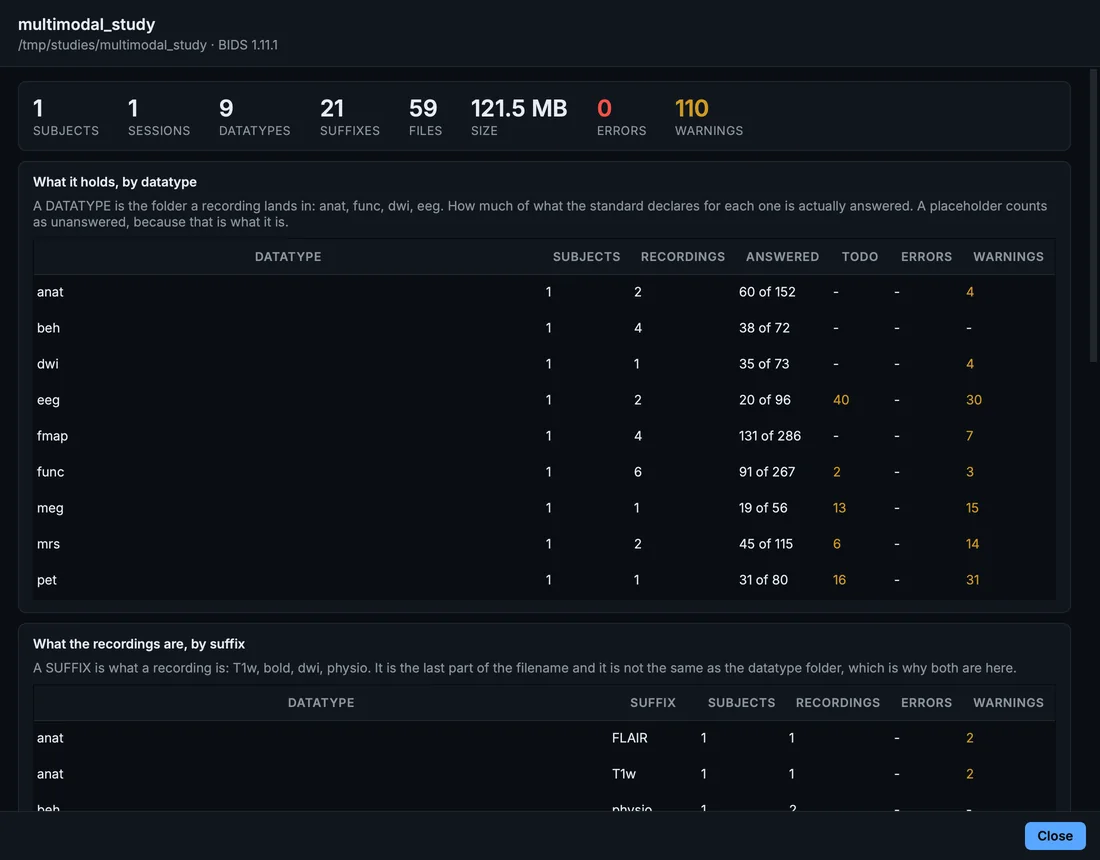
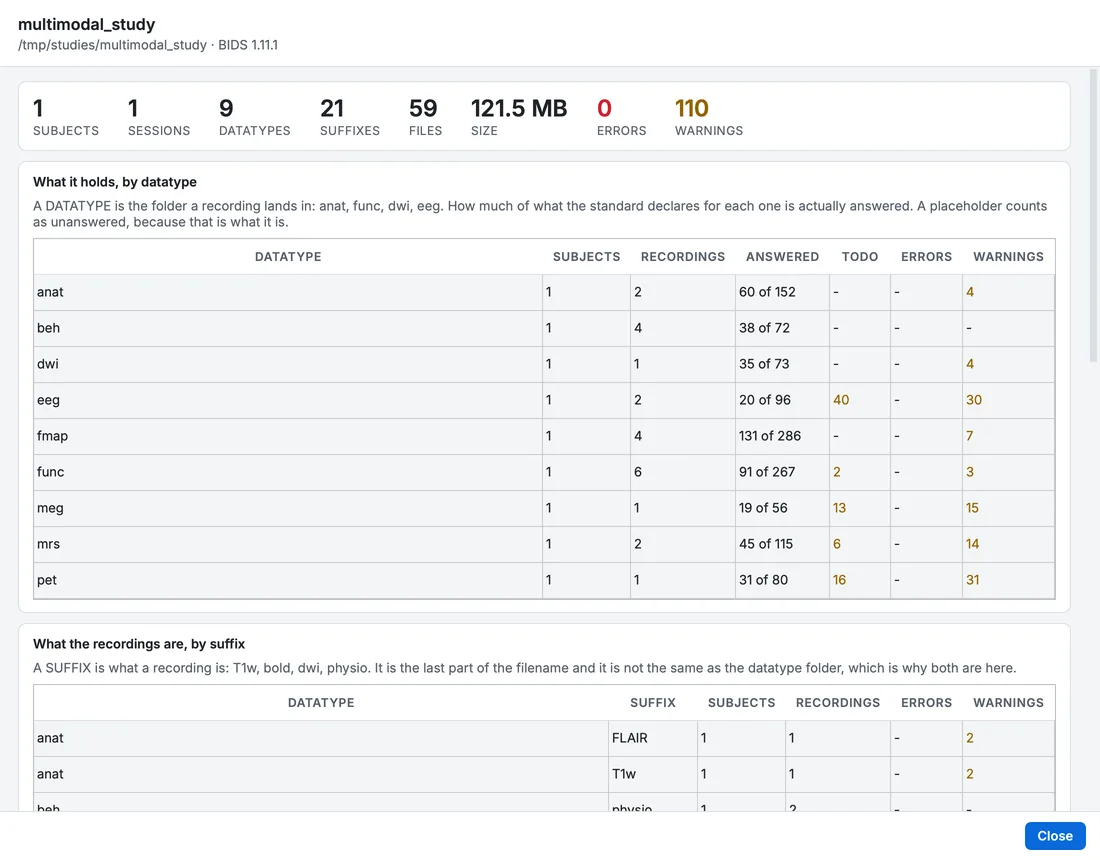
The Dashboard.
Compare images...
Puts two NIfTI images side by side with one set of controls: the crosshair, the slice, the plane, the 3-D camera, the effects and the cut plane stay together. Any two images: raw and processed, two echoes, two subjects.
Images of different sizes can be compared: the crosshair follows the position in the scanner, not the voxel (Viewing data).
Quality check...
A fast quality check of every anatomical and diffusion image: noise, contrast, artefacts, coverage, the gradient table, motion and slice dropout, one row per image, coloured where an image sits far from the others of its kind. The air is measured only in images that are not defaced.
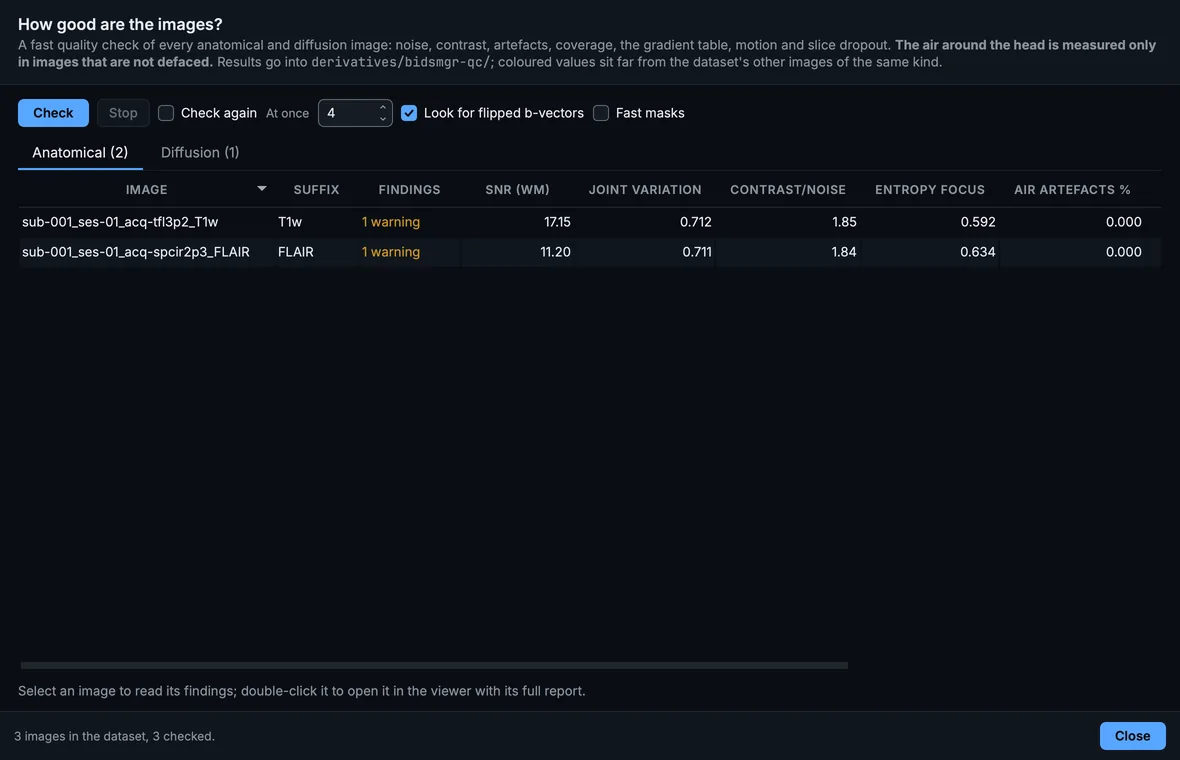
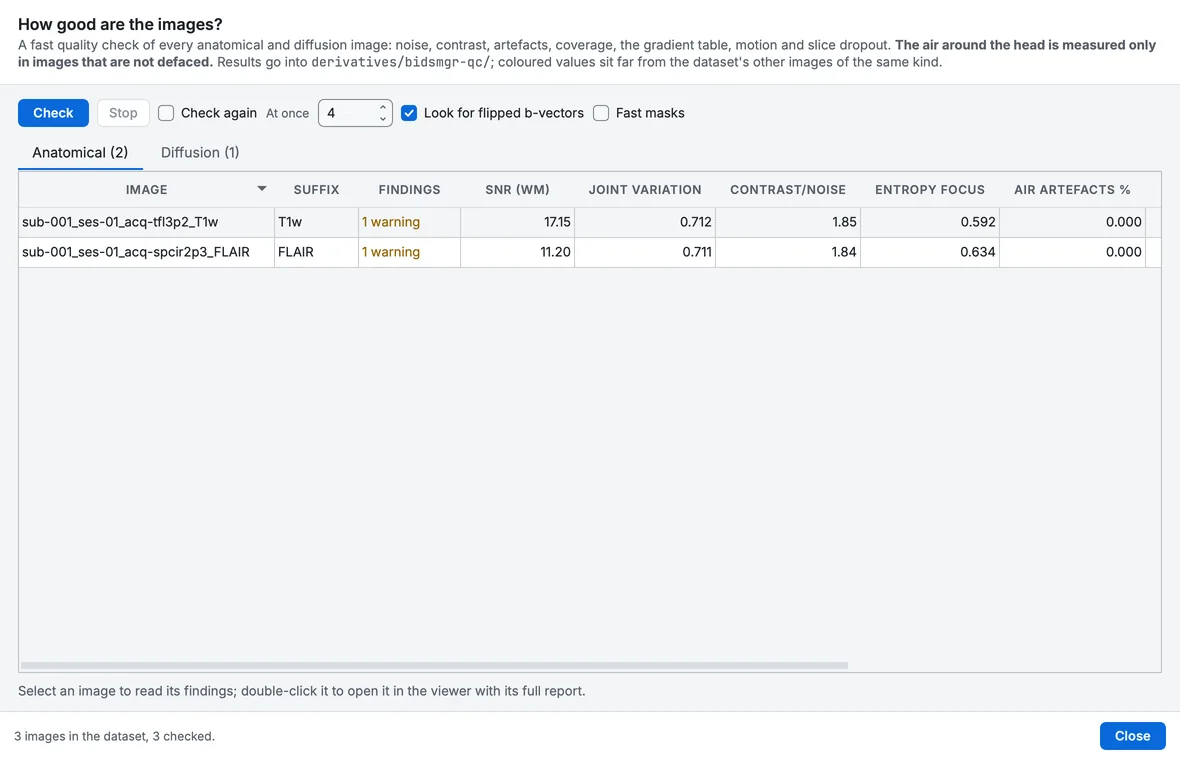
The quality check of the whole dataset.
Check and repair
Check coherence...
Find where the dataset's files stop agreeing with each other: a scans row naming a file that is gone, a participants row for a deleted subject, a link pointing at nothing, a sidecar with no recording. Read-only until you choose a repair.
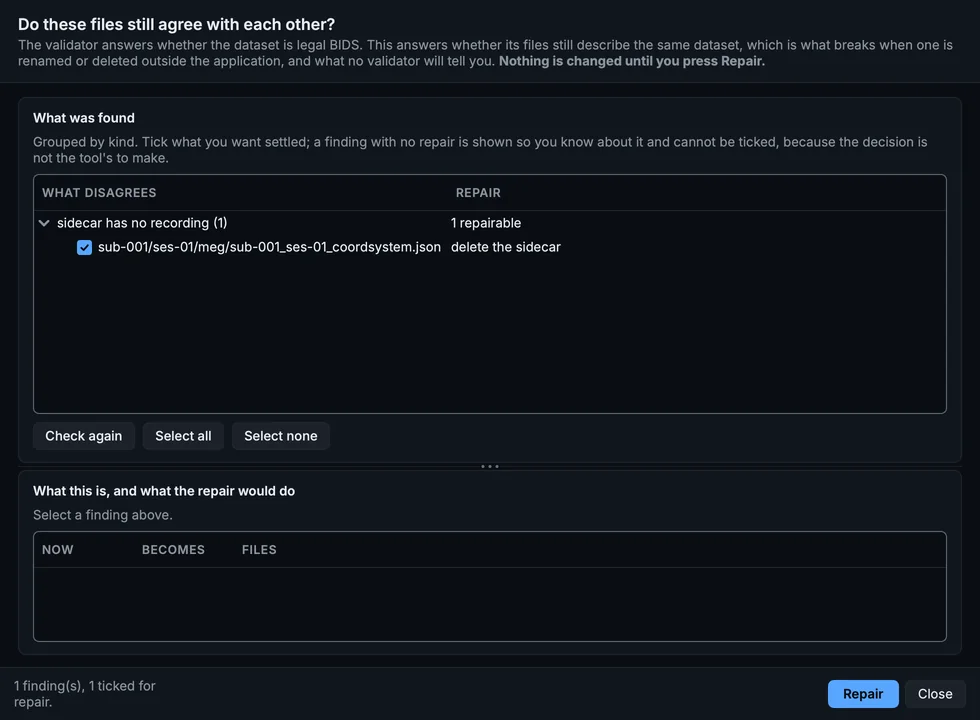
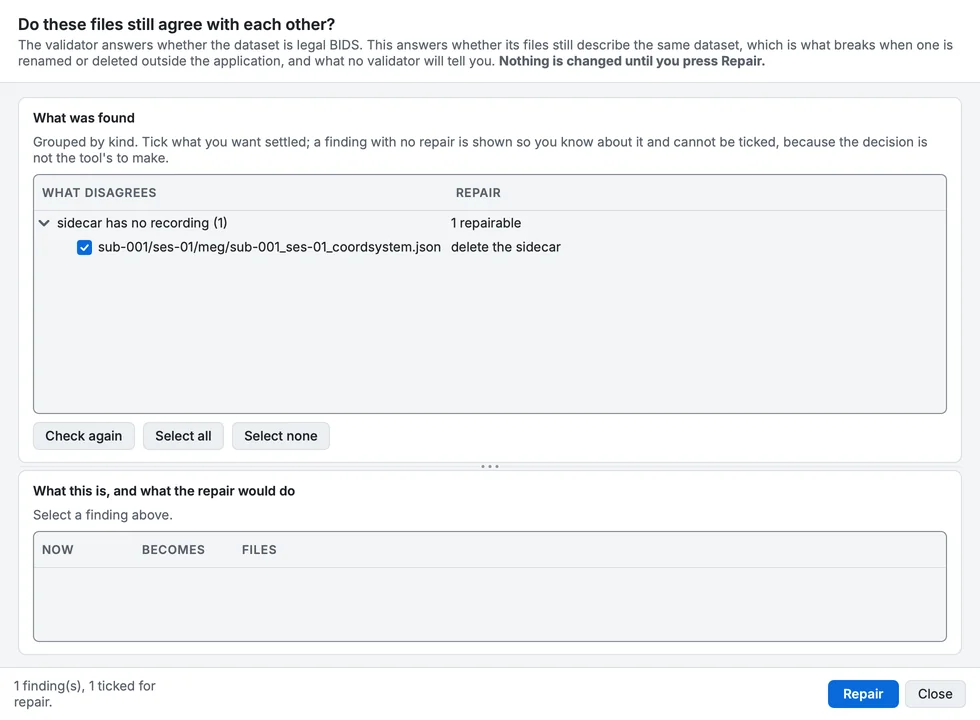
Check coherence on the course's sample.
References (IntendedFor, Sources...)...
Which files each file points at, and whether that is right. Lists every IntendedFor, AssociatedEmptyRoom, Sources and AnatomicalImage in the dataset with its status: correct, pointing at a missing file, or disagreeing with the acquisition times. Link by ticking files, not by typing paths.
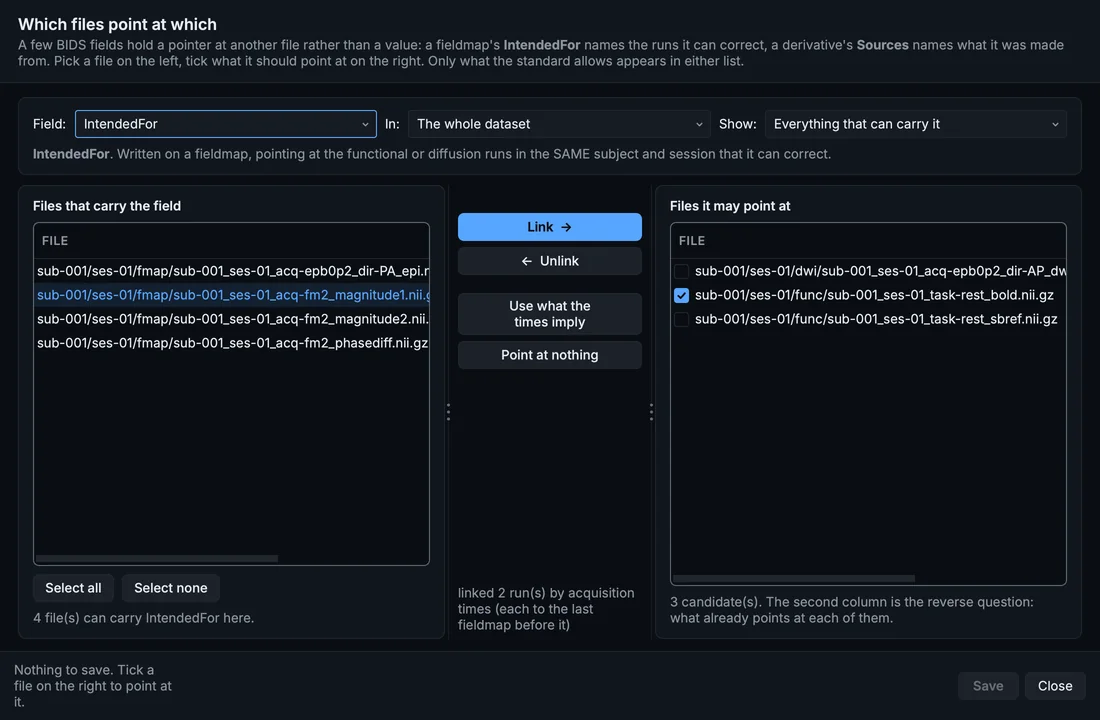
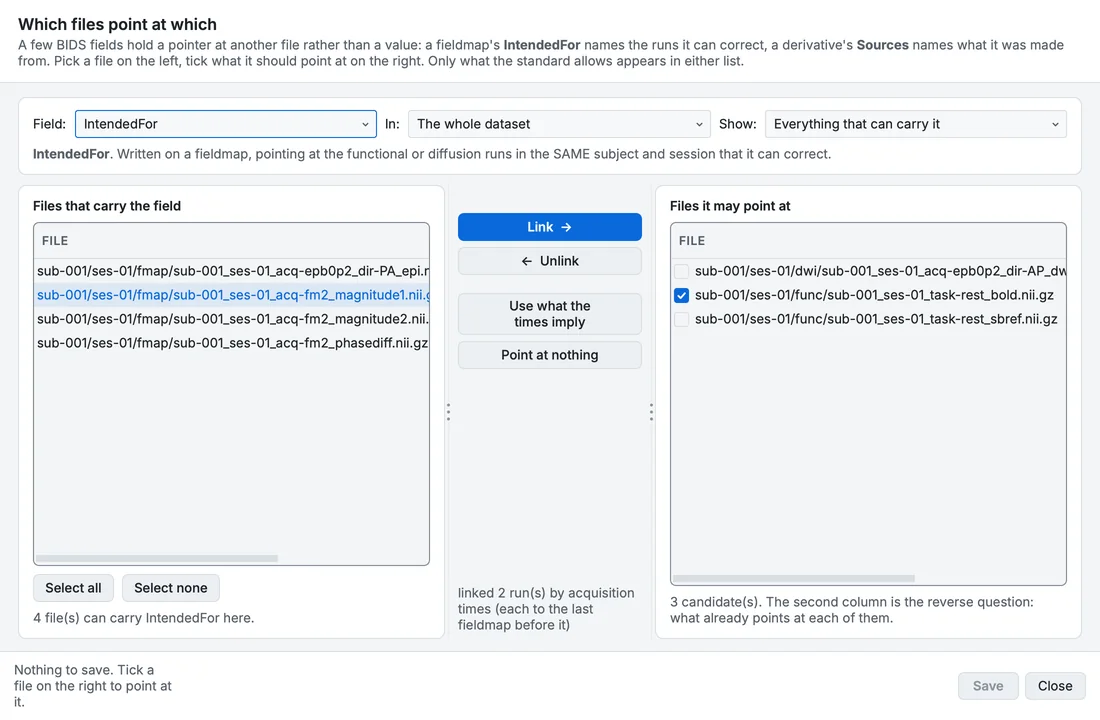
References: every link in the dataset, from both ends.
Fix ups...
Generate the companion files recordings are missing, write CITATION.cff, move repeated metadata up, and mark what is unanswered.
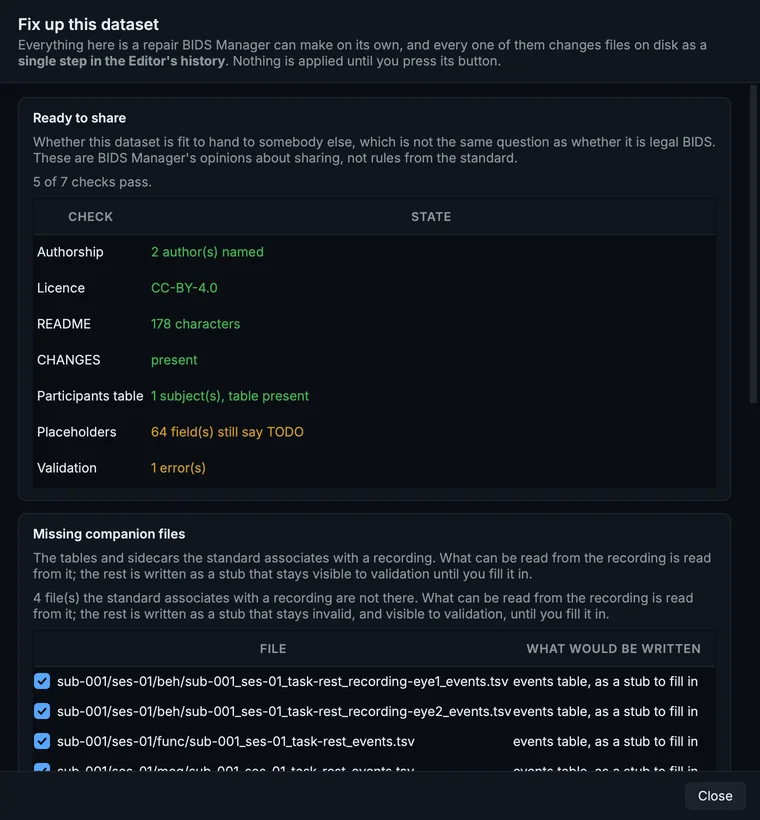
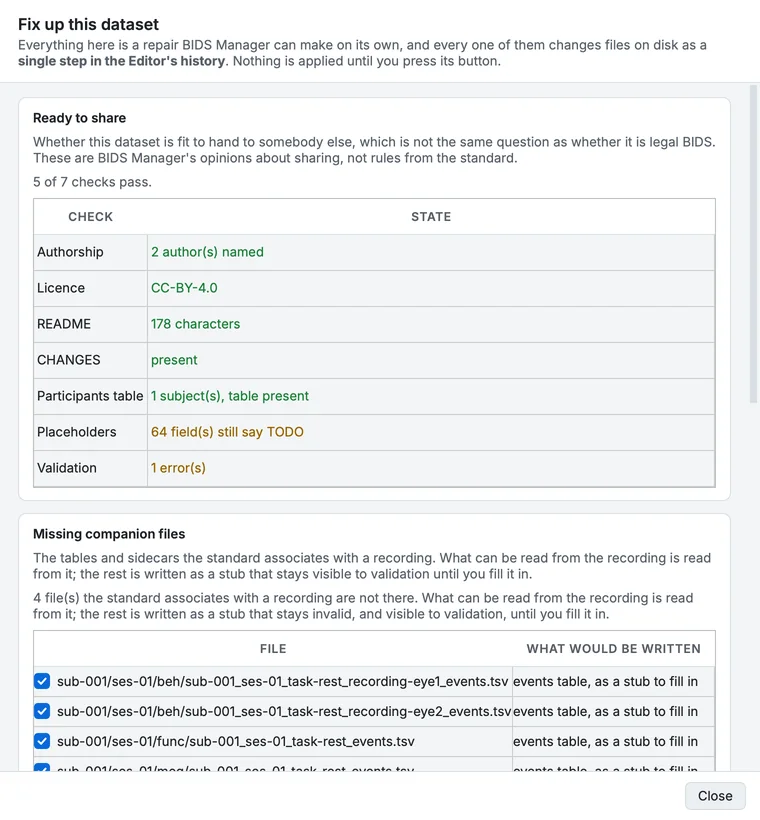
Fix ups.
Names and structure
Each of these follows the scans tables, IntendedFor and the other fields that name files. Rename entity..., Index widths..., and Find and replace a value... across the whole dataset also update the participants and sessions tables, and TaskName where it was derived from the task label.
Rename entity...
Rename a subject, session, task or any other entity across the whole dataset, including the references to it inside IntendedFor, the scans tables and participants.tsv. You see the full plan before anything moves.
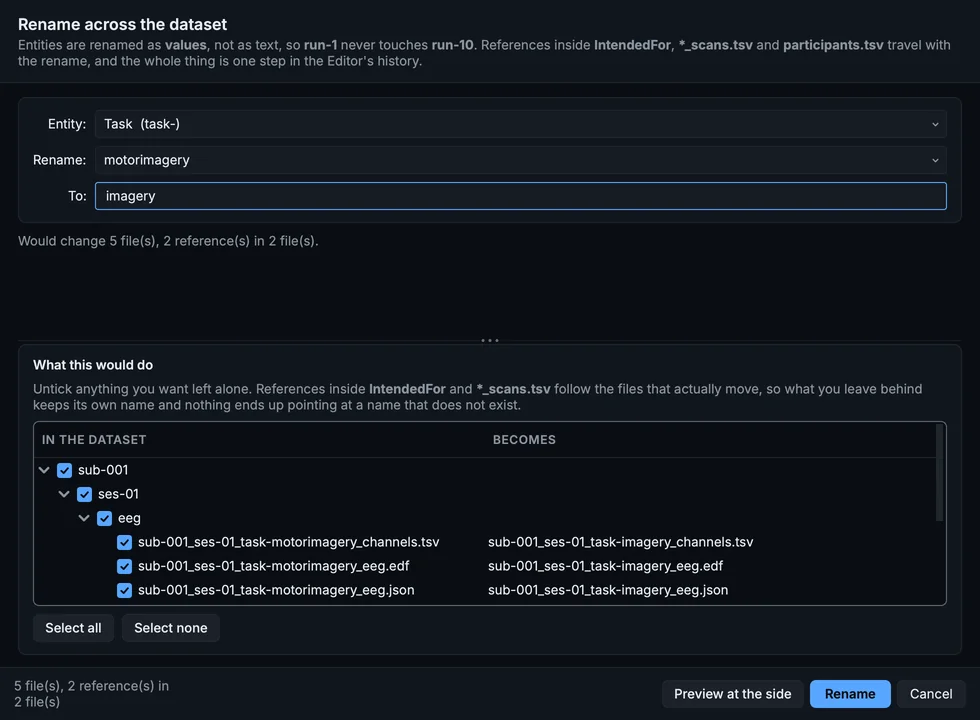
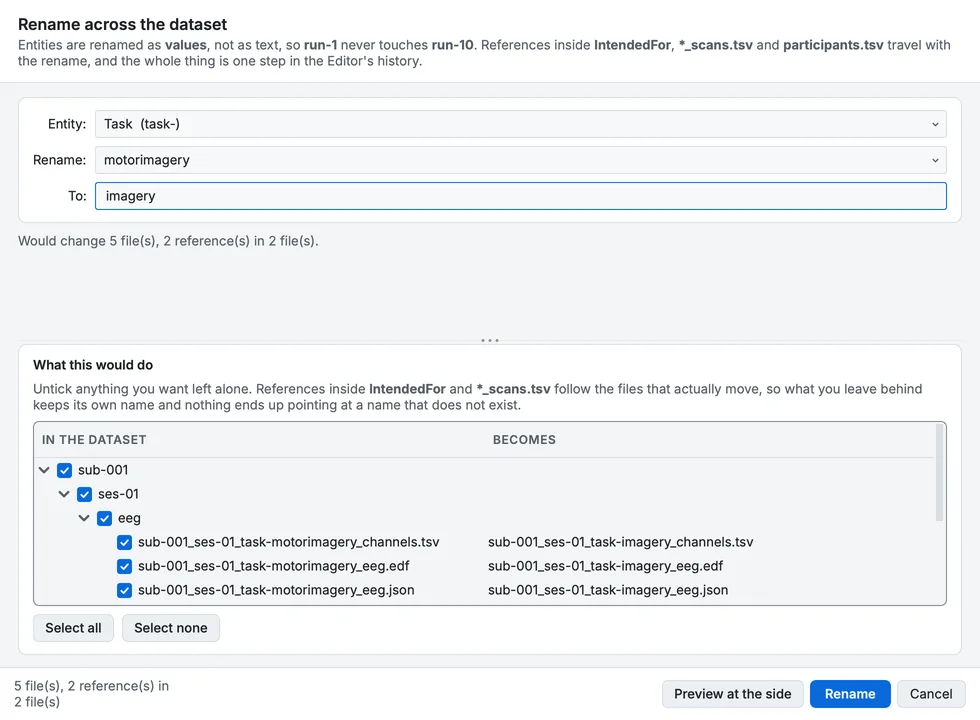
Rename entity, for a task.
Find and replace a value...
Find every file where an entity has one value and give it another, inside the whole dataset, one subject or one session. The values are listed with how many files carry each, so there is nothing to guess.
Index widths...
Give every index entity a consistent width, so run-1 reads as run-01 throughout. Says where the widths already disagree, which is the case worth acting on. Both spellings are valid BIDS, so this is a house style.
Add or remove an entity...
Give a recording an entity the schema allows it, or take an optional one away. Only what the standard permits for those files is offered, and the entity lands in the position the standard puts it in. Starts on the tree selection, or on the whole dataset when there is none.
Only the entities the standard allows for the selected files are offered; one it requires cannot be removed.
Sessions...
Create a session for the selected recordings, or take them back out of the one they are in. The scans table travels to the level BIDS puts it at and every reference follows. Starts on the tree selection, or on the whole dataset when there is none.
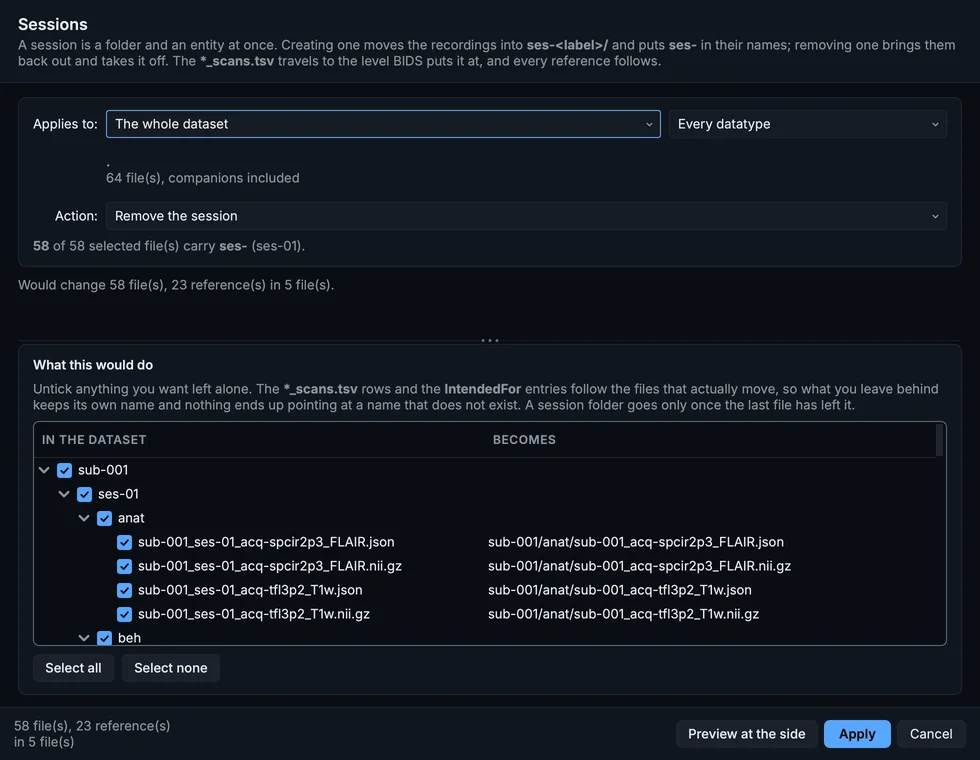
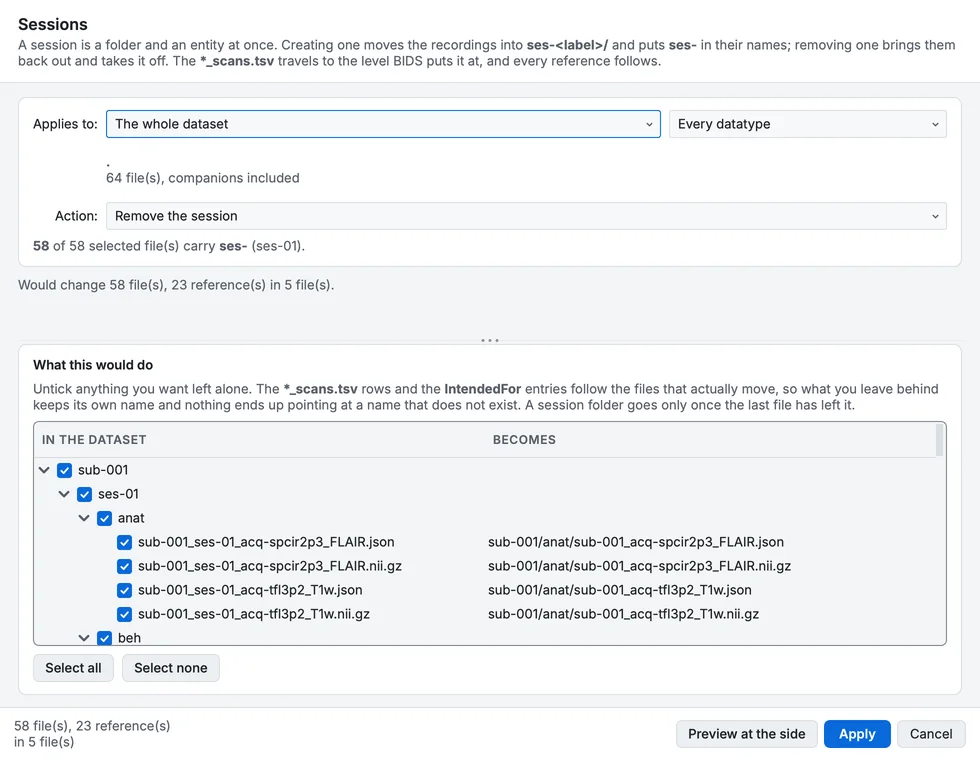
Sessions, removing the session of the course's sample.
Identifiable data
Deface...
Removes the face from anatomical images, so the dataset can be shared without the participants being recognisable. It lists the images it will deface, and those it skips with the reason, before anything is written; the originals are kept in the project's .bidsmgr/ folder.
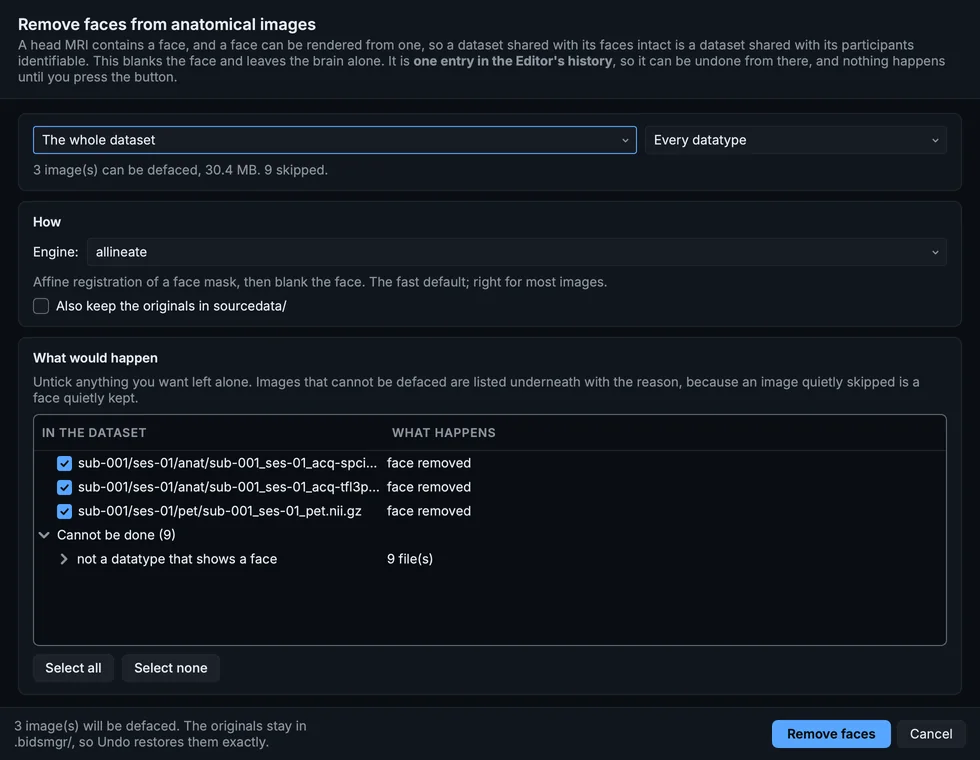
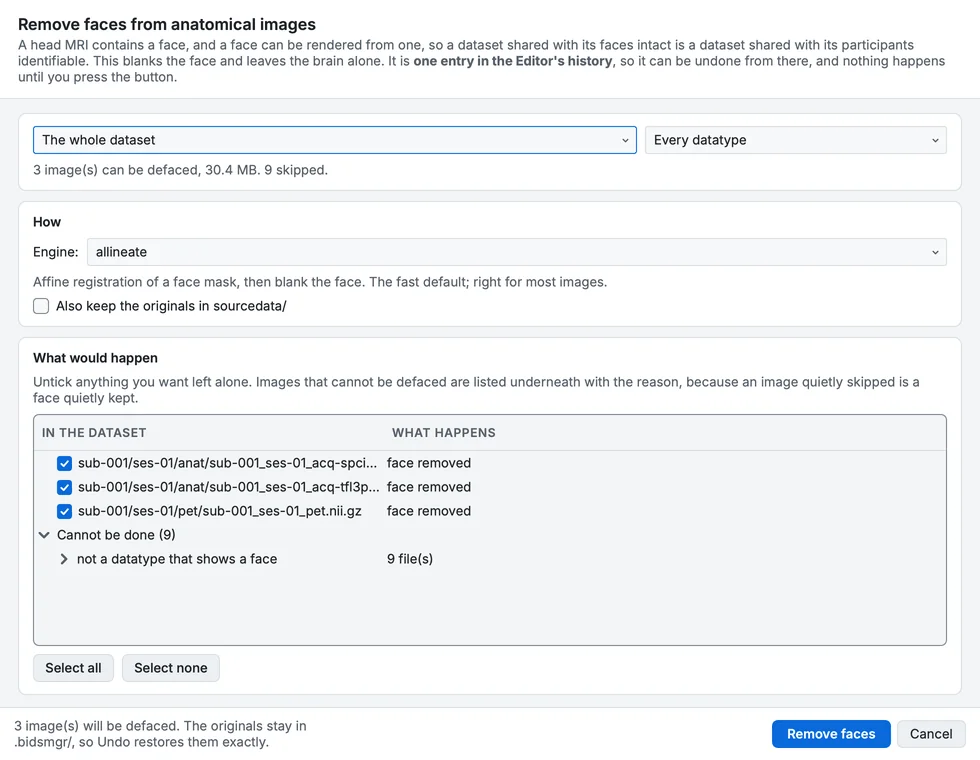
Deface.
Remove the skull...
Keeps only the brain, removing the face and everything else outside it. The result is a derivative, not raw data, and is written to derivatives/ (or, if you choose, over the original).
Compare with the original...
Show a selected image before defacing and after it, side by side, with one crosshair between them. Every defacing tool tells you to check the result; this is how you do it.
Put the face back...
Restores defaced images from the copies kept in the project's .bidsmgr/ folder or in sourcedata/, however many edits came afterwards, and takes the defacing record out of the sidecar.
More on all four: Defacing and skull stripping.
Remove
Delete...
Deletes recordings, datatypes or sessions, and with them the *_scans.tsv rows, the IntendedFor entries, the participants row of a subject left with no data, and any folder left empty, in one operation. It starts on the tree selection; the whole dataset is deliberately not one of its scopes. A copy of every deleted file is kept in the project's .bidsmgr/ folder.
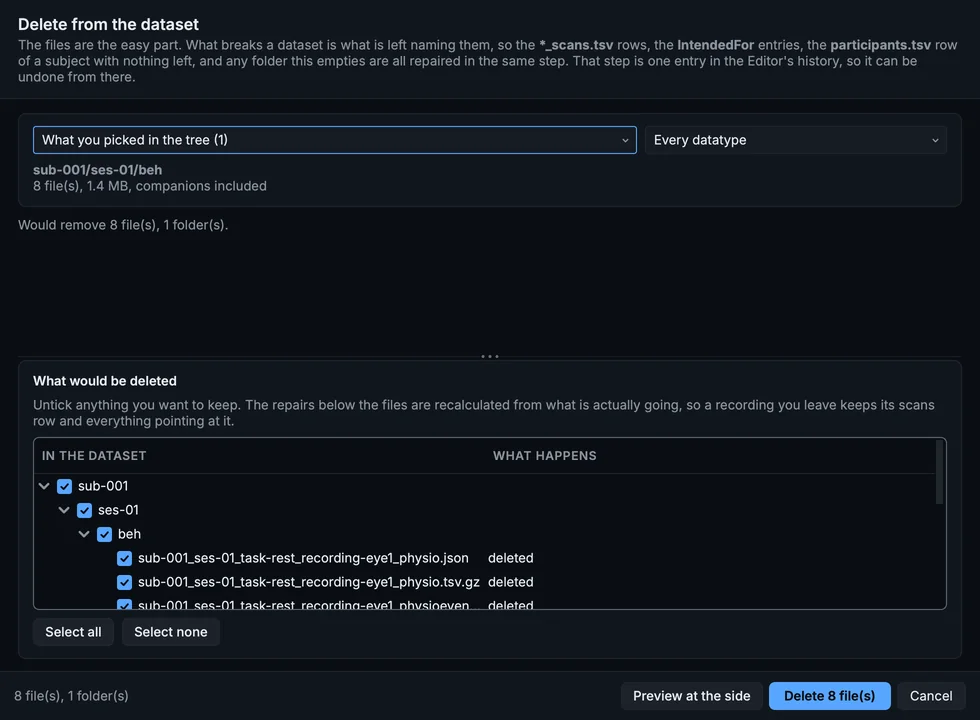
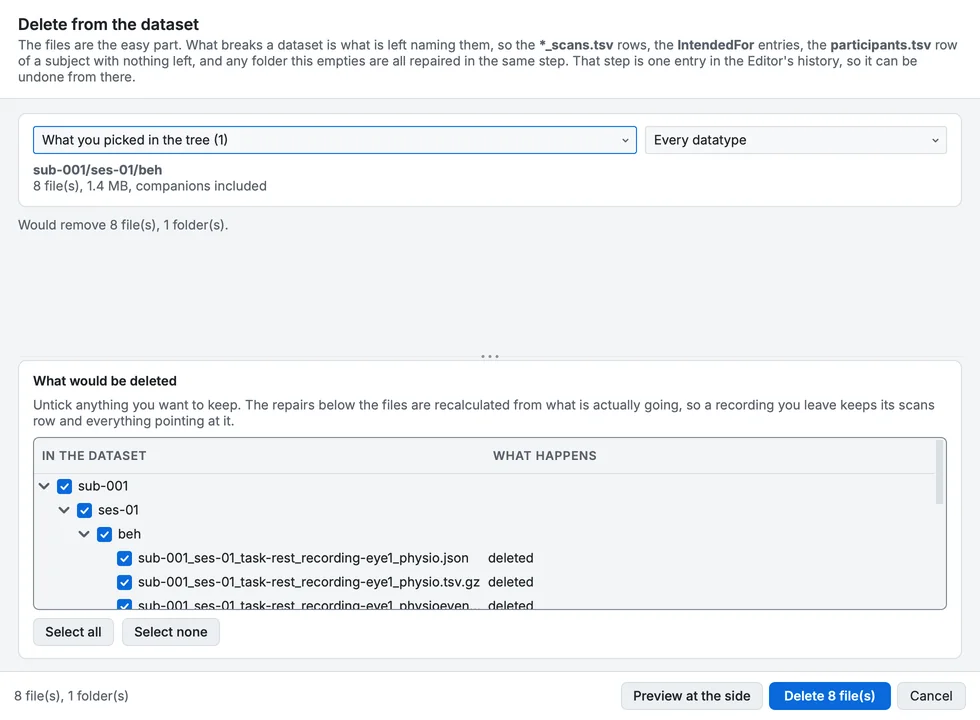
Delete, for the eye-tracking folder.