
Guides
Converting EEG
Convert 28 EDF recordings whose file names say nothing about the task. The real work is the information only you have: which task each run was, what the event codes mean, and how the recording was made.
The sample
Two participants of the PhysioNet EEG Motor Movement/Imagery Database, fourteen runs each, 64 channels at 160 Hz:
EEG_motor_imagery_sample_data/
├── S001/   S001R01.edf … S001R14.edf, each with its .edf.event
└── S002/   S002R01.edf … S002R14.edf
The runs follow a fixed protocol, and the file names do not say it:
| Runs | What the participant did | Task name used here |
|---|---|---|
| R01 | Rest, eyes open | eyesopen |
| R02 | Rest, eyes closed | eyesclosed |
| R03, R07, R11 | Opened and closed the left or the right fist | fist, runs 1 to 3 |
| R04, R08, R12 | Imagined opening and closing the left or the right fist | fistimagined, runs 1 to 3 |
| R05, R09, R13 | Opened and closed both fists or both feet | fistsfeet, runs 1 to 3 |
| R06, R10, R14 | Imagined opening and closing both fists or both feet | fistsfeetimagined, runs 1 to 3 |
Scan
Step 1. Create a project and scan
Create a dataset named eeg_study, choose the sample folder in Raw input, and click Scan…. Each EDF file is opened with MNE and becomes one row: 28 rows, in 1.3 seconds.
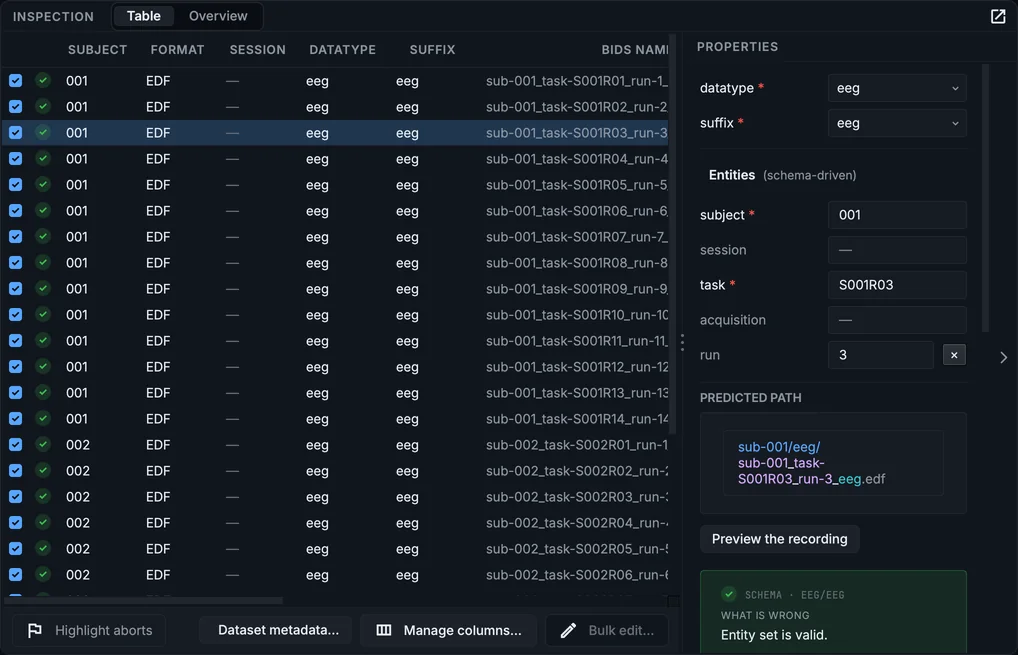
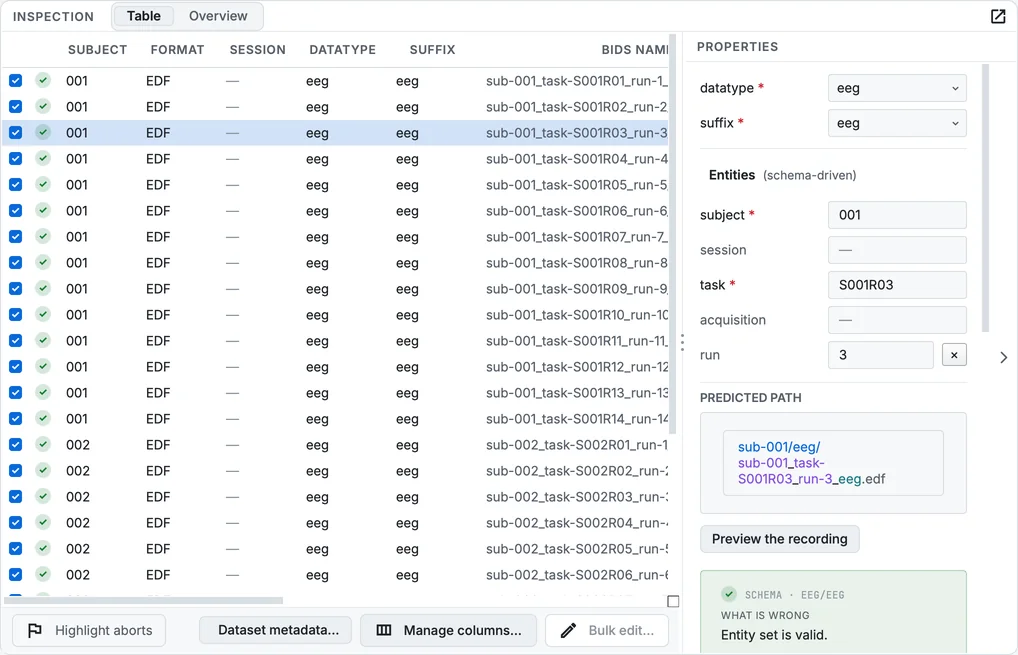
The EEG sample after the scan.
The subjects come from the folders (S001 becomes sub-001). All recordings of a participant were made on one day, so there are no sessions. Nothing in an EDF says what the task was, so the scan uses the file name as the task (S001R03) and the number after R as the run.
Name the tasks
This is the step that matters. A task left as S001R03 becomes 28 file names that look deliberate and say nothing.
Step 2. Set one task for the runs that share it
Select the six rows of runs 4, 8 and 12 (both participants), click Bulk edit…, choose task, type fistimagined, and click Apply to 6 row(s).
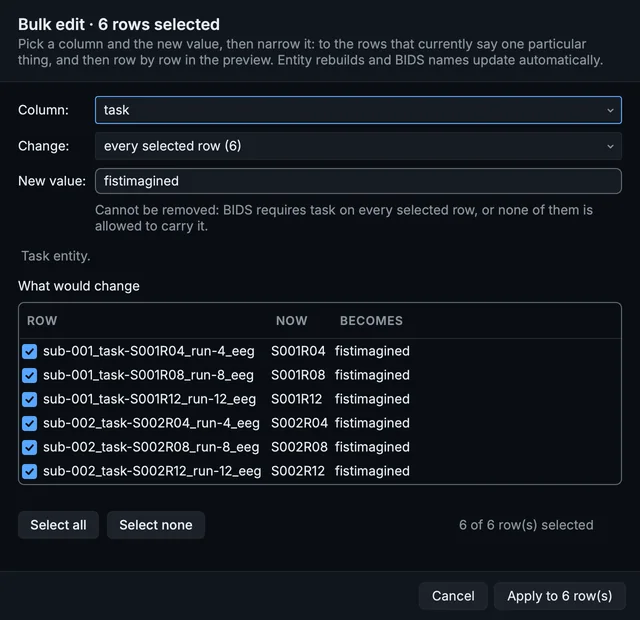
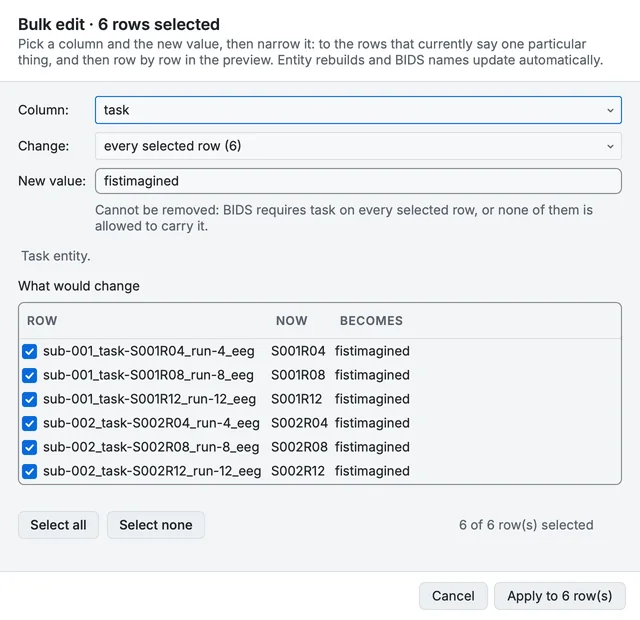
Bulk edit, naming the imagined fist task.
Do the same for each task in the table above. Select rows across both participants at once: ⌘ + Click on macOS, Ctrl + Click on Windows and Linux adds a row to the selection.
Step 3. Number the runs
With the tasks set, give each repeat its run: select every first repeat (runs 3, 4, 5 and 6 of both participants) and set run to 1 with Bulk edit…; then 2 for runs 7 to 10, and 3 for runs 11 to 14. For the two rest runs, clear run.
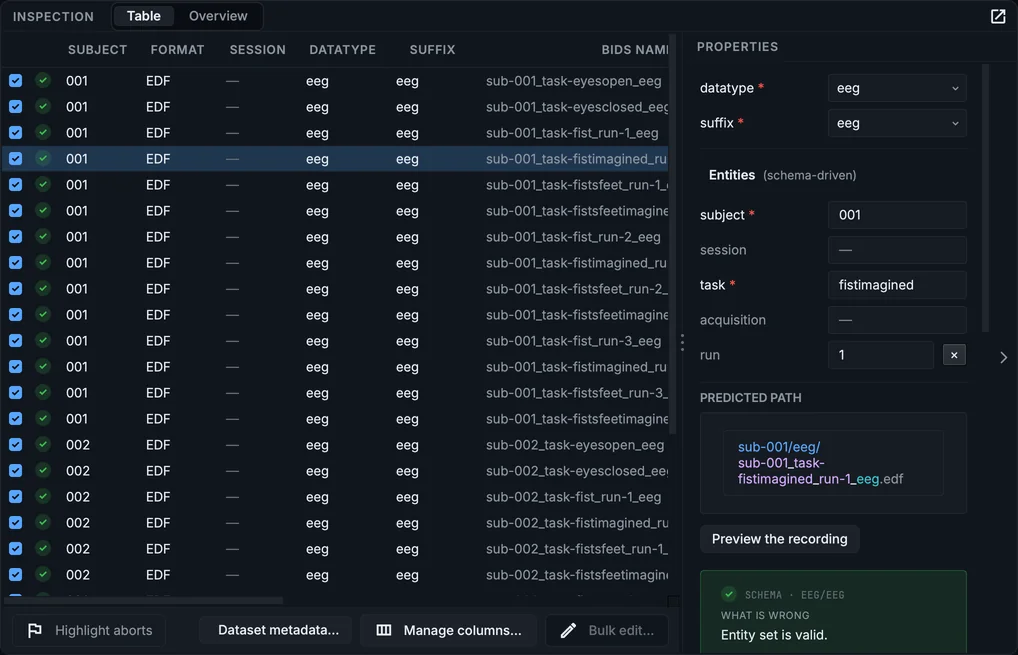
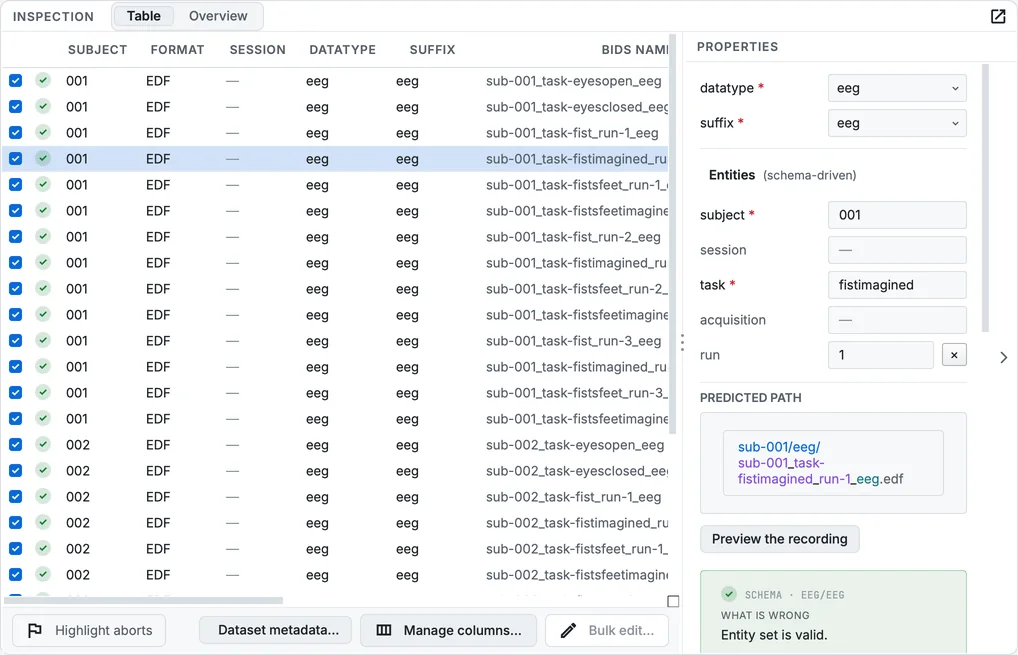
The table after naming the tasks and runs.
What an EDF does not hold
Step 4. Label the events
Click Dataset metadata…. The scan found three event codes in the recordings, T0, T1 and T2; give each a label under Events. In this protocol T0 is rest, T1 the left fist (or both fists, in the fists-and-feet tasks), and T2 the right fist (or both feet).
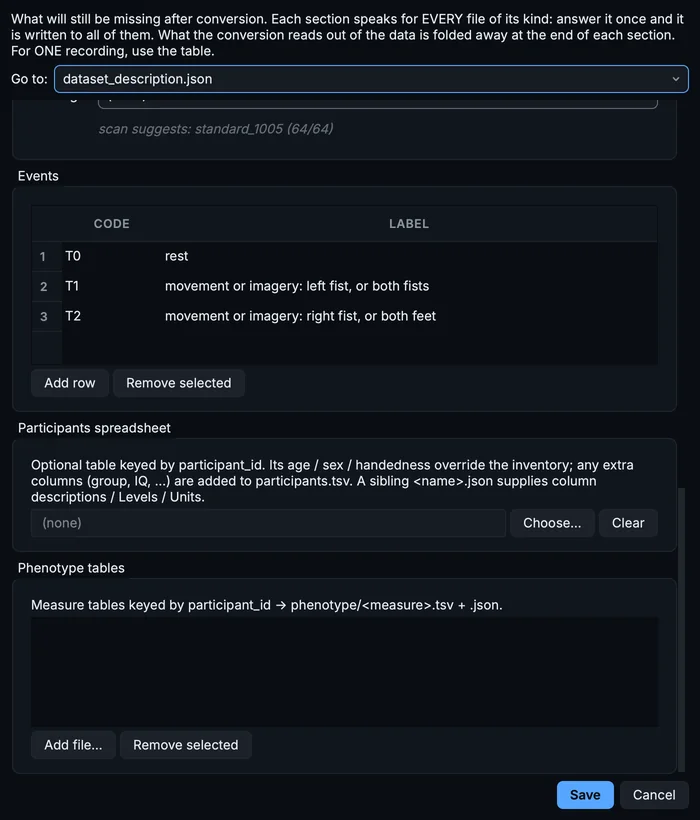
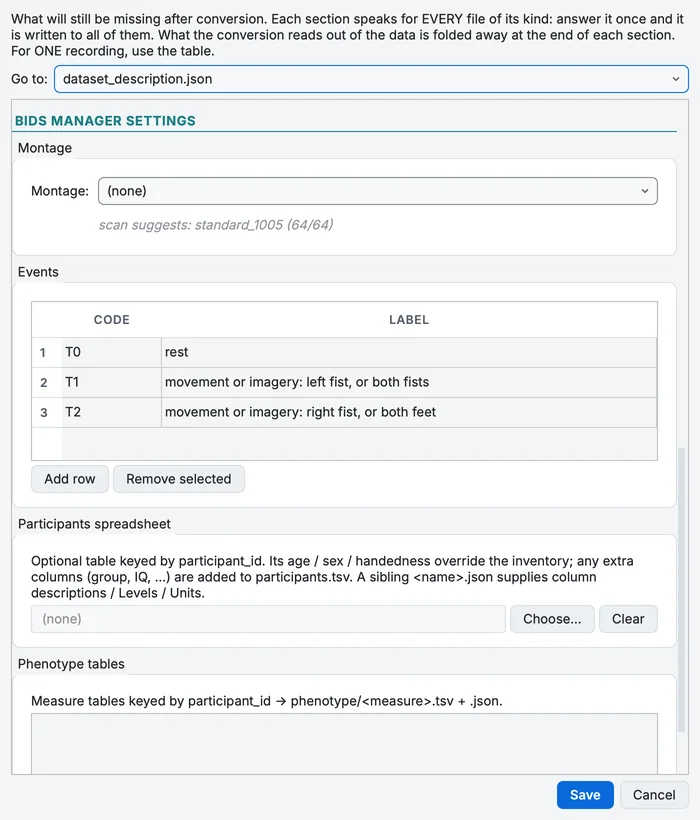
The montage and the event labels, in Dataset metadata.
The labels are written into the trial_type column of every run's events.tsv.
Step 5. Choose the montage
Under Montage, the scan suggests standard_1005: the standard layout whose channel names match all 64 channels. Choose it, and the conversion writes the electrode positions into electrodes.tsv and coordsystem.json.
Step 6. Give what you know of the recording
Higher up in the same dialog, the template for eeg holds the fields the standard asks of every EEG sidecar that no EDF records: EEGReference, EEGGround, PowerLineFrequency, CapManufacturer and others. Fill what you know; for this sample, recorded in the United States, the line frequency is 60 Hz. Leave the rest for a TODO placeholder rather than guessing. Click Save.
Convert and check
Step 7. Convert
Click Run conversion. MNE-BIDS writes each recording with its channels.tsv and events.tsv; the sample converted in 2.4 seconds into 152 files.
Step 8. Validate
In the Editor, Validate dataset reports 66 files valid, 422 warnings and 0 errors. Almost all warnings are placeholders: 393 TODO fields in 29 files, for the facts of the recording you have not given.
Step 9. Look at a run
Select sub-001_ and click Load signal. Turn on the events: they are the labels you gave.
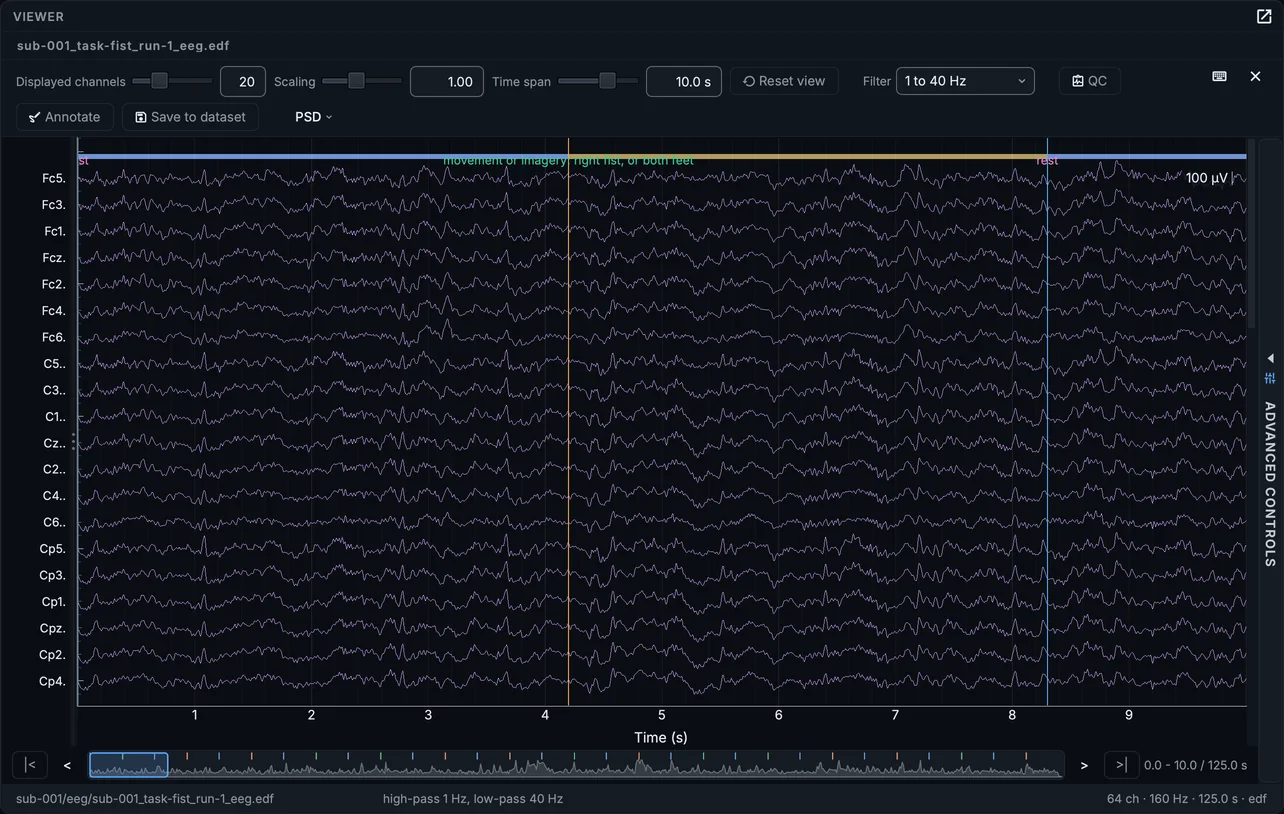
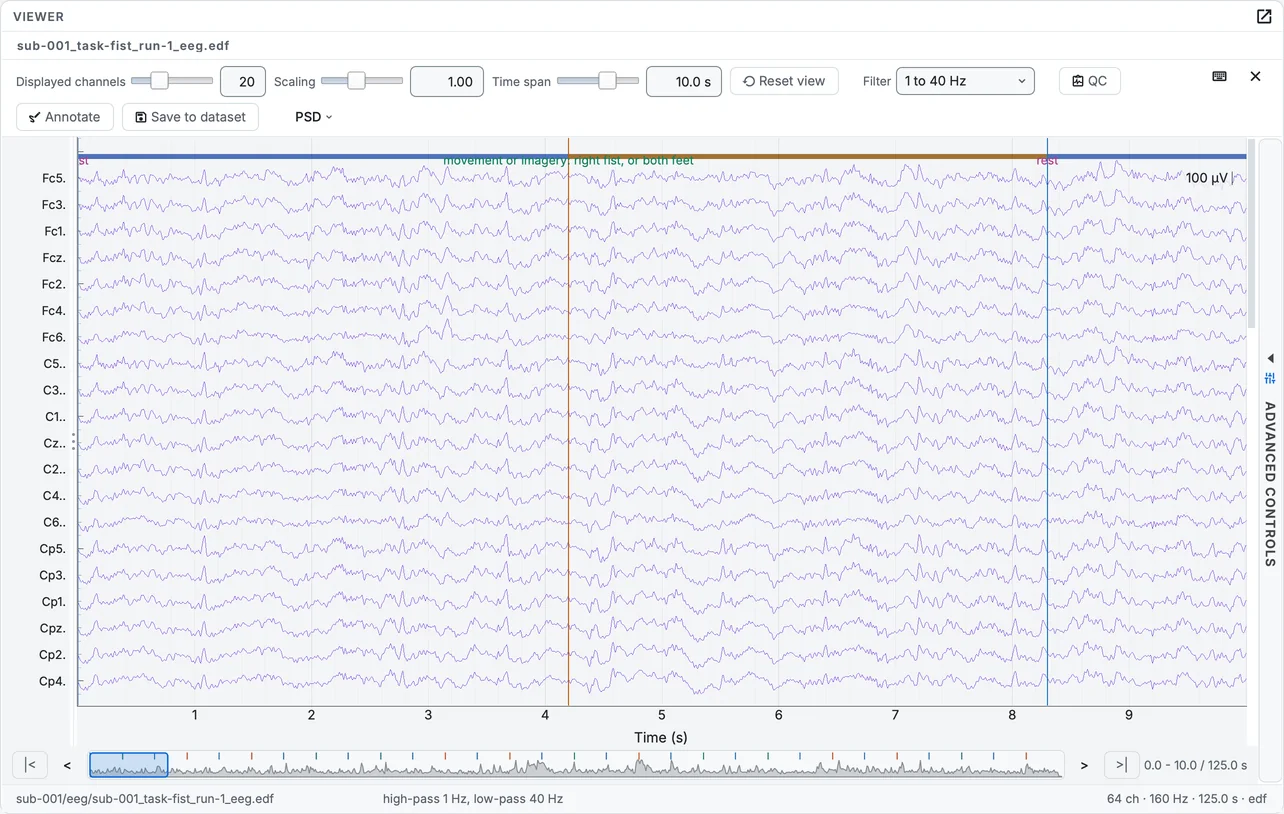
The first run of the fist task, with its events.
Channels that are not EEG
An EDF often carries channels that are not on the scalp: EOG, ECG, a trigger. The file cannot say which they are, so they arrive typed as EEG. Correct the type column of the recording's channels.tsv in the Editor, or, for a whole study, map channel names to types once under aux_channels in the recording-metadata file the conversion reads (bidsmgr-convert --recording-meta). This sample has only scalp channels.
Formats BIDS does not accept
BIDS accepts EEG as EDF, BDF, BrainVision and EEGLAB. A GDF recording or an EGI MFF folder is scanned and marked as not in a BIDS format; turn on Settings > Convert > Force EDF to convert it to EDF. Other formats are not supported: export them to EDF or BrainVision first.