
Guides
Converting MEG
Convert Elekta Neuromag recordings of two participants: sessions found from dated folders, a task with several runs, rest, and the empty-room recordings that go with them.
The sample
Each recording is cropped to its first 25 seconds; everything else is as recorded.
MEG_Elekta_sample_data_small/
├── sub_us04rt22/
│   ├── 220209/   task_driving_run_01.fif, _run_02, task_rest.fif, task_emptypre.fif, task_emptypost.fif
│   └── 220215/   driving runs 1 to 6, rest, empty room before and after
└── sub_ye07us06/
    └── 220221/   driving runs 1 to 6, rest, empty room before and after
Scan
Step 1. Create a project and scan
Create a dataset named meg_study, choose the sample folder in Raw input, and click Scan…: 23 rows, in 2.0 seconds.
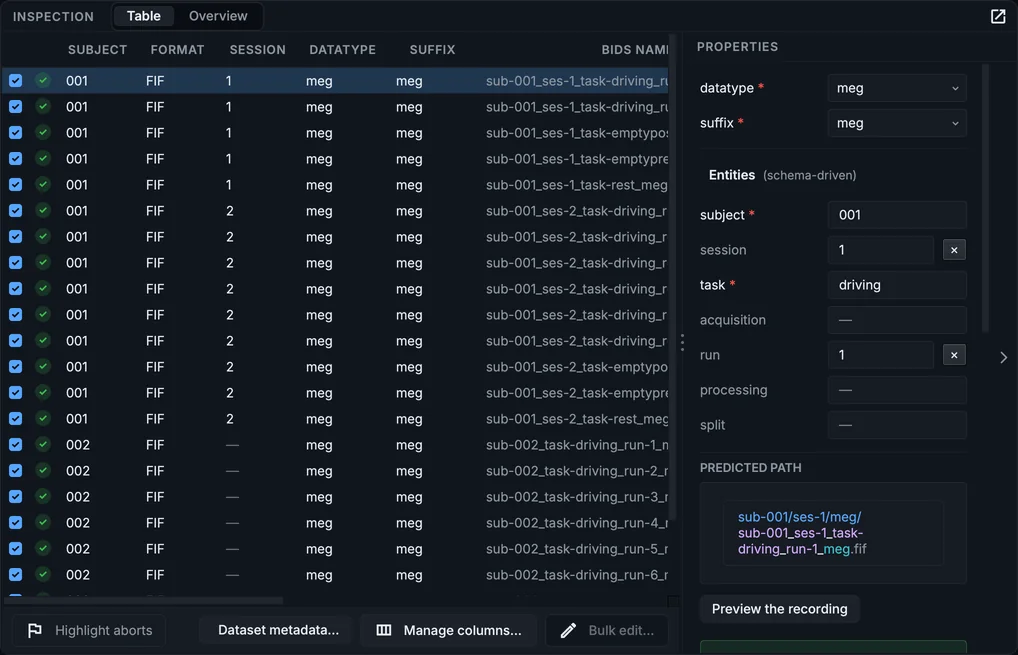
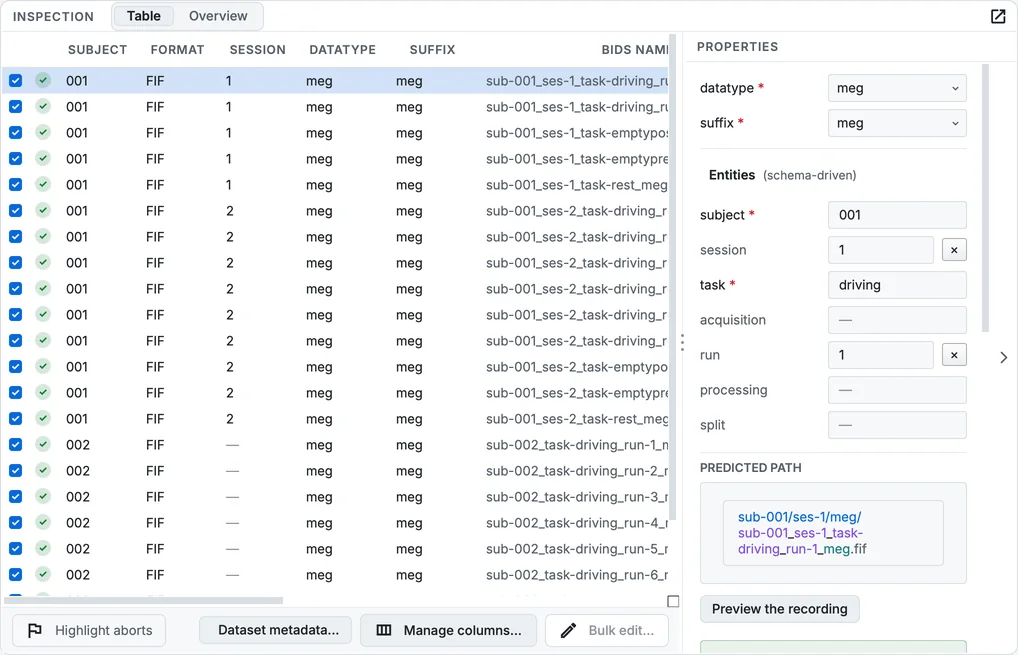
The MEG sample after the scan.
What the scan read, and from where:
| From | |
|---|---|
| Subject | the first folder: sub_us04rt22 becomes sub-001, sub_ye07us06 becomes sub-002 |
| Session | the measurement dates in the files: the first participant was recorded on two days, so ses-1 and ses-2; the second on one day, so no session |
| Task and run | the file names: task_driving_run_05_00.fif is task driving, run 5 (the trailing _00 is the recording system's numbering, dropped) |
Step 2. Read the Overview
Overview points out that sub-002 has no session while sub-001 has two. If the two days of sub-001 are two conditions of your study, keep them; if every participant came once and sub-001 came back for a reason of its own, consider giving each participant one session per day consistently.
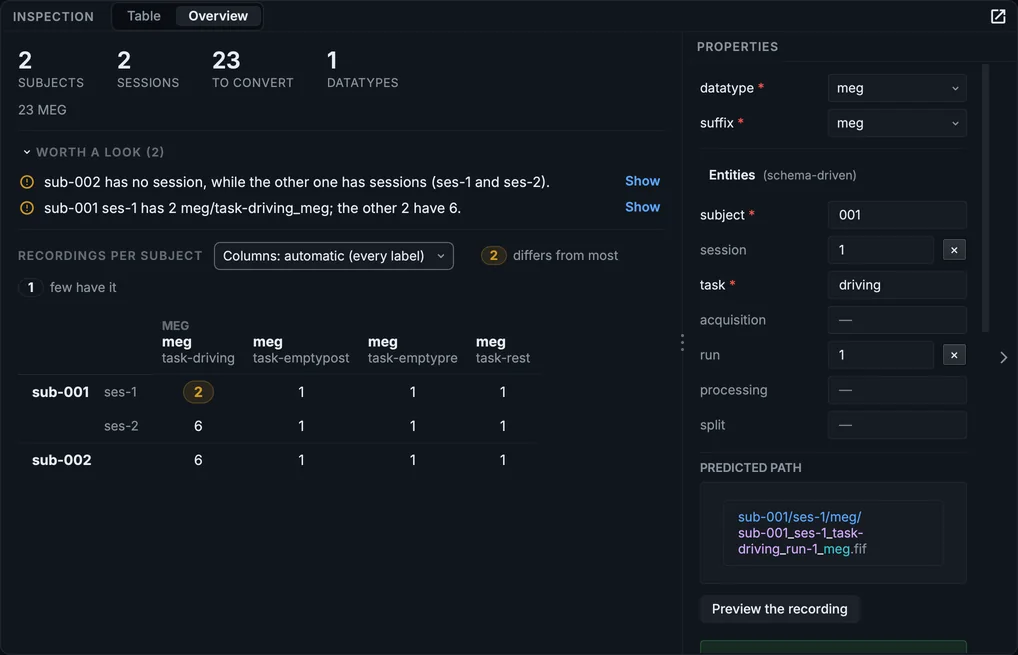
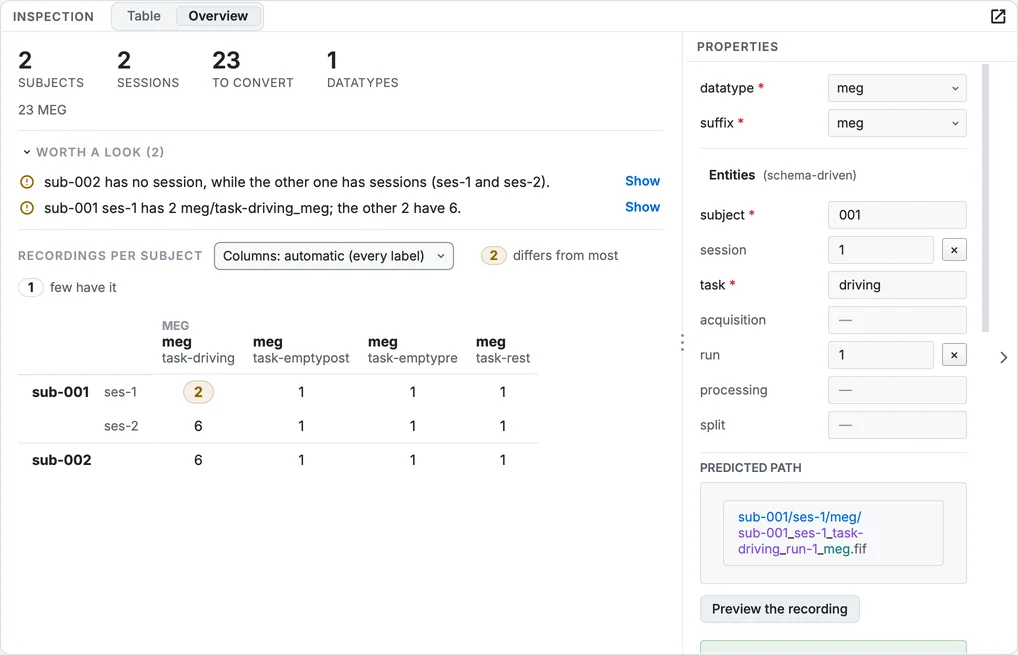
The Overview of the MEG sample.
Empty-room recordings
The empty-room recordings measure the noise of the room and the sensors with nobody in the helmet, before and after each session. BIDS names them with the task noise; here they arrived as the tasks emptypre and emptypost.
Step 3. Rename them
Select the emptypre and emptypost rows, set task to noise with Bulk edit…, then set run to 1 for the ones recorded before and 2 for the ones after.
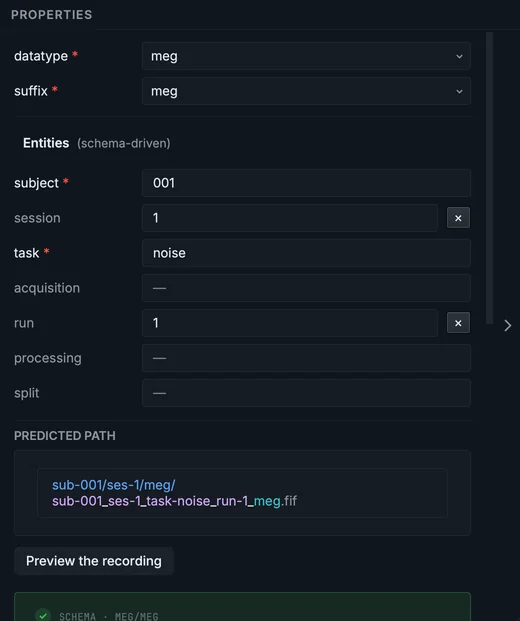
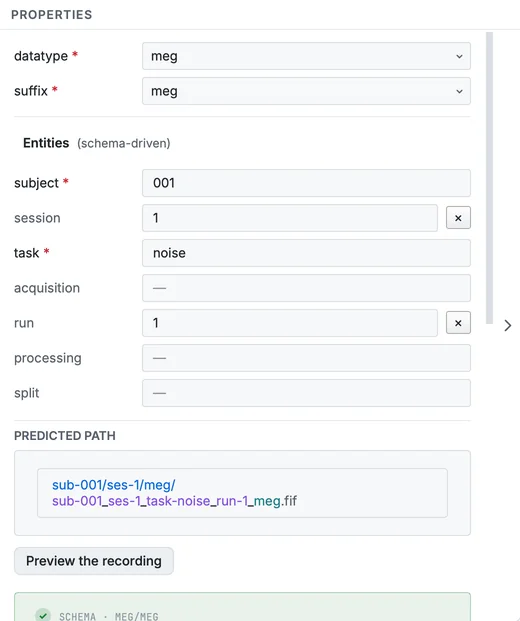
An empty-room recording after renaming.
They stay in each participant's session folder, beside the recordings of that day. BIDS also allows a subject of their own, sub-emptyroom, with one session per date; either way, a recording names its empty room in its sidecar's AssociatedEmptyRoom field, which you can fill in the Editor after converting.
Describe, convert and check
Step 4. Describe and convert
In Dataset metadata…, give the authors and the licence. The MEG section of the template asks only for the MEG sidecar fields the conversion cannot read from the file, such as DewarPosition, AssociatedEmptyRoom and SubjectArtefactDescription. The manufacturer, the line frequency (50 Hz here) and the sensor geometry come from the FIF file itself. Click Run conversion: the sample converted in 5.3 seconds into 81 files.
Step 5. Validate
Validate dataset in the Editor reports 33 files valid, 361 warnings and 0 errors; the warnings are mostly the 277 TODO placeholders.
Step 6. Look at a recording
Select a driving run and click Load signal. Choose the magnetometers in the channel types, and normalise the channels to see each one's shape.
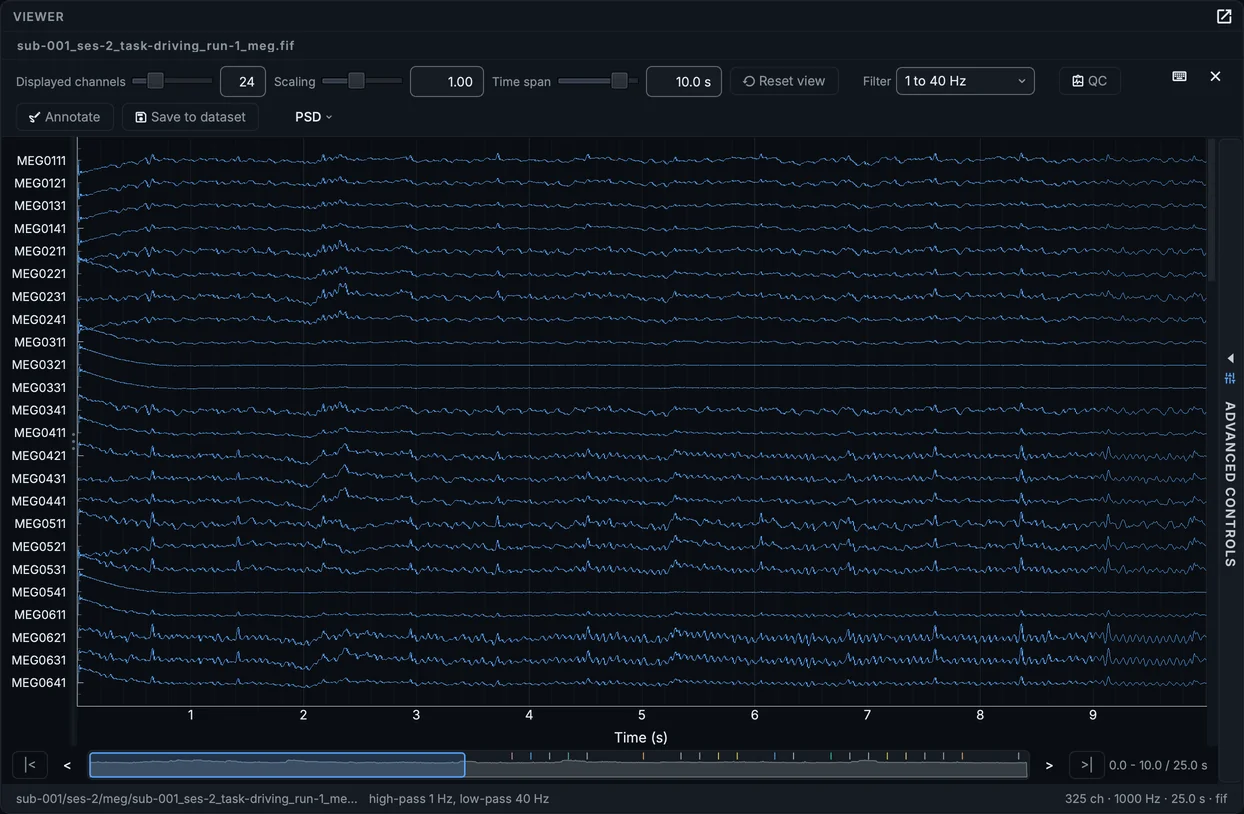
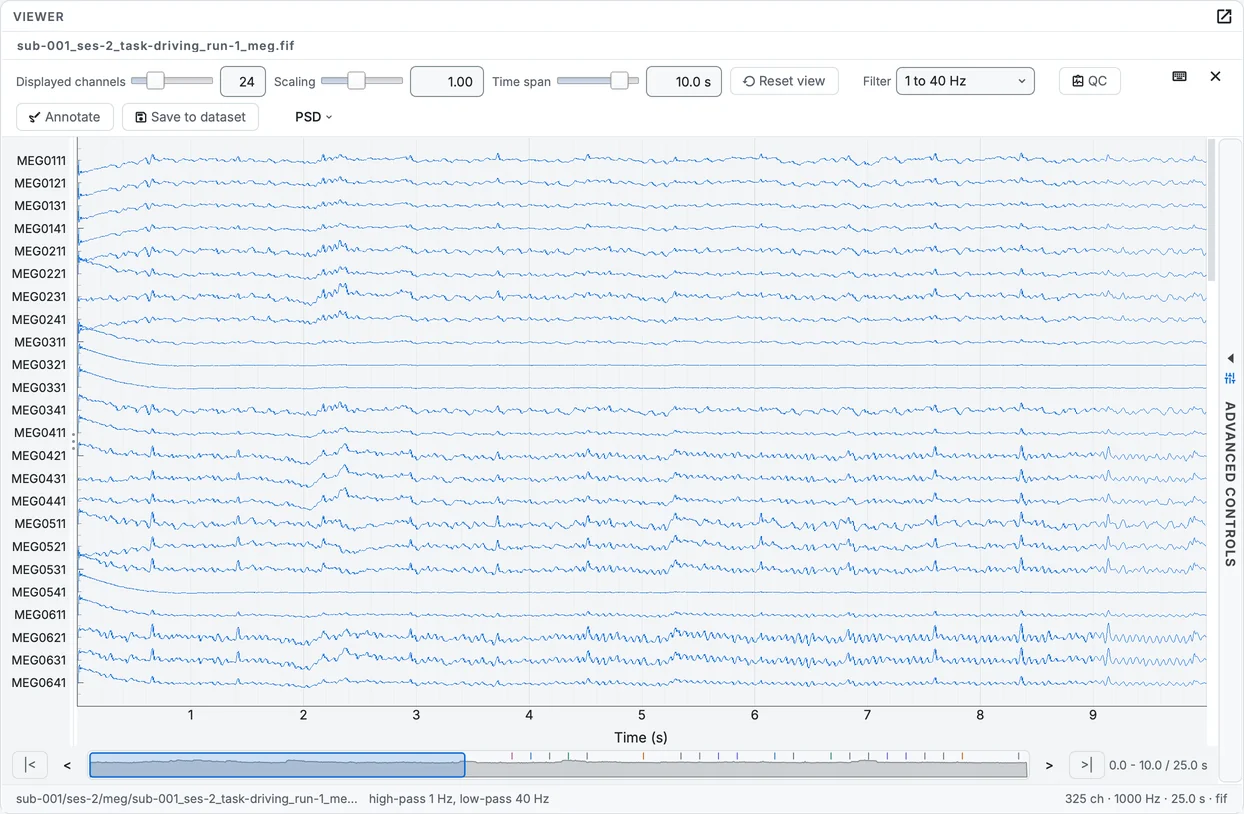
A driving run of the second session, converted.
QC checks the recording channel by channel; a noisy or flat channel can be marked bad and saved into channels.tsv (Checking image quality).
In your own MEG data
- Session from dates: a participant recorded on two days gets two sessions. A folder named
ses-<label>overrides it. - CTF recordings (
.dsfolders) and KIT (.con,.sqd) are read the same way. - Empty-room recordings are easiest to use when their name says
noise, and each recording names its own in AssociatedEmptyRoom.