
Guides
Adopting an existing dataset
Open a BIDS dataset converted elsewhere, with another tool or by a colleague: look at it without changing anything, or make it a project so you can validate, edit and correct it with everything BIDS Manager records.
View, or adopt
| View only | Open as project | |
|---|---|---|
| What is written into the folder | nothing | a .bidsmgr/ folder, a README if there is none, .bidsmgr/ added to .bidsignore, and any missing Name, BIDSVersion or DatasetType filled in dataset_description.json |
| Validate, view, check quality | validate and view (validation only if the folder looks like BIDS); the Tools menu is off | yes |
| Edit sidecars and tables | no: the viewers are read only | yes |
| Rename, restructure, delete, deface | no | yes, each recorded with the files as they were |
View only is for a dataset you must not change: someone else's, a published one, a backup.
Look at it without changing it
Step 1. Open it to view
In the Editor, click Open folder… and choose the dataset. BIDS Manager asks whether to open it as the project or only to view it: click View only. (Open dataset folder… on Home opens a BIDS dataset as a project straight away.)
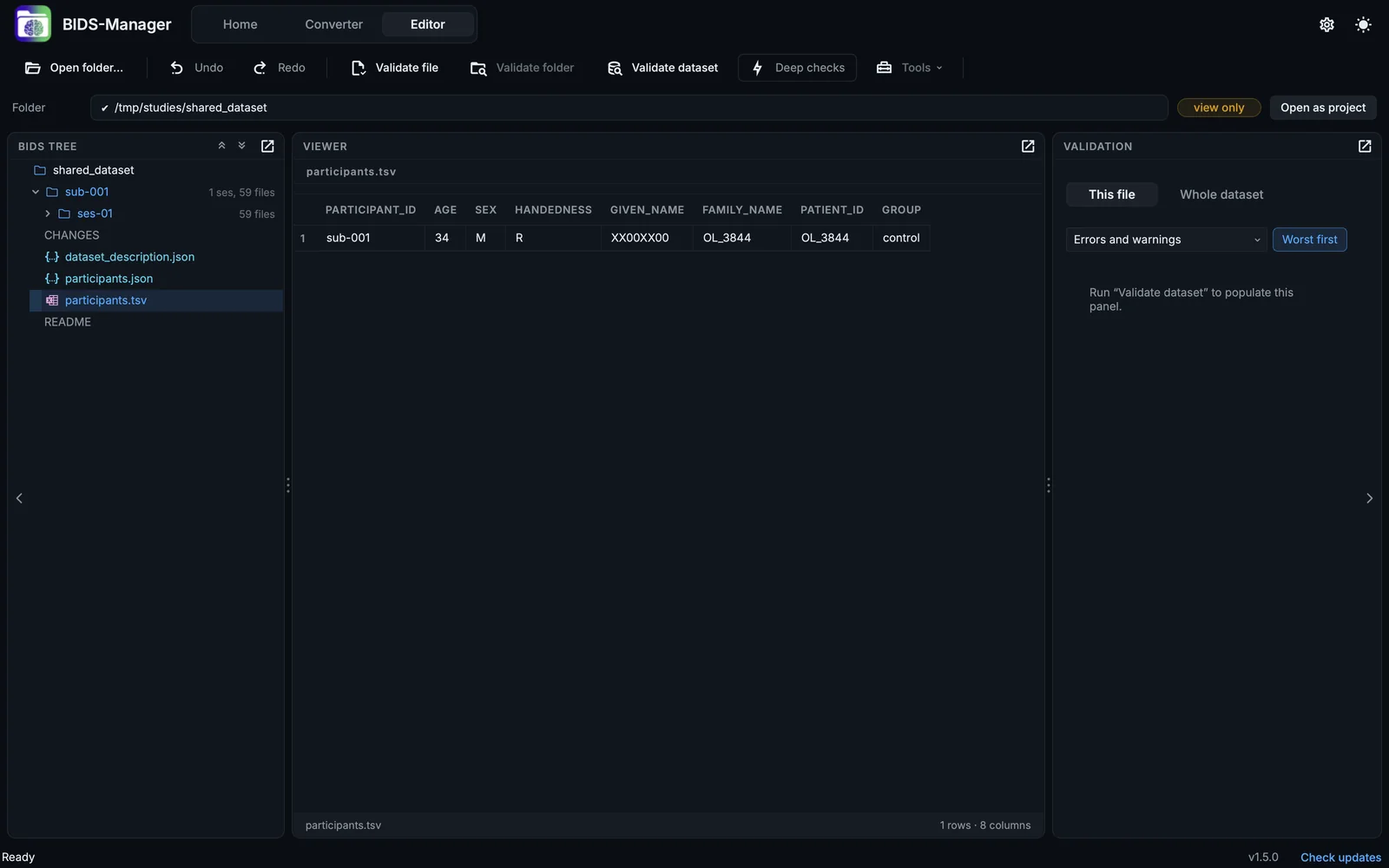
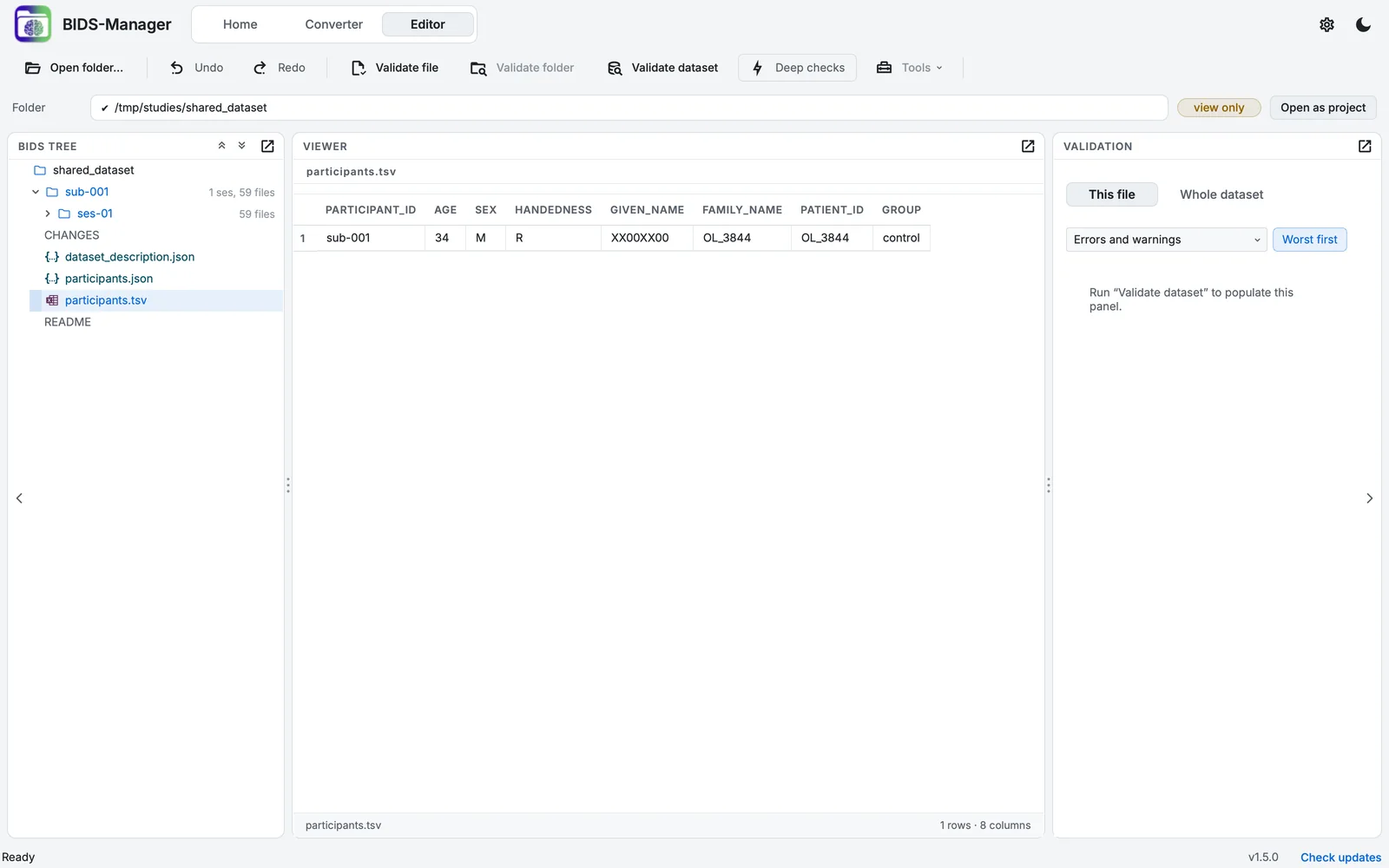
A dataset made elsewhere, open to view only.
The path bar says Folder and carries the chip view only, with Open as project beside it (or Back to the open project, if one is open).
Make it a project
Step 2. Open it as a project
Click Open as project in the path bar (or choose it when BIDS Manager asks; with another project open, go back to Home and use Open dataset folder…). The dataset gets its .bidsmgr/ folder, becomes the open project, and the Converter and every tool of the Editor work on it.
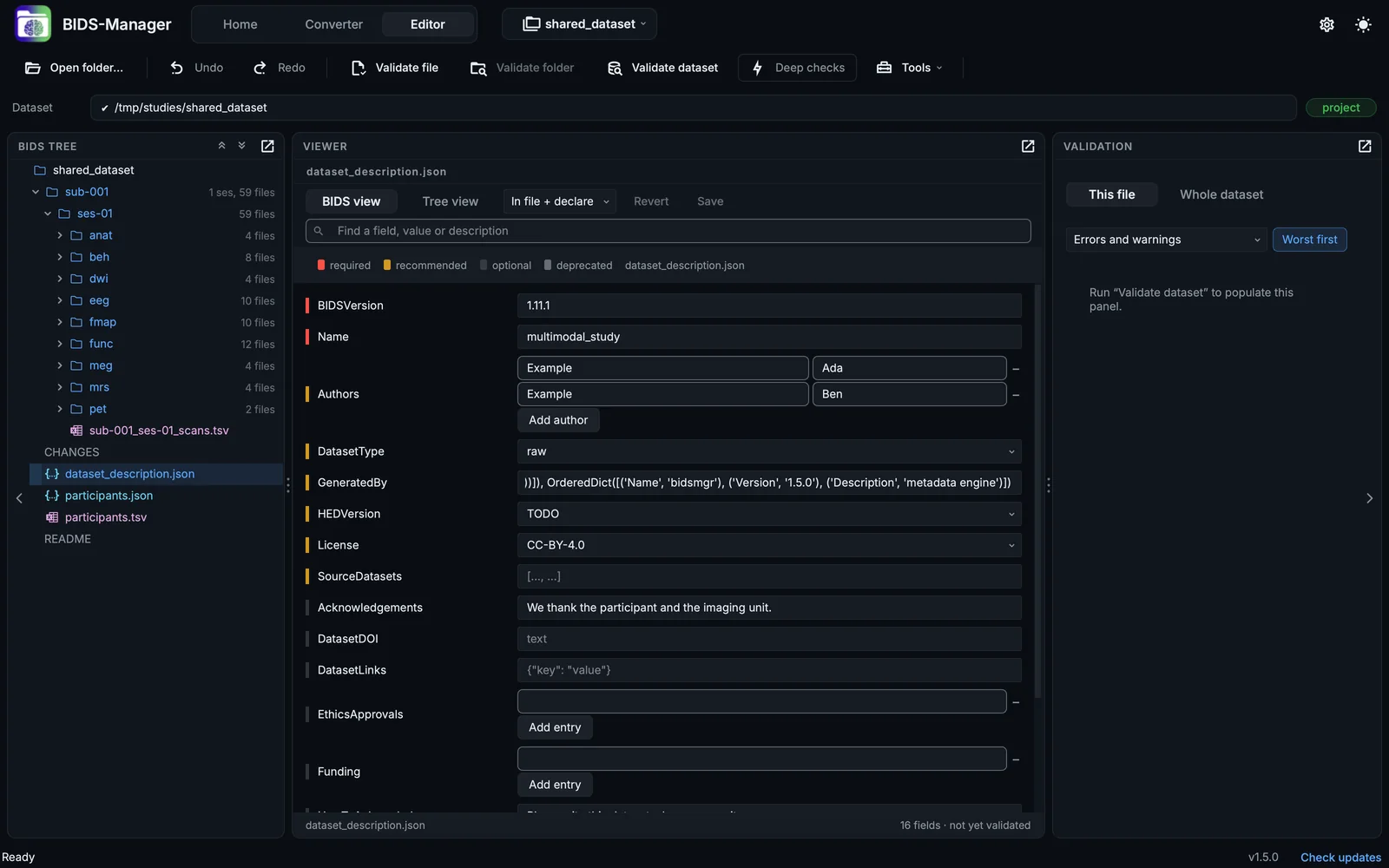
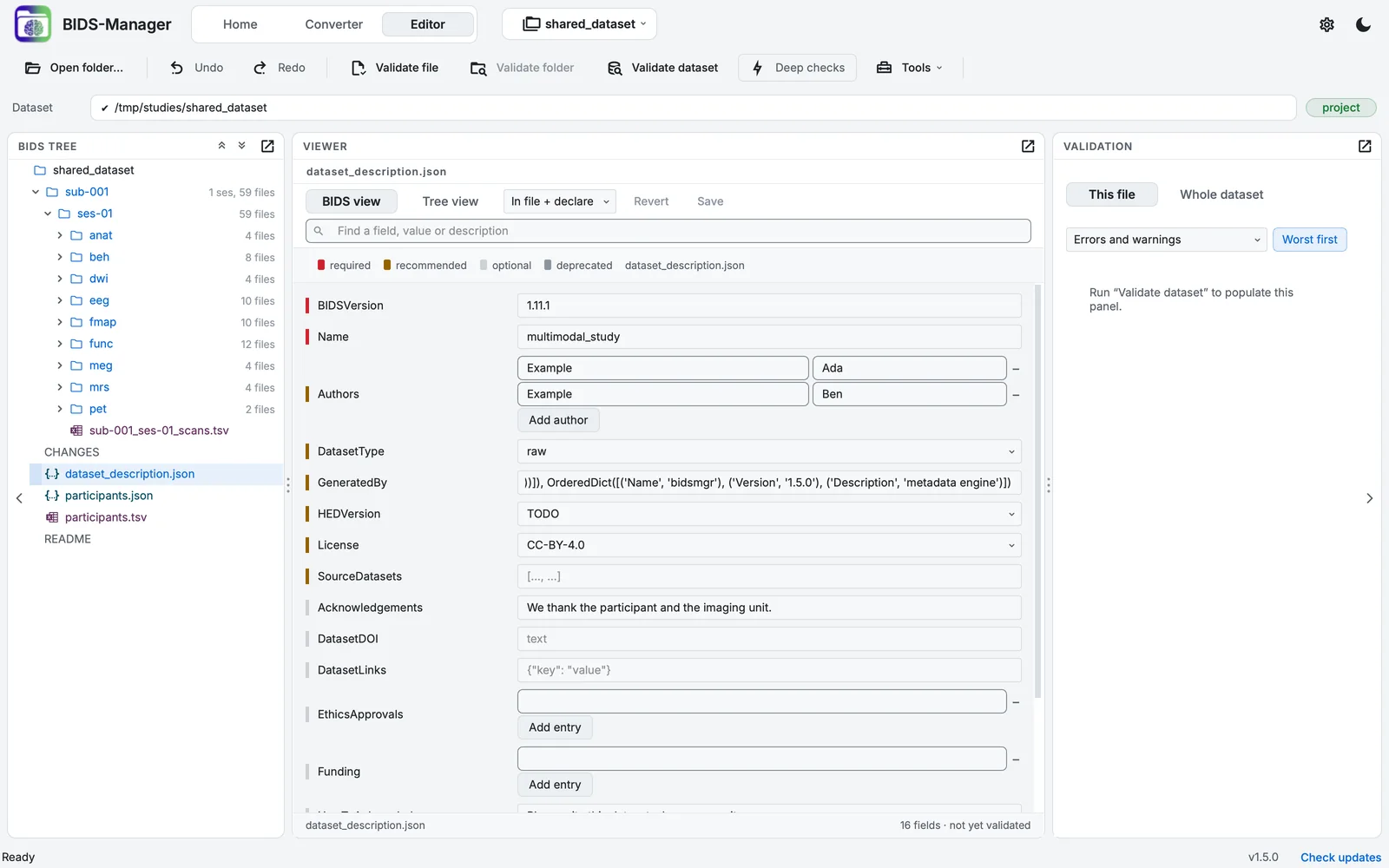
The same dataset, adopted as a project.
Step 3. Validate
Click Validate dataset, with Deep checks on, to see where it stands against the current version of the standard. A dataset made by an older tool often has fields the standard has since renamed, or misses ones it now recommends (Validating in the Editor).
From the command line, bidsmgr-adopt <dataset> also gives the dataset its .bidsmgr/ folder, but writes nothing outside it and records every file as it found it; bidsmgr-adopt --status <dataset> lists what has changed since.
Adding data to an adopted dataset
An adopted dataset can take new participants like any project: scan the new raw data in the Converter, and the conversion adds the new subjects. Existing subjects in Settings > Convert decides what happens to a subject that is already there; the default keeps its files (Converting).