
Learn · Chapter 8 of 15
Converting
Choose how the conversion writes the dataset, run it, and read what it did. The conversion writes every included row under its BIDS name, links fieldmaps to the runs they correct, removes identifying fields, and then fills in the metadata and validates the result.
Check the conversion settings
The conversion follows Settings > Convert. The defaults suit the course; read what they do before your first real study.
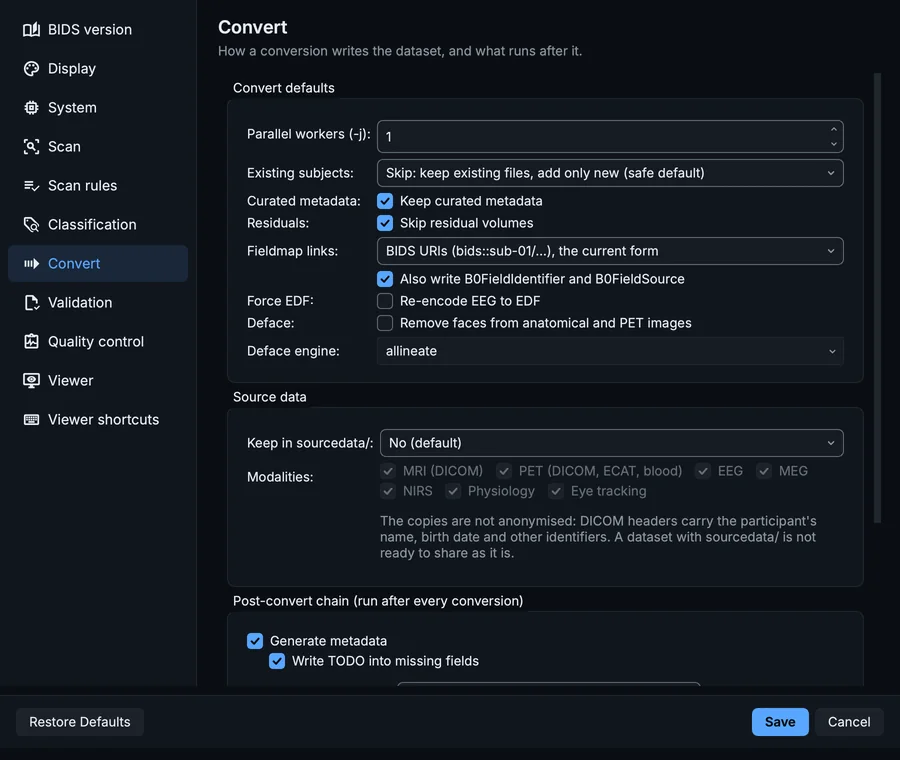
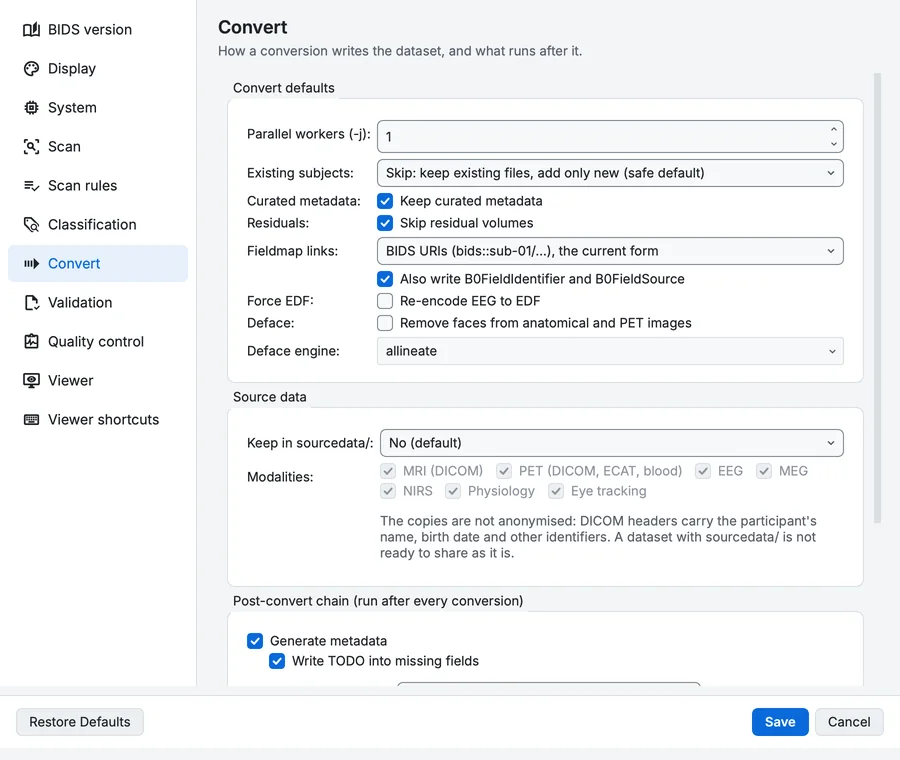
Settings, Convert page: the conversion itself.
| Setting | What it decides |
|---|---|
| Existing subjects | What happens when a subject is already in the dataset. Skip (the default) keeps the files there and adds only new ones, which is how you add a second session or another participant safely. Update replaces files whose content changed, Replace backs up and replaces colliding files, Error stops instead. |
| Curated metadata | Keep curated metadata: a re-conversion merges sidecars field by field instead of overwriting what you edited in the Editor. |
| Residuals | Skip residual volumes: dcm2niix sometimes writes extra copies of a series beside the real one; they are dropped. |
| Fieldmap links | How a fieldmap's IntendedFor names the runs it corrects: BIDS URIs (bids::sub-01/...) or paths from the subject. With Also write B0FieldIdentifier and B0FieldSource, the newer pairing is written too. Fieldmap links and fMRIPrep says which each fMRIPrep version reads. |
| Force EDF | Re-encode EEG to EDF instead of keeping the source format. |
| Deface | Remove faces from anatomical and PET images before the subject is written, with the engine you choose. Chapter 14 covers defacing after conversion instead. |
Further down, Source data and the Post-convert chain:
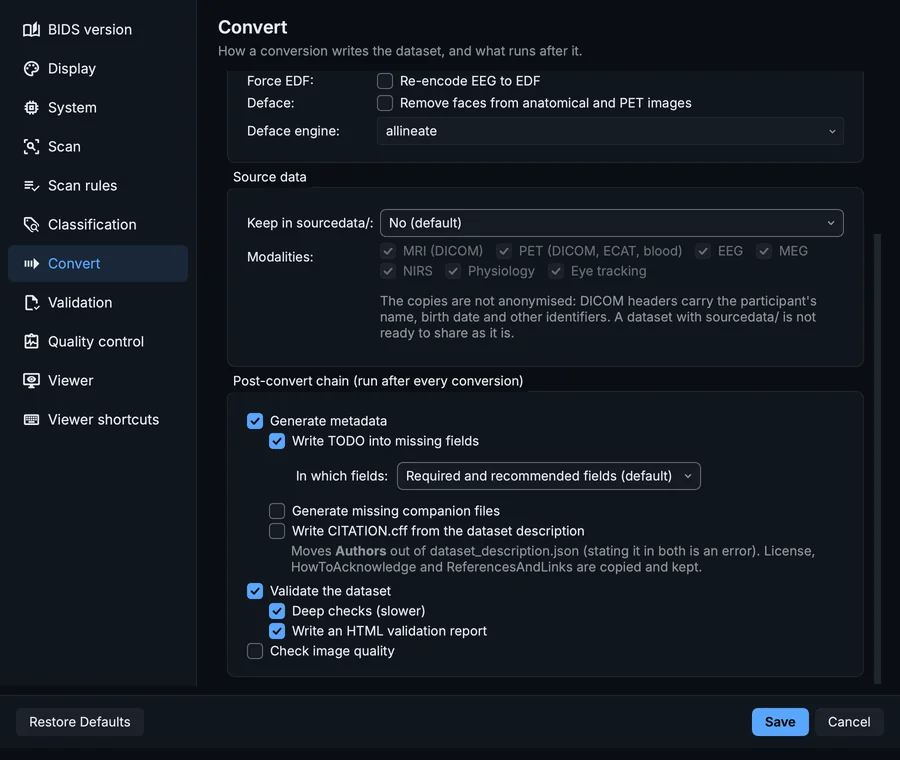
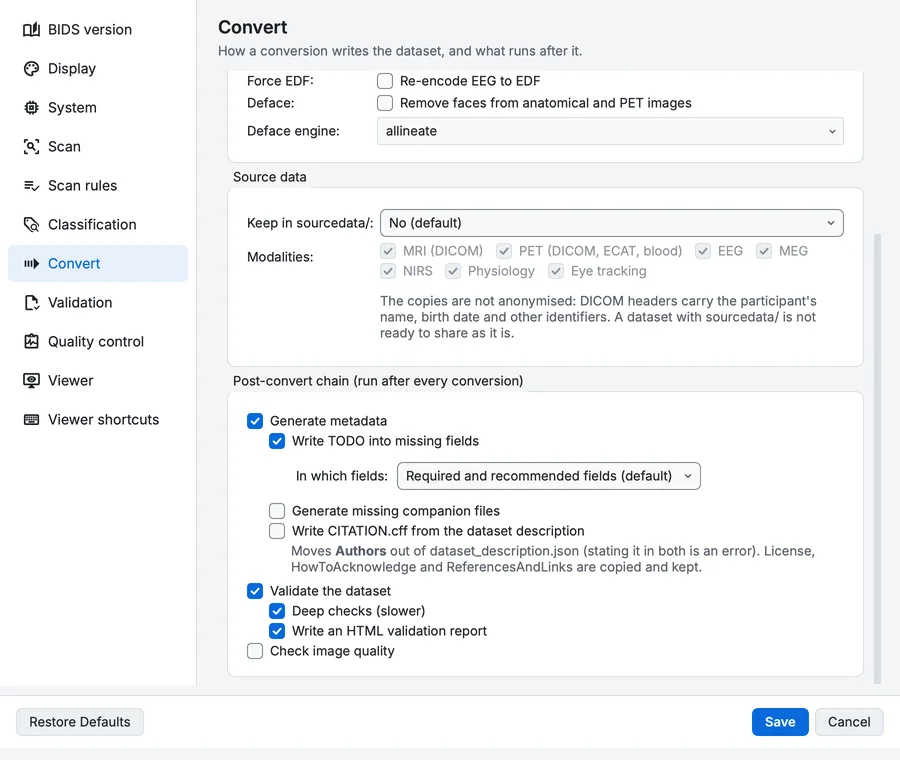
Settings, Convert page: source data and what runs after the conversion.
- Keep in sourcedata/ copies each subject's raw files into the dataset's
sourcedata/folder, as they are or as one archive per series. Off by default: DICOM headers carry names and birth dates, so a dataset withsourcedata/is not ready to share. - The Post-convert chain runs after every conversion: Generate metadata (
participants.tsv, the_scans.tsvtables, the fields the standard requires that can be derived, and the TODO placeholders of chapter 7), then Validate the dataset with Deep checks (slower) and Write an HTML validation report, and optionally Check image quality.
Click Save if you changed anything, or Cancel.
Run the conversion
Step 1. Run it
Click Run conversion at the right of the toolbar. While it runs, the button reads Stop conversion; a stop lets the series already running finish, discards the subject in progress, and keeps the subjects already written.
Running the conversion of the sample: the output tree fills, the metadata and validation run after it, and a message says where the dataset was written.
The sample converts in a few seconds; the metadata and validation after it take a few more.
Step 2. Read the message
When the chain is done, a message says Conversion complete and where the output was written. A conversion where a subject failed says so instead, and the reason is in the project's .bidsmgr/errors/ folder.
Step 3. Read the Log
The Log has one section per step: Conversion, Metadata and Validation, each with its time.


The end of the Log after the conversion.
The sample's Log reads, in full:
Conversion  ·  17:28  ·  studies
Writing edited inventory back to /tmp/studies/multimodal_study/.bidsmgr/project/scans/0001__raw/inventory.tsv
Converting → /tmp/studies (n_jobs=1)
bidsmgr 1.5.0 @ <where BIDS Manager is installed> | platform=darwin py=3.10.11
auto-loaded recording-metadata scaffold /tmp/studies/multimodal_study/.bidsmgr/project/scans/0001__raw/inventory.tsv.recording_meta.json
committed sub-001 to /tmp/studies/multimodal_study/sub-001
convert summary: 1 new, 0 merged into existing
Conversion completed

Metadata  ·  17:28
Running metadata on /tmp/studies
Metadata completed

Validation  ·  17:28
Validating /tmp/studies
committed sub-001 means the subject was written into the dataset in one move: BIDS Manager converts each subject in a staging folder first and moves it into place only when every file of it is ready, so an interrupted conversion never leaves half a subject behind. 1 new, 0 merged says the subject was new to the dataset. The history icon in the Log's corner lists every log of the project; each is also a file in .bidsmgr/logs/.
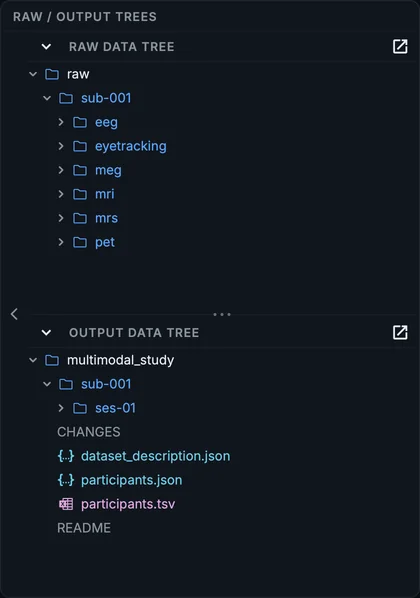
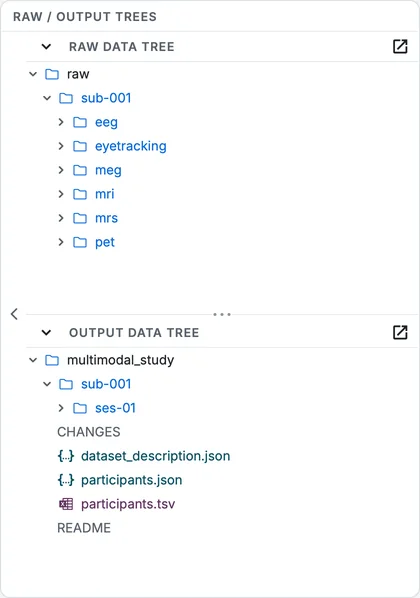
The output data tree after the conversion.
What the conversion did, besides converting
The conversion log in .bidsmgr/logs/ has the details. For the sample, it shows the conversion:
- renamed dcm2niix's pieces of the fieldmap to
magnitude1,magnitude2andphasediff; - linked the phase-difference fieldmap to the BOLD run, and the reversed-phase diffusion reference to the diffusion run, with
IntendedForand a sharedB0FieldIdentifier; - split the physiology log into one
_physio.tsv.gzper signal (cardiac, ECG, respiratory, trigger), and both eyes of the eye tracker into their own files; - wrote the PET fields the DICOM header holds but dcm2niix does not copy, and the dose sheet's fields;
- removed seven identifying fields (the participant's name, ID, birth date, age, sex, size and weight) from every MRI sidecar, and six from the header inside each spectroscopy file.
The metadata step then wrote participants.tsv from the participants spreadsheet, the session's _scans.tsv, CHANGES, and 69 TODO placeholders across 8 files.
Your progress is kept in this browser only.