
Learn · Chapter 11 of 15
Changing a dataset's shape
Rename an entity across the dataset, add or remove one, create or remove a session, delete recordings, and keep every reference pointing at the right file. Each tool shows exactly what it will do before it does anything, and every change is recorded in the project, with the files as they were.
Why renaming a file is not enough
A file's name in a BIDS dataset is referenced from other files: the session's _scans.tsv lists it, a fieldmap's IntendedFor points at it, participants.tsv names its subject, and a sidecar's TaskName repeats its task. Renaming a file in your file manager breaks those links silently: the validator does not notice most of them. The Editor's tools rename, move and delete through all of them at once.
The Tools menu
Click Tools in the Editor's toolbar.
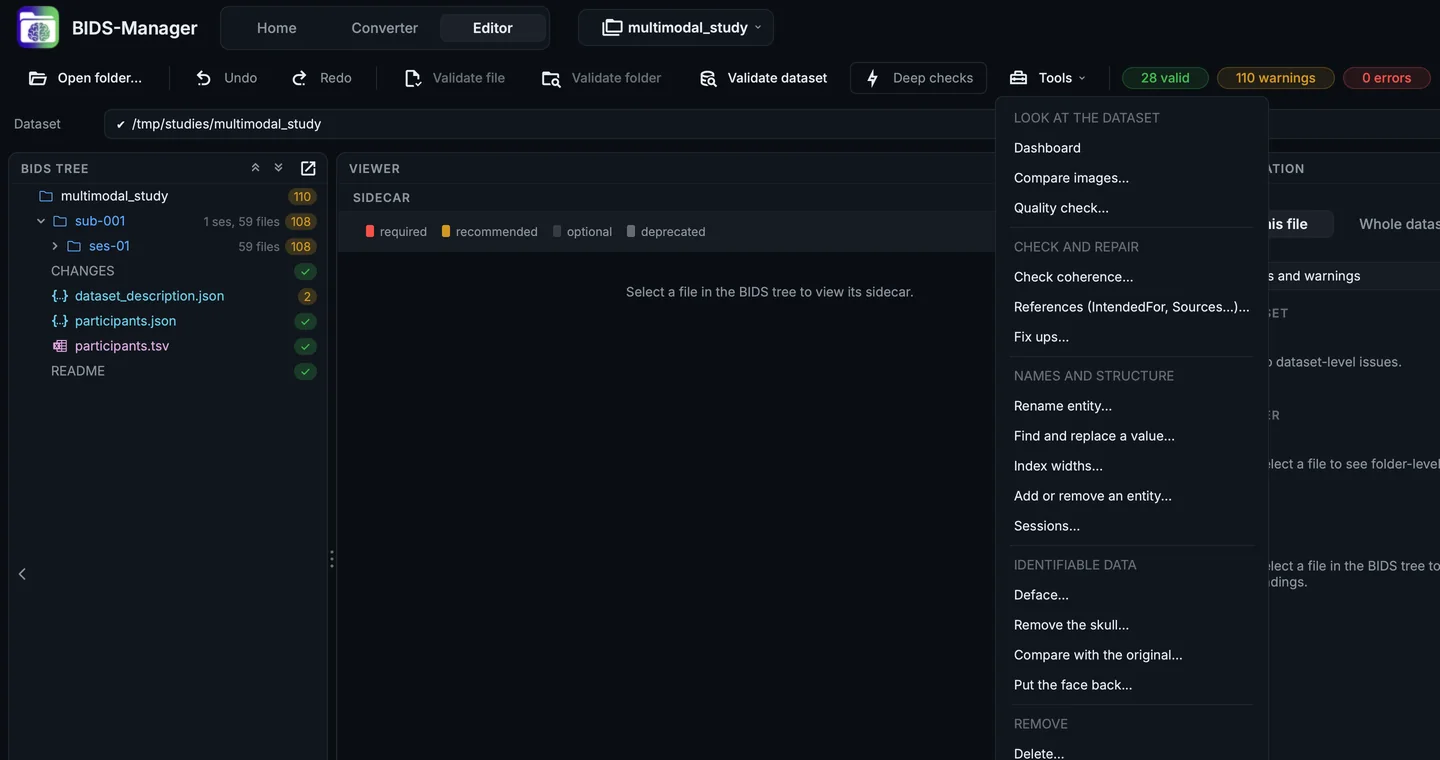
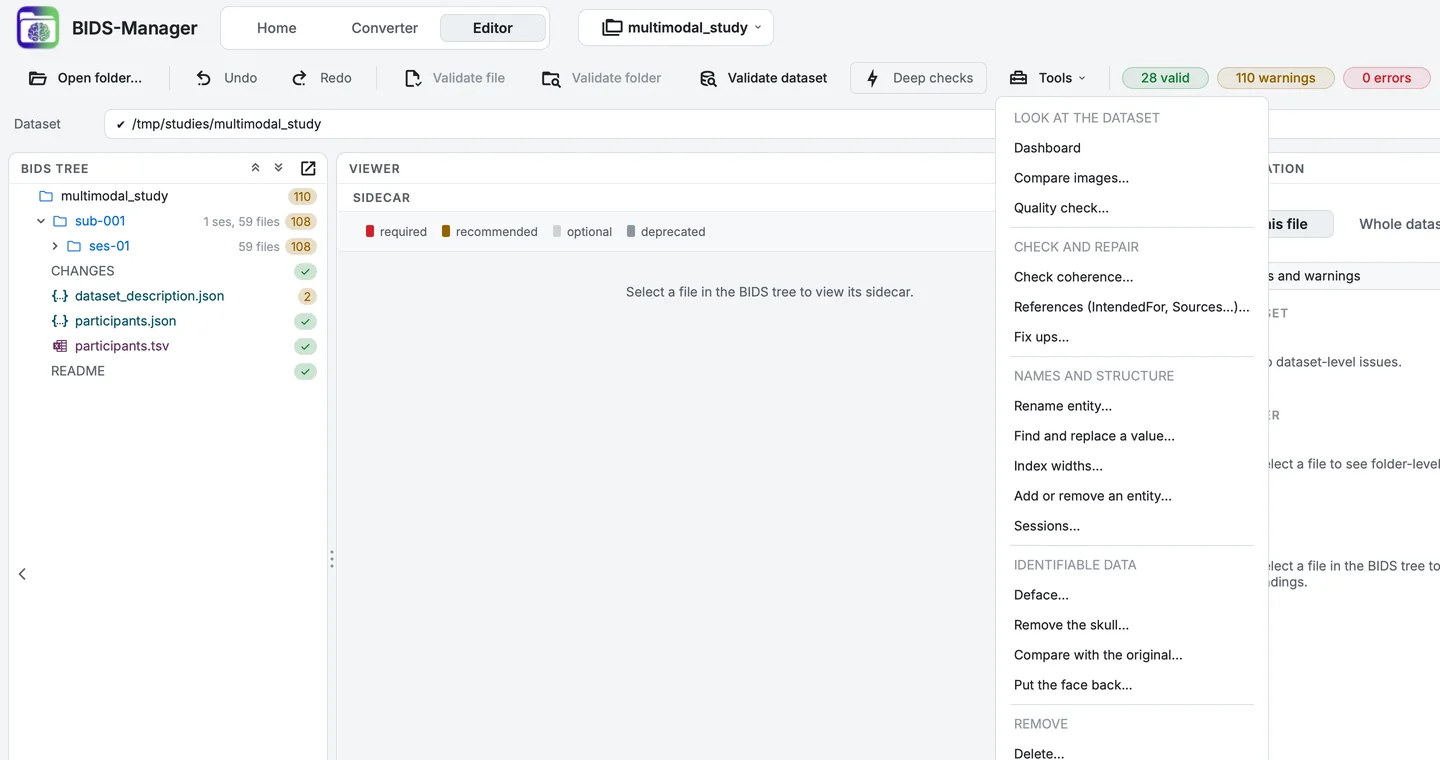
The Editor's Tools menu.
| Group | Tools |
|---|---|
| Look at the dataset | Dashboard, Compare images..., Quality check... |
| Check and repair | Check coherence..., References (IntendedFor, Sources...)..., Fix ups... |
| Names and structure | Rename entity..., Find and replace a value..., Index widths..., Add or remove an entity..., Sessions... |
| Identifiable data | Deface..., Remove the skull..., Compare with the original..., Put the face back... |
| Remove | Delete... |
The same actions, for the file or folder you click, are in the BIDS tree's right-click menu (Control-click on a Mac):
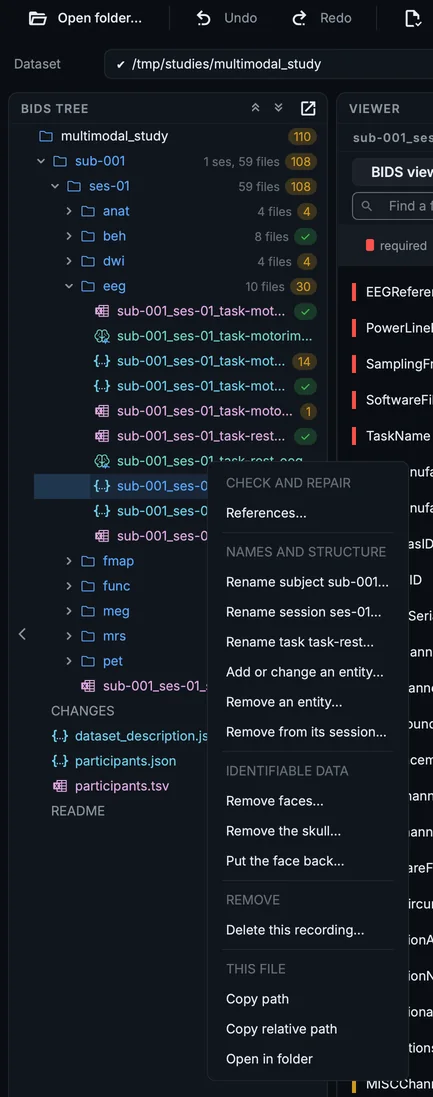
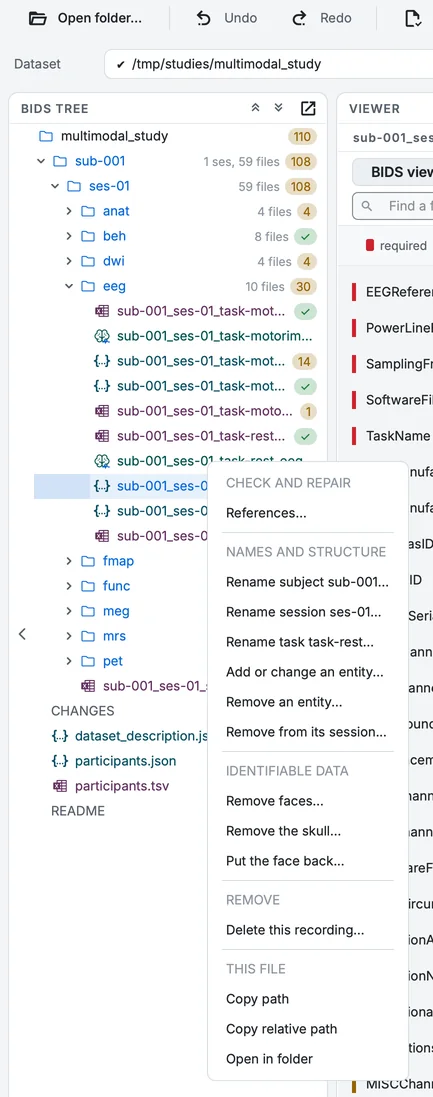
The BIDS tree's right-click menu on the resting EEG recording.
Rename entity..., Add or remove an entity... and Sessions... open the same kind of dialog: what to change at the top, and below, What this would do, a tree of every file in the dataset that changes, with what it Becomes. Untick anything you want left alone. Find and replace a value... and Index widths... list their changes under What would change. Preview at the side puts the tree beside the controls instead of below them. Nothing is written until you click the dialog's main button.
Rename an entity
Step 1. Open Rename entity
Choose Tools > Rename entity.... Set Entity: to Task (task-), Rename: to motorimagery, and type imagery in To:.
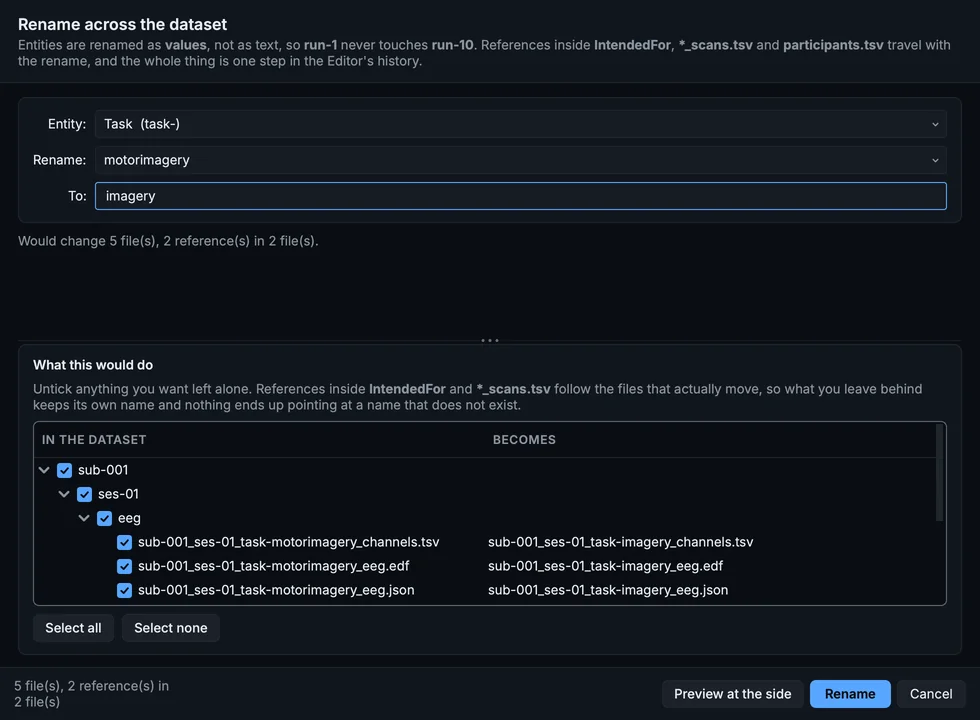
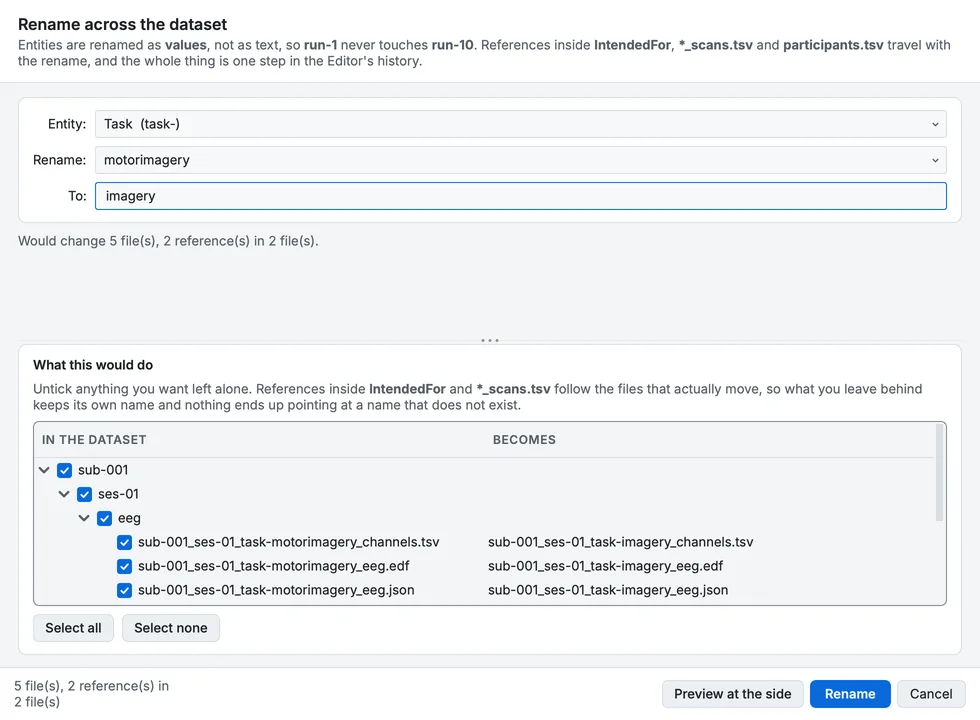
Renaming the task motorimagery to imagery.
The dialog says it Would change 5 file(s), 2 reference(s) in 2 file(s): the recording, its sidecar, its channels and events tables, and the references in the scans table and the sidecar's TaskName. Values are renamed as values, not as text, so renaming run-1 never touches run-10.
Step 2. Close it
Click Cancel. (Rename would apply it, as one operation in the project's history, with every file it changed kept as it was.)
Renaming a subject also renames its folder and its row in participants.tsv. If the new label already exists, the dialog offers Merge them into one subject.
Sessions
A session is both a folder and an entity, so creating or removing one moves files and renames them. The sample has one session, so it could do without one.
Step 3. Open Sessions
Choose Tools > Sessions... and set Action: to Remove the session.
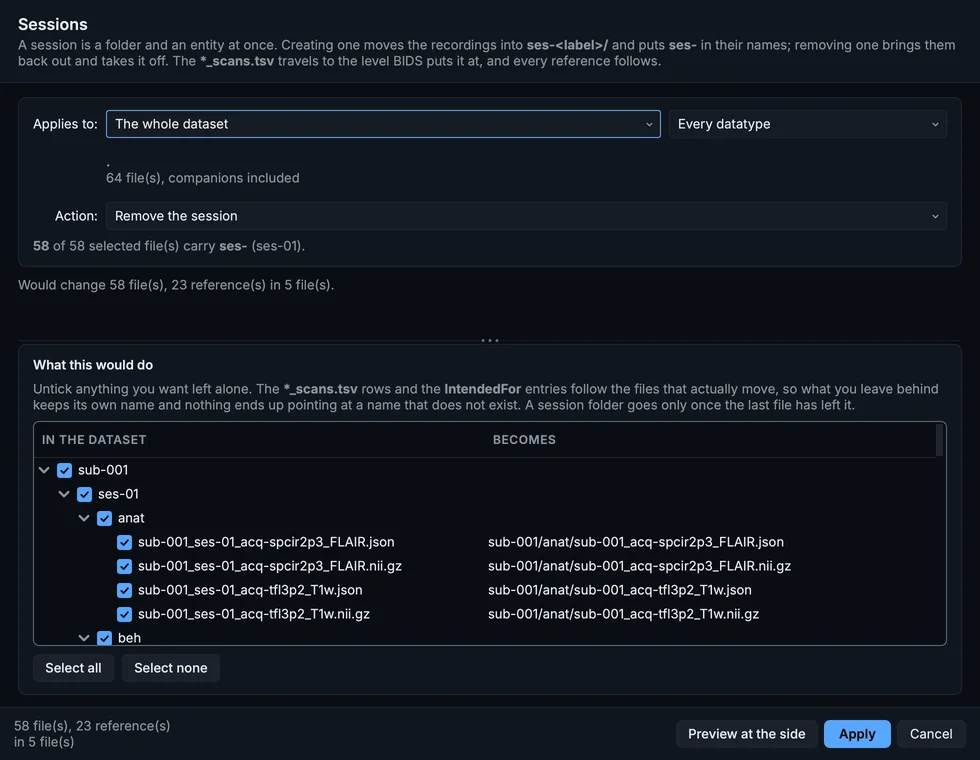
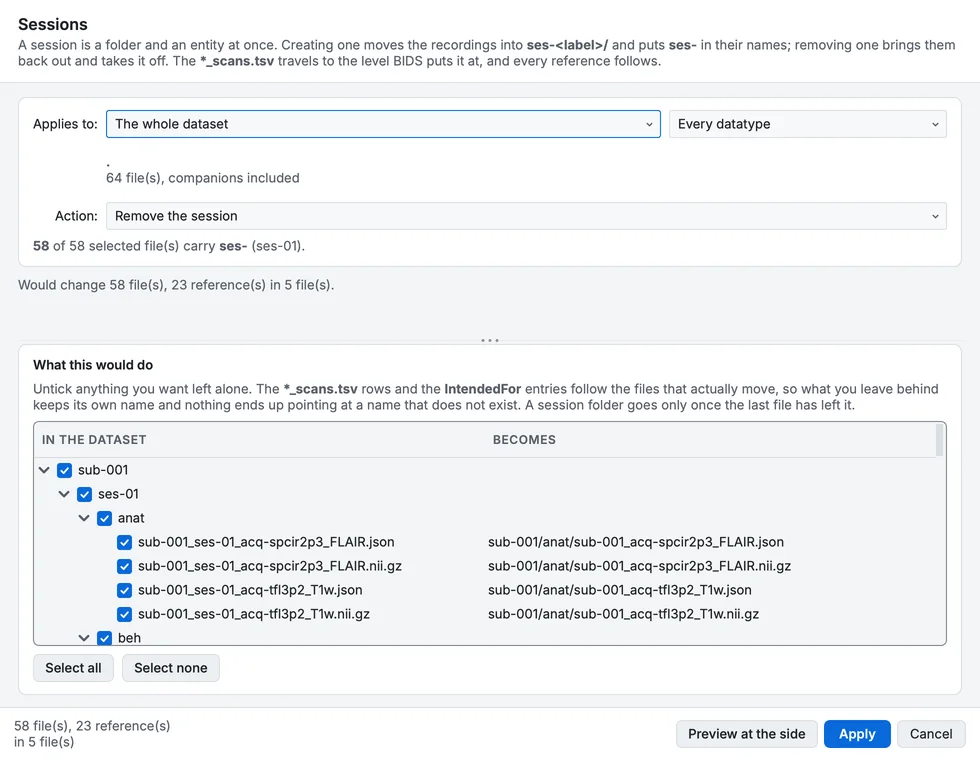
Removing the session: every file of ses-01 moves up to the subject's folder.
All 58 files of ses-01 move to sub-001/ and lose ses-01 from their names, and 23 references in 5 files follow. Create a session does the opposite, for files without one.
Step 4. Close it
Click Cancel.
Add or remove an entity... works the same way for any other entity the standard allows: add an acq- label to tell two acquisitions apart, or remove one that is no longer needed. The standard decides what is possible: an entity a kind of file may not carry is not offered, and one it must carry cannot be removed.
Delete
Delete... removes recordings, datatypes, sessions or subjects, and repairs what pointed at them: the scans table's rows, IntendedFor entries, the subject's row in participants.tsv, and folders left empty.
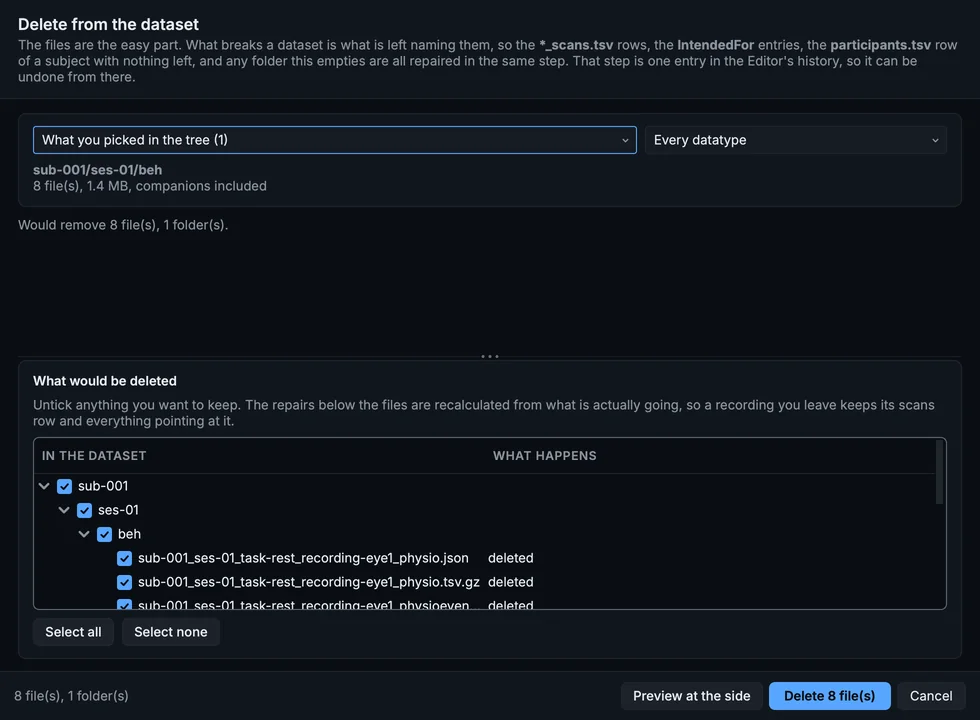
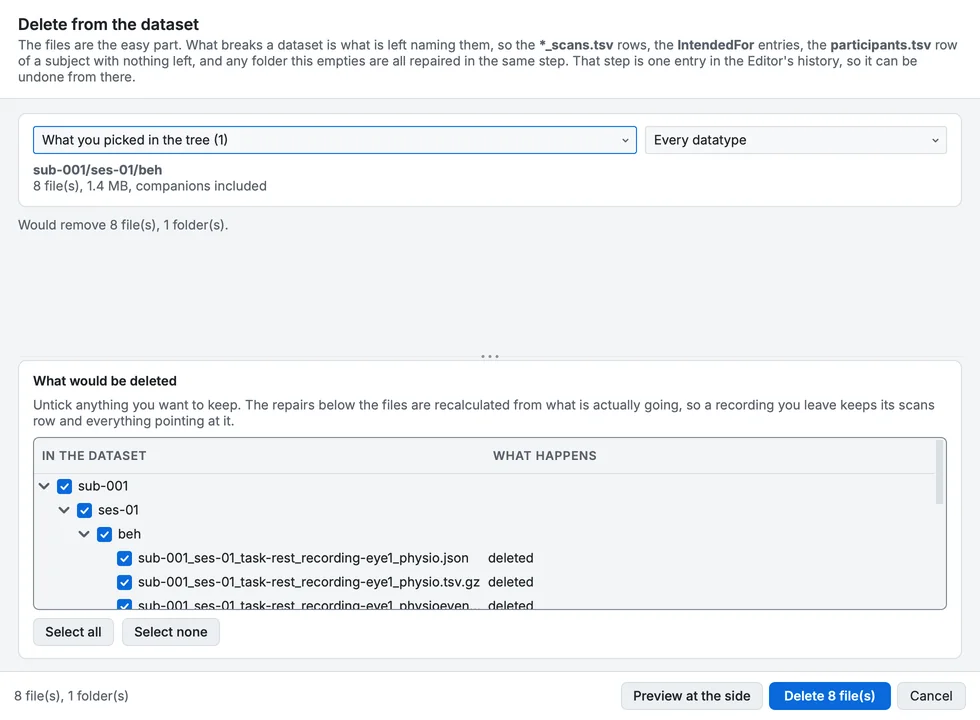
Delete, for the eye-tracking folder: the files and what is repaired with them.
Delete asks for confirmation before it removes anything, and keeps a copy of every file it removes in the project's history.
References
References (IntendedFor, Sources...)... shows every link between files from both ends. Choose a field (IntendedFor, AssociatedEmptyRoom, Sources), pick a file on the left, and the right lists the files it may point at, ticked where it does.
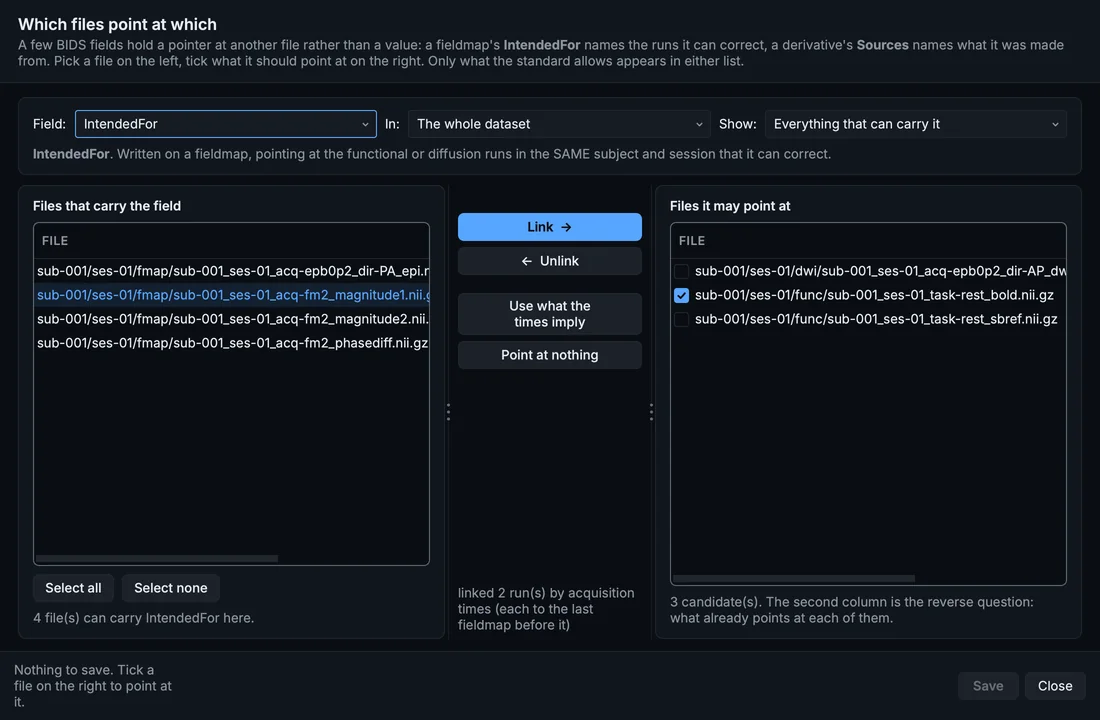
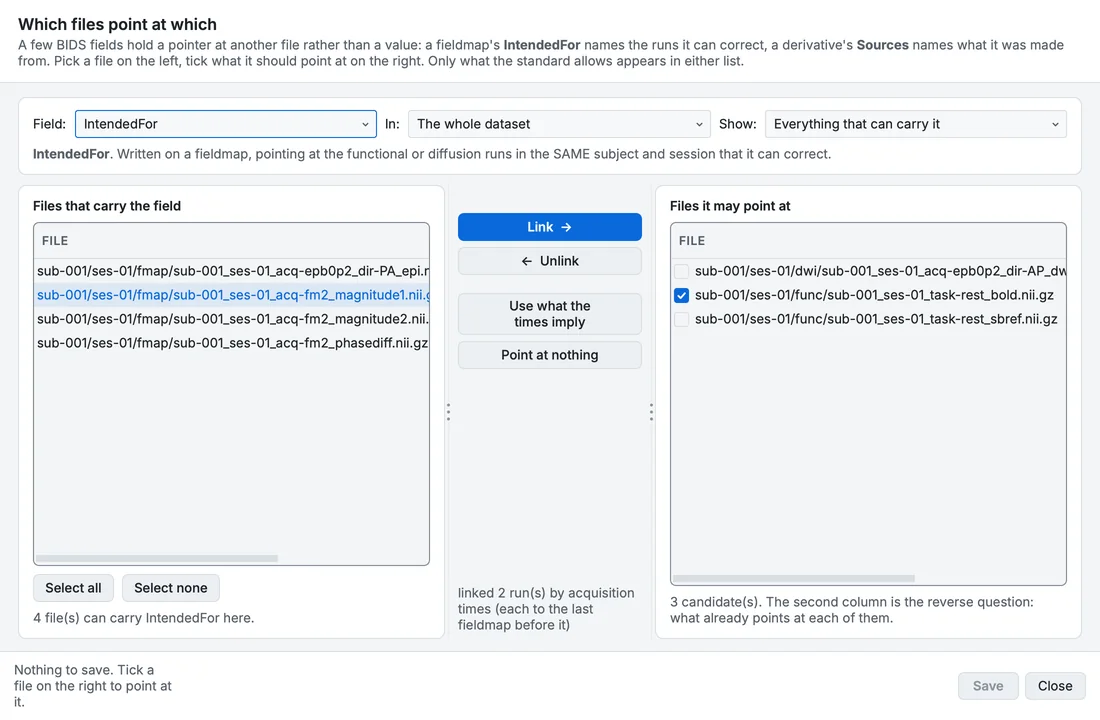
References, for the fieldmap: it points at the BOLD run.
Use what the times imply applies the conversion's own rule: a fieldmap serves only the kind of run it was made for, one with the run's shim settings comes first, and otherwise each run gets the last fieldmap acquired before it (or else the first one after it). This is how you find out whether a run has a fieldmap at all, and fix a link the conversion could not decide.
Check coherence
Check coherence... looks for what is valid BIDS and still wrong: a scans row naming a file that is gone, a participants row for a deleted subject, a link pointing at nothing, an index written at two widths, a value spelled two ways, a TaskName that does not match its task, an IntendedFor that disagrees with the acquisition times.
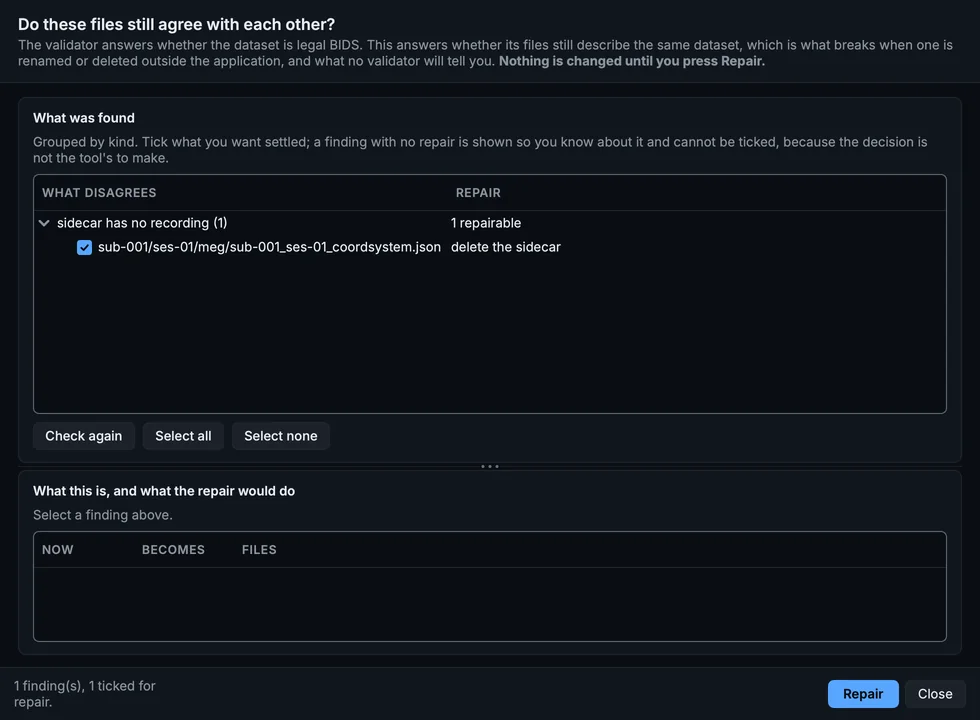
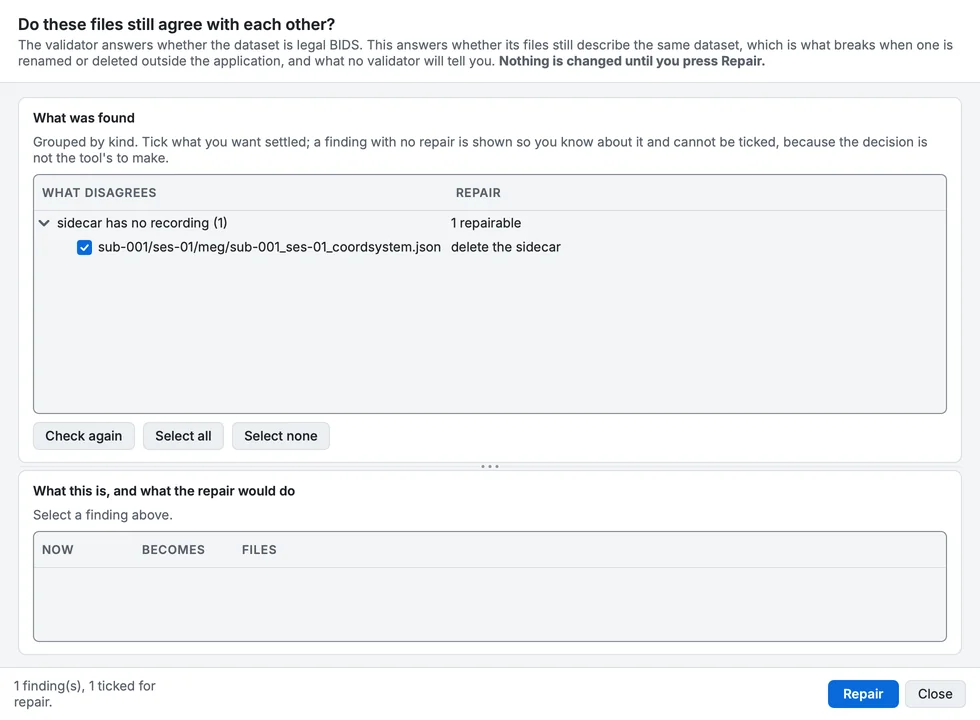
Check coherence on the sample.
Nothing is changed until you click Repair, and each finding shows its exact change when selected.
Two more
- Find and replace a value... replaces one entity value everywhere it appears, within the whole dataset, a subject or a session.
- Index widths... gives every index the same width:
run-1andrun-01are both valid, but a dataset should use one.
Your progress is kept in this browser only.