
Learn · Chapter 14 of 15
Sharing a dataset
Before a dataset leaves your computer, make sure nothing in it identifies a person, that it says what it is and how to cite it, and that it validates. BIDS Manager has removed most identifiers already; this chapter finds and removes the rest.
Check readiness
Choose Tools > Dashboard. It summarises the dataset: subjects, sessions, datatypes, suffixes, files and size, the errors and warnings, and, per datatype, how much of what the standard declares is answered. At the bottom, Ready to share lists what still stands in the way.
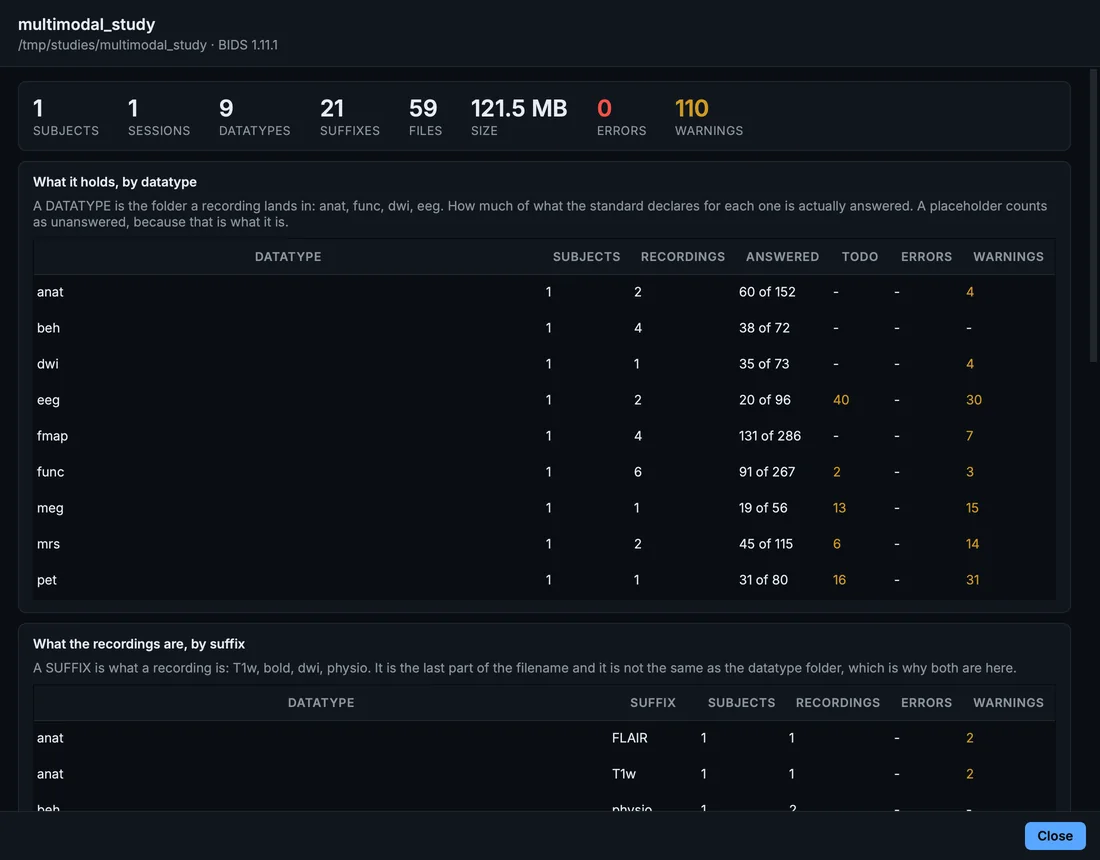
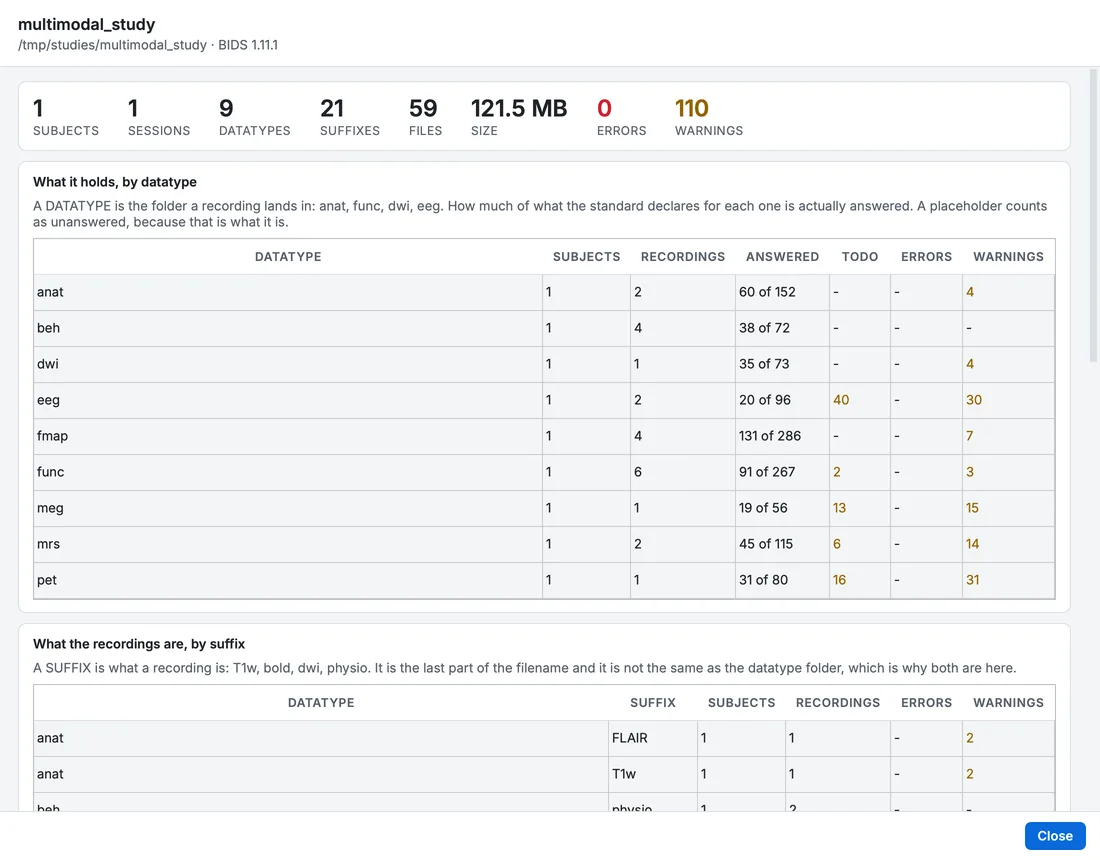
The Dashboard of the edited sample.
Identifiers
What the conversion removed
The conversion removes the participant's name, ID, birth date, age, sex, size and weight from every MRI and PET sidecar, and from the header stored inside each spectroscopy file (chapter 8). It keeps the scanner's identifiers (series UIDs) for provenance, and keeps the institution's name and address, which describe the site rather than the person.
What is left: participants.tsv
The sample's participants.tsv has three columns copied from the DICOM header: given_name, family_name and patient_id. Here they hold the scanner's pseudonyms (XX00XX00, OL_3844), but in a real study they would hold names. Remove them.
Step 1. Open participants.tsv
Select participants.tsv at the top of the BIDS tree.
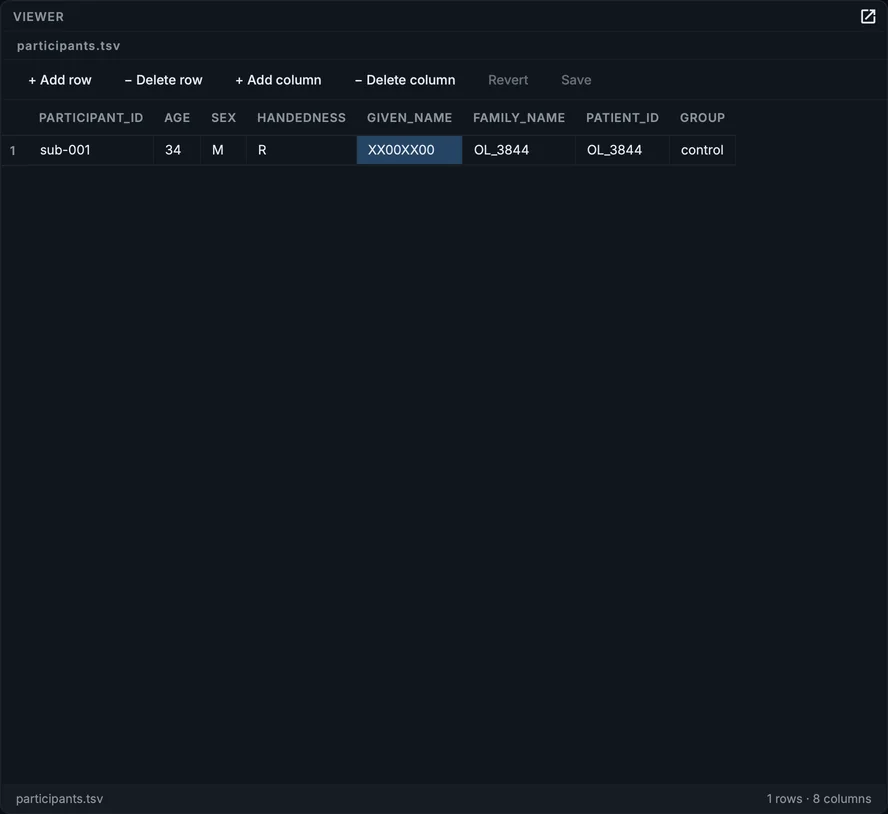
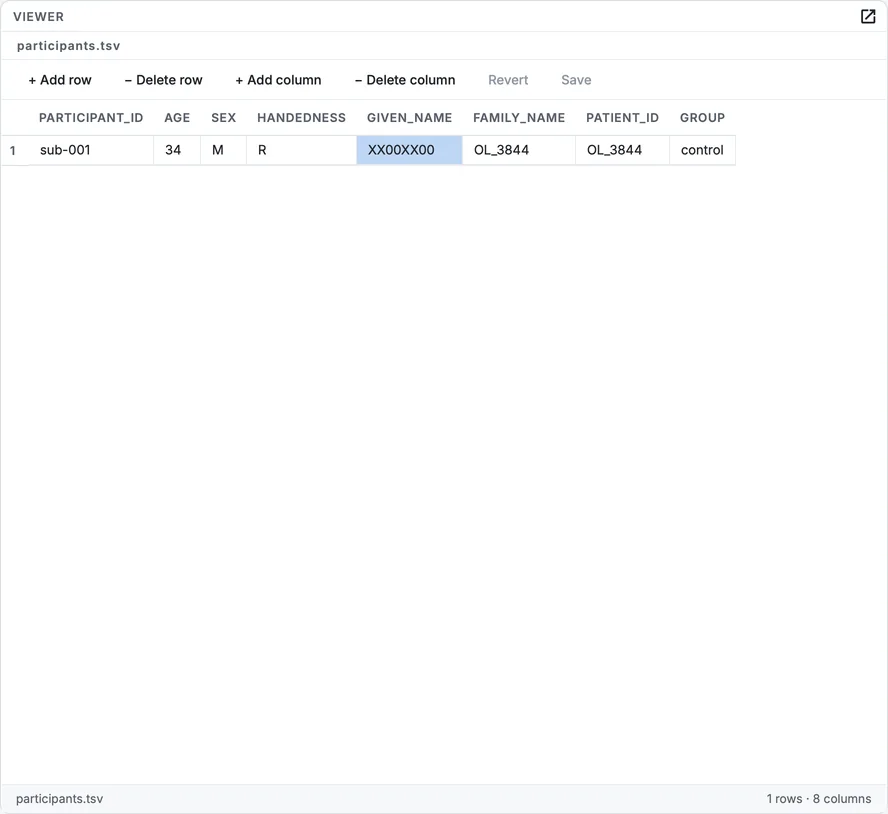
participants.tsv, with the given_name column selected.
Step 2. Delete the three columns
Click a cell of given_name and click − Delete column. Do the same for family_name and patient_id. Click Save.
Step 3. Check participants.json
Select participants.json and, in the Tree view, delete the entries for the three columns if it has any (− Delete field). Click Save.
The reason this happens, and what else to look for in a dataset of your own (free text in sidecars, dates, file names made from names), is in Identifiers and privacy. See also Known issues.
Faces
A head MRI contains a face, and a face can be rendered from it: the quality check in chapter 13 said A face is visible. Tools > Deface... removes the face from the anatomical images (and PET, where the head is in the field of view).
Step 4. Open Deface
Choose Tools > Deface.... The Remove faces dialog lists the images that can be defaced, the engine (allineate by default: an affine registration of a face mask, then the face is blanked), and what would happen to each image. Files that cannot be defaced are listed with the reason.
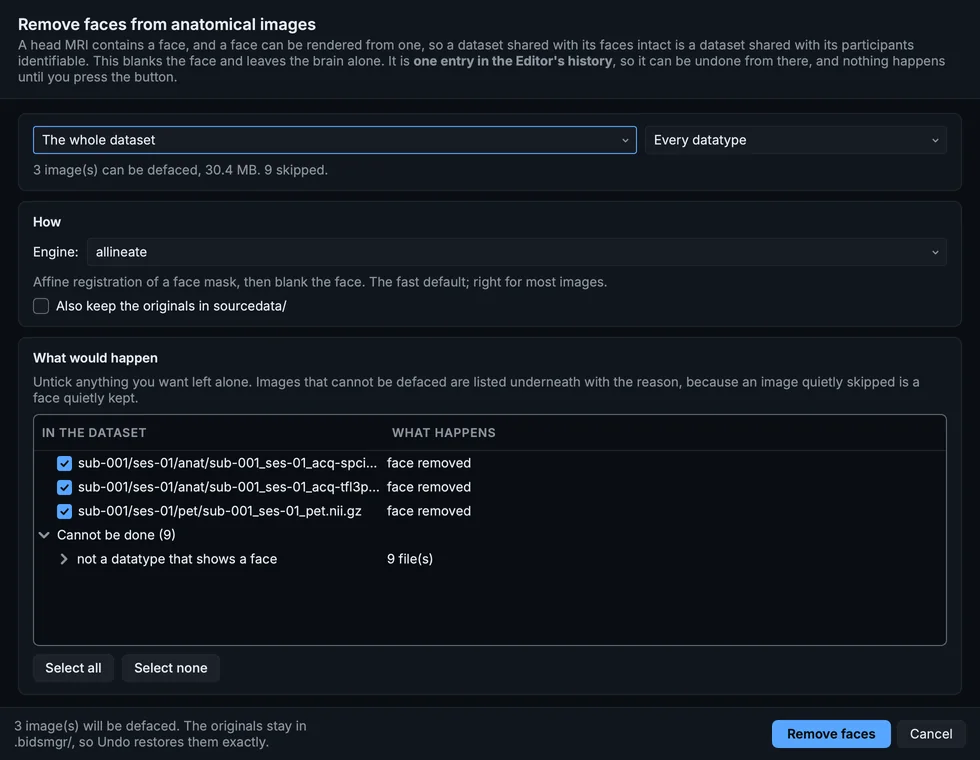
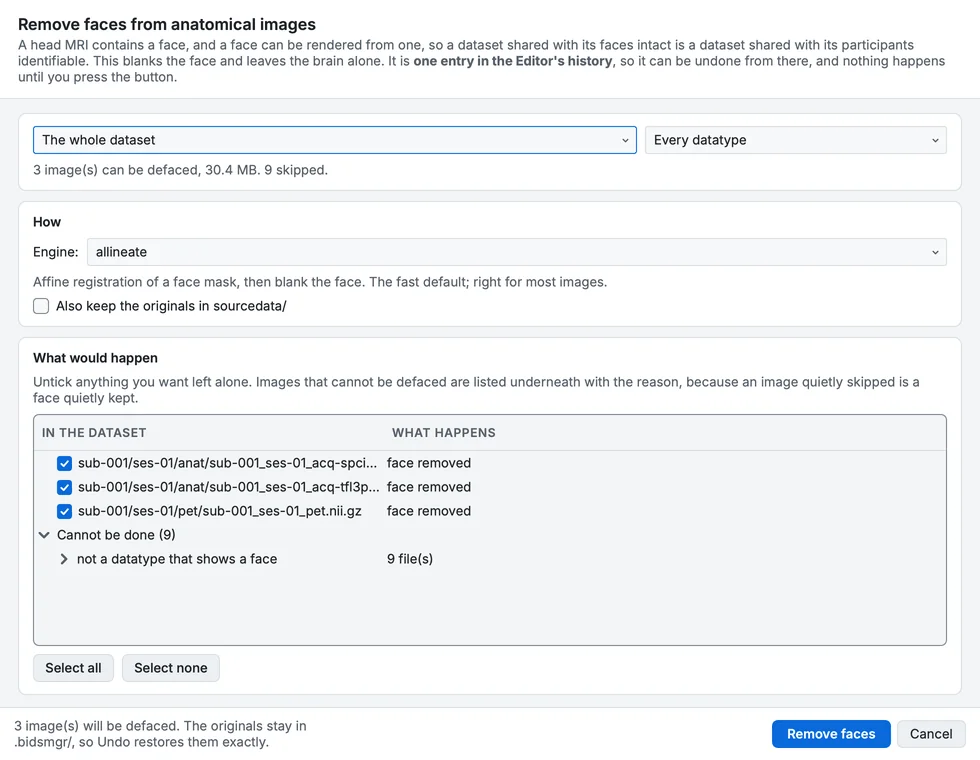
Remove faces, for the whole dataset.
Step 5. Remove the faces
Click Remove faces. Each image is replaced by its defaced version; the originals are kept in the project's .bidsmgr/ folder, and Put the face back restores them exactly. Tick Also keep the originals in sourcedata/ only for your own archive: those copies still show the face.
Step 6. Compare
Choose Tools > Compare with the original... with the T1w selected. The image before defacing and after are shown side by side in one viewer.
The T1w before and after defacing, in the Planes + 3-D layout: the face is gone, the brain is not.
Put the face back (or Tools > Put the face back...) restores an original.
Tools > Remove the skull... keeps only the brain instead, written as a derivative by default: useful for some analyses, but a skull-stripped image is not raw data. Both are covered in the Defacing and skull stripping guide.
Say what the dataset is
README
Select README at the top of the tree. The new project's README says only that BIDS Manager generated the dataset. Replace it with what someone needs to understand the dataset: what was recorded, from whom, with what design, and anything unusual. The document viewer shows a README as text; Rendered shows a Markdown README the way a repository would. Click Save.
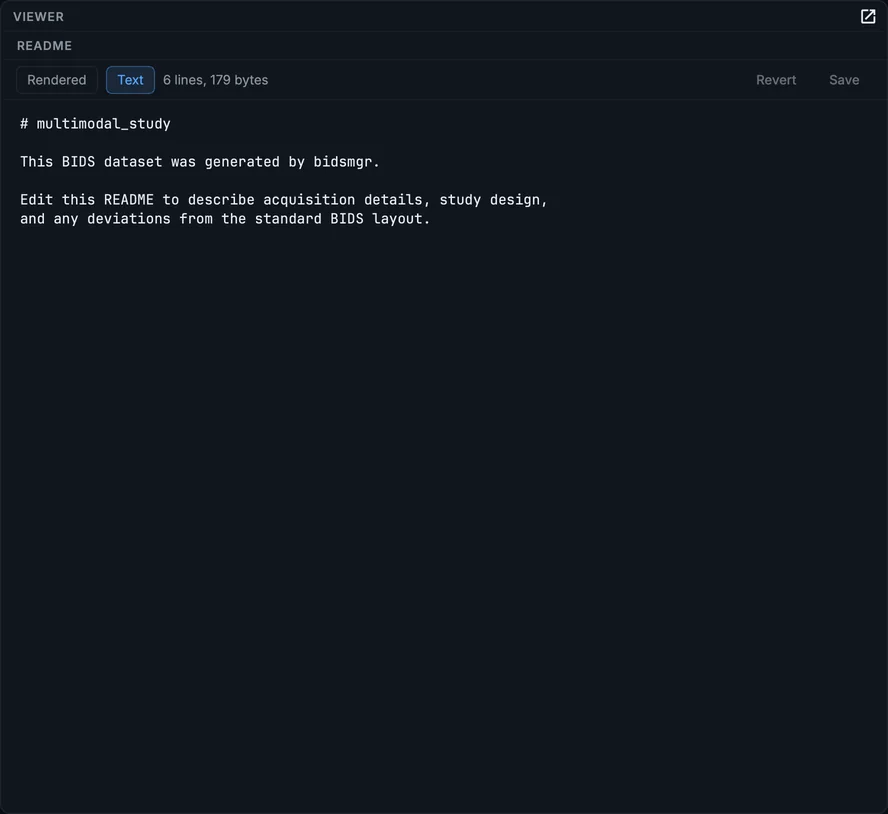
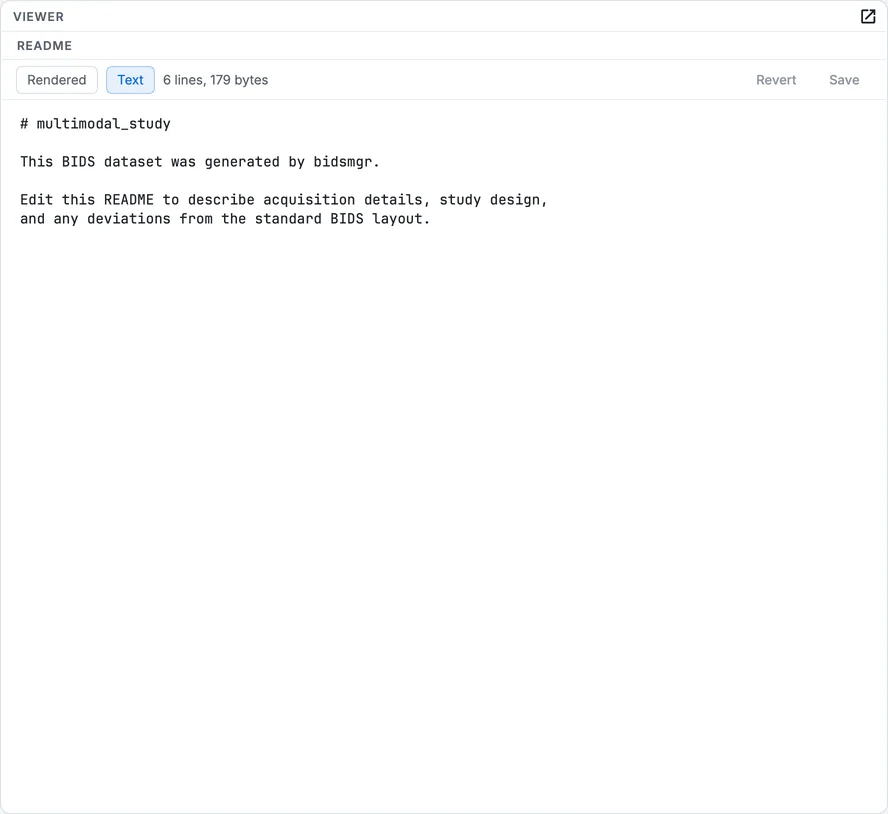
The README in the document viewer.
CITATION.cff
Tools > Fix ups... > Write CITATION.cff writes a citation file from the dataset description (chapter 7): the authors, the licence, how to acknowledge it. The standard does not allow authors in both files, so the authors move from dataset_description.json to CITATION.cff.
Validate one last time
Click Validate dataset, with Deep checks on. A dataset to share should have no errors. Read the remaining warnings: most will be TODO placeholders in fields nobody can answer for this data; replace each with a real value if you know it. To take placeholders back, choose a narrower scope under Unanswered metadata in Tools > Fix ups... and click Write TODOs: placeholders outside the scope are removed, and values you wrote are never touched.
What leaves your computer
Nothing, unless you send it. BIDS Manager uses the network for these things only, and sends nothing about your data with any of them:
- the update check at start-up, which asks PyPI for the latest version number (set
BIDSMGR_NO_UPDATE_CHECK=1in the environment to turn it off); - the first time a brain model runs (the quality check, and skull stripping with mindgrab), brainchop downloads the model from its project on GitHub, about 1.5 MB, and keeps it in
~/.cache/brainchop/. Without a network, the quality check uses its own masks instead and says so; - if you accept an offered update, the new version is downloaded from PyPI;
- on Linux, if the system lacks the
libxcb-cursor0library Qt needs, start-up downloads it withapt-get downloadinto~/.cache/bidsmgr/.
Your progress is kept in this browser only.