
Learn · Chapter 5 of 15
Naming recordings
Find out why each recording got the name it has, check the evidence, and change a name where the scan got it wrong. The sample has one to fix: the water reference of the spectroscopy.
Where a name comes from
A BIDS name is the datatype and suffix of a recording plus its entities. For MRI, BIDS Manager decides the datatype and suffix from how the series was acquired: its echo, repetition and inversion times, the readout, the number of volumes, the diffusion weighting, and the series around it (a single-band reference before its run, a reversed-phase reference beside a diffusion run). The name the operator typed on the scanner and dcm2niix's own guess count as second opinions. EEG, MEG, PET, spectroscopy and eye tracking are named from their format and their headers.
Each MRI name keeps its confidence (0 to 1) and the evidence behind it. The full method is in How names are decided.
Read a row's properties
Step 1. Select the T1w row
Click the row whose sequence is ses-pre_T1w. The Properties panel beside the table shows it.
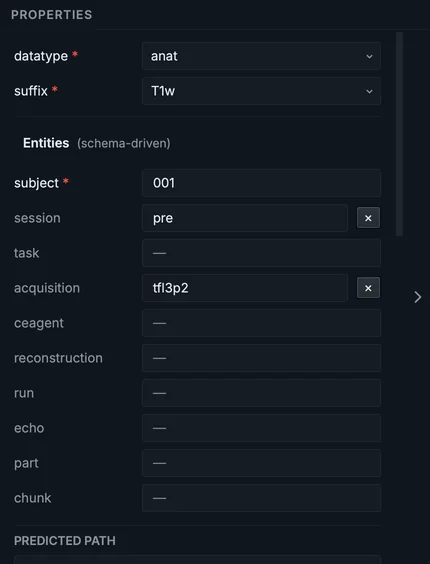
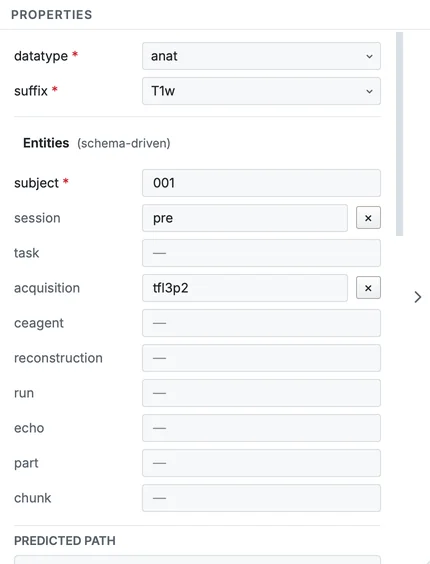
The Properties panel of the T1w row.
From the top: the datatype and suffix, each a dropdown of what the standard allows; the Entities this kind of file may carry, required ones marked with * (an optional entity with a value has a remove button beside it); then the Predicted path of the file in the dataset.
Step 2. Read why the FLAIR row is a FLAIR
Select the row whose sequence is ses-pre_T2w. The operator called this series a T2w, but BIDS Manager proposes FLAIR. Scroll the Properties panel to Why this name.
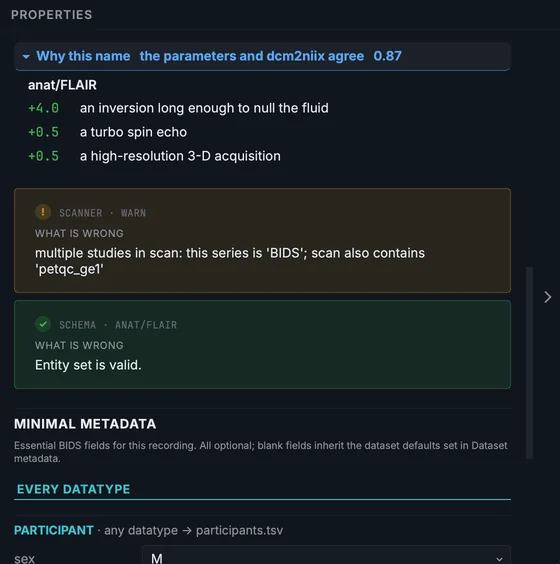
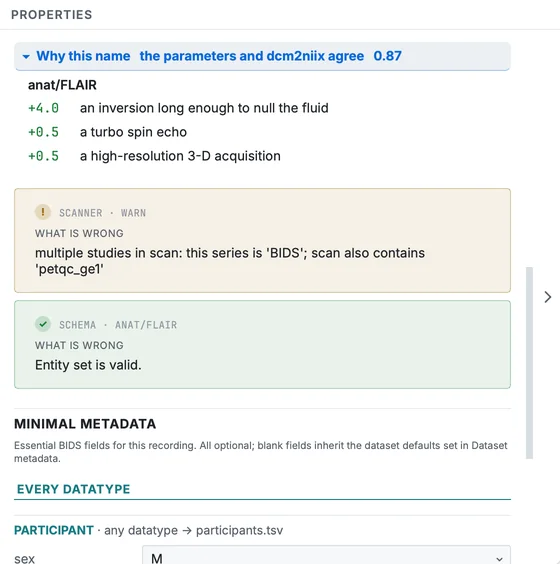
Why this name for the series the scanner called ses-pre_T2w.
The header says who decided (the parameters and dcm2niix agree) and how sure it is (0.87). Below, the evidence, each line with its weight: an inversion long enough to null the fluid (+4.0), a turbo spin echo (+0.5), a high-resolution 3-D acquisition (+0.5). A T2-weighted image with the fluid nulled is a FLAIR, whatever its series name says.
When the classifier is unsure, the box opens on its own and reads worth a look, and it lists the other names it considered, each with a button to use it instead.
The confidence column of the table shows the same number for every row, green from 0.80, amber from 0.40, red below (by default: Settings > Classification sets both thresholds). Hover it for a summary.
Change a name
The scan names the spectroscopy's water reference as a second spectrum, svs with run-2. In BIDS, a water reference has its own suffix: mrsref. Fix it in the Properties panel.
Step 3. Select the water reference
Click the second mrs row (its sequence starts with type-ref).
Step 4. Set its suffix to mrsref
Open the suffix dropdown and choose mrsref.
Step 5. Remove the run
The run entity is no longer needed: the spectrum and its reference now differ by suffix. Click the remove button beside run in the Entities list. Do the same on the first mrs row, so the spectrum is plain svs.
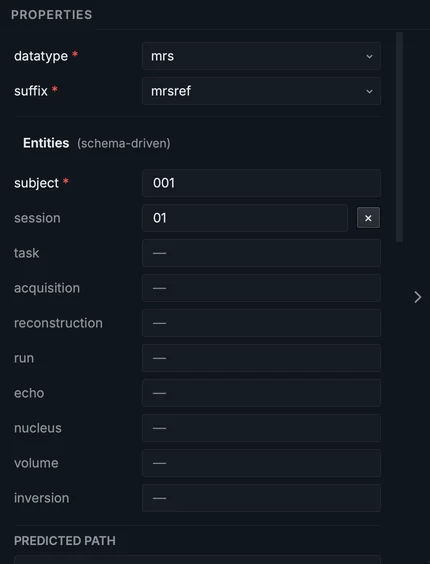
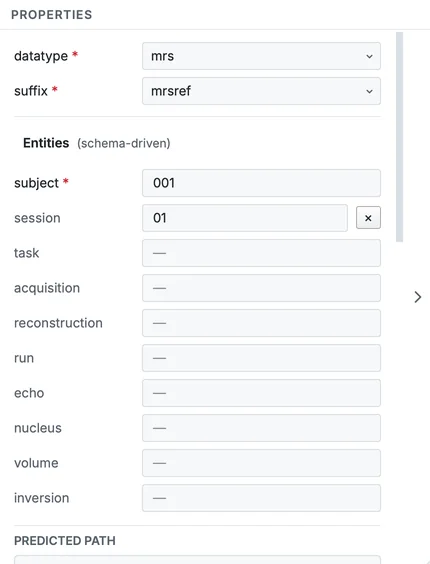
The water reference after the change, with its predicted path.
Any entity the standard allows for a row can be set the same way: type a value in its field and the name is rebuilt. A value that breaks the standard's format (a run that is not a number, a label with a hyphen or a space) is kept, but the row turns amber and the panel's SCHEMA note names the rule it breaks. Correct it before converting.
Look before you trust a row
Right-click (Control-click on a Mac) a row for what you can do with it.
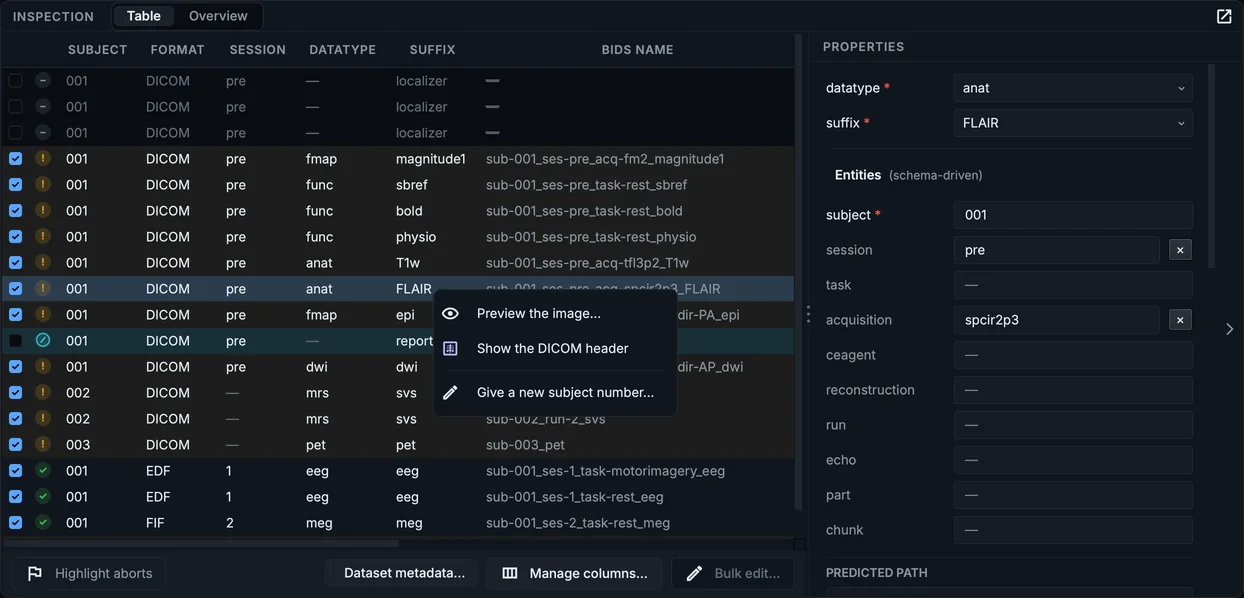
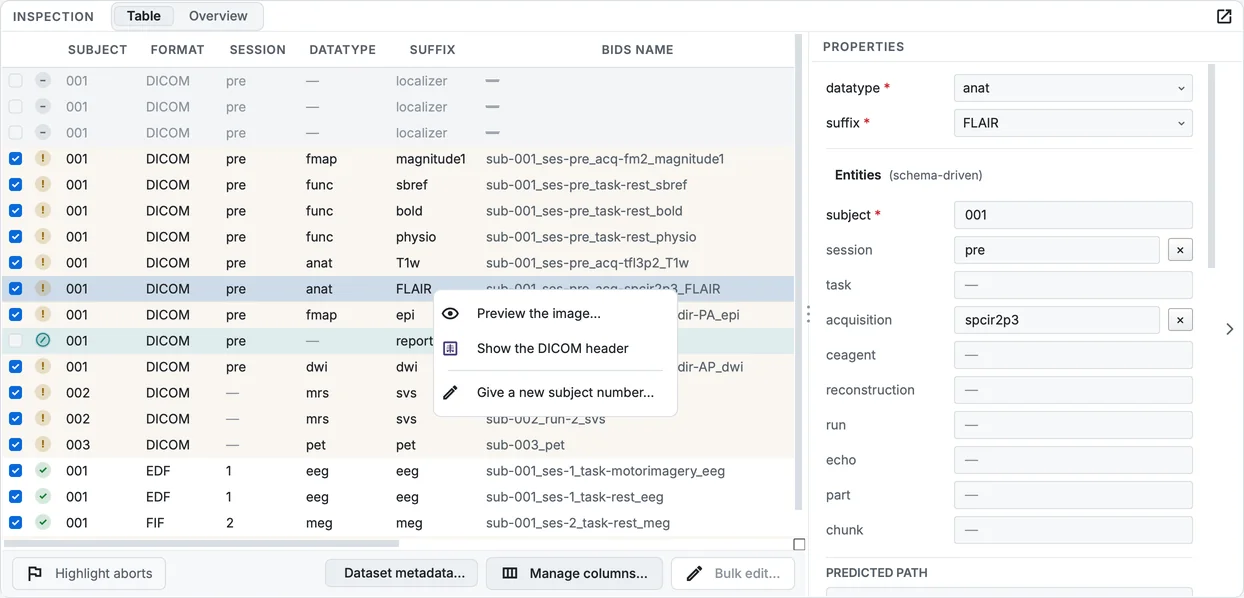
The right-click menu of the FLAIR row.
-
Preview the image... converts that one series on the side, the way the conversion will, and opens it in the viewer. Nothing is written to the dataset.
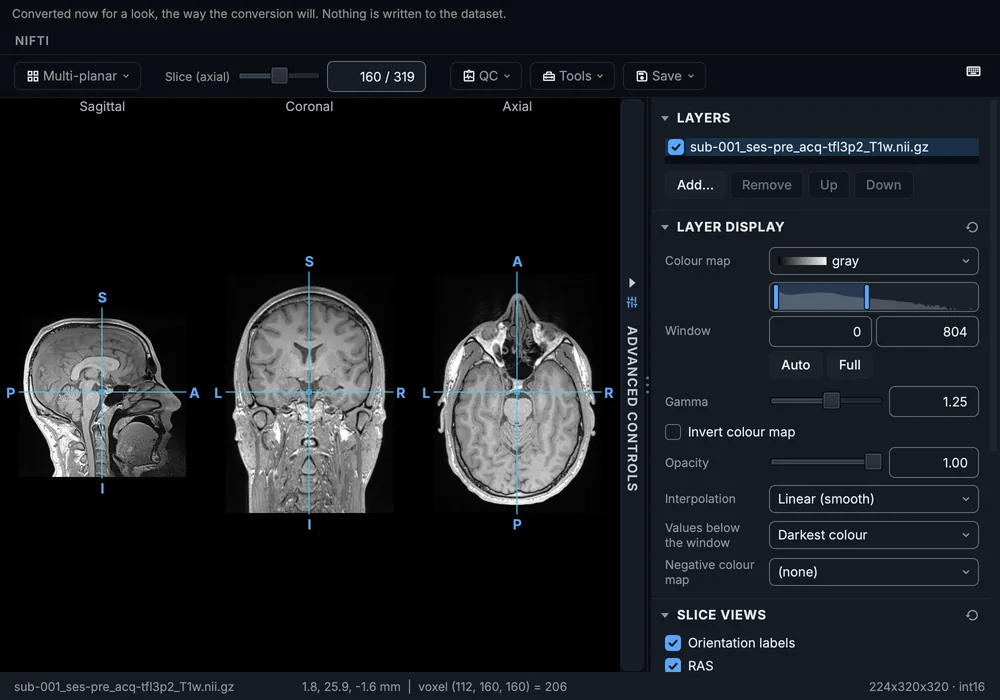
Preview the image on the T1w row.
-
Show the DICOM header opens the first file of the series with every element, its tag, and what BIDS Manager reads it for. Identifying values (names, birth date, IDs) are hidden until you turn on Show identifying values.
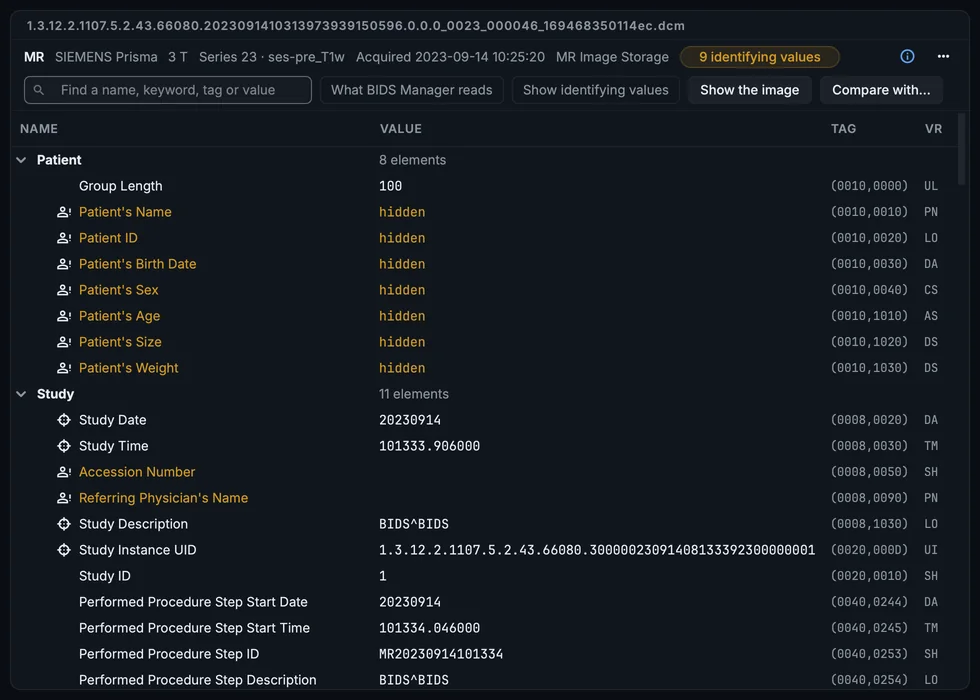
The DICOM header of the T1w series.
-
Give a new subject number... gives the people of the chosen rows the next free subject labels, as one edit. Use it when the scan put two people under one label, or when the labels should follow your own numbering.
Fieldmap rows also have Corrects these runs, which lists the BOLD, diffusion and ASL runs the fieldmap will be linked to; Fieldmap links and fMRIPrep explains how they are chosen. EEG and MEG rows have Compute the power spectrum.
Rename a subject or a session everywhere
The Structure view beside the table (chapter 6) groups the rows by subject and session. Right-click a subject or a session there and choose Rename subject sub-001... (or the session) to give it a new label on every row under it, as one edit.
Your progress is kept in this browser only.