
Learn · Chapter 7 of 15
Metadata you provide
Some of what BIDS asks for is in no file: who made the dataset and under what licence, what a task was, how much tracer was injected, who the participants are. Enter it once, before converting, and the conversion writes it into every file it belongs in.
What the conversion cannot know
Converters read everything the raw files record: echo times, sampling rates, channel names, the tracer named in a PET header. What they cannot read, BIDS still asks for in some cases:
- about the dataset: its authors, licence, how to acknowledge it;
- about each kind of recording: what the task was and what the participant was told;
- about PET: the injected mass, the specific activity, how the tracer was given;
- about the participants: age, sex, handedness, group.
BIDS Manager asks these questions in Dataset metadata…, sorted by the file each answer goes into, and only the ones that still apply after the conversion has read what it can.
Open Dataset metadata
Step 1. Open the Dataset metadata dialog
Click Dataset metadata… under the table.
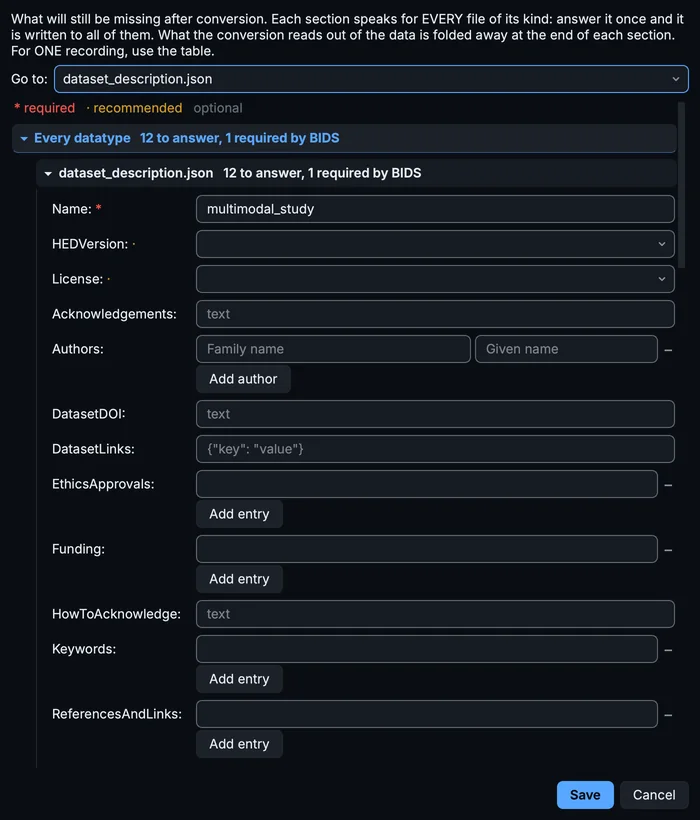
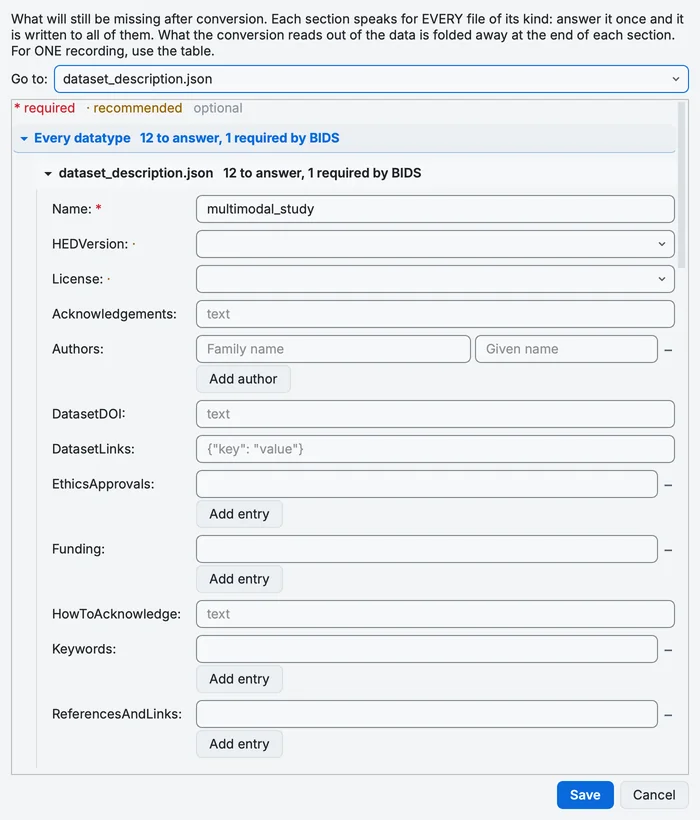
The Dataset metadata dialog.
The dialog lists one section per file the answers go into: first dataset_description.json under Every datatype, then, under Per datatype, one section per kind of sidecar, such as every *_bold.json in func/. Each section says how many questions it has and how many of them the standard requires. Go to: at the top jumps to a section. Fields marked * are required, · recommended, and the rest optional.
Step 2. Describe the dataset
Open dataset_description.json. Name is already the project's name. Fill in:
- Authors: one row per person, family name and given name; Add author adds a row. The course uses two.
- License: the licence the dataset is shared under; the dropdown offers the standard identifiers. The course uses
CC-BY-4.0. - Acknowledgements and HowToAcknowledge: who to thank, and how users of the dataset should cite it.
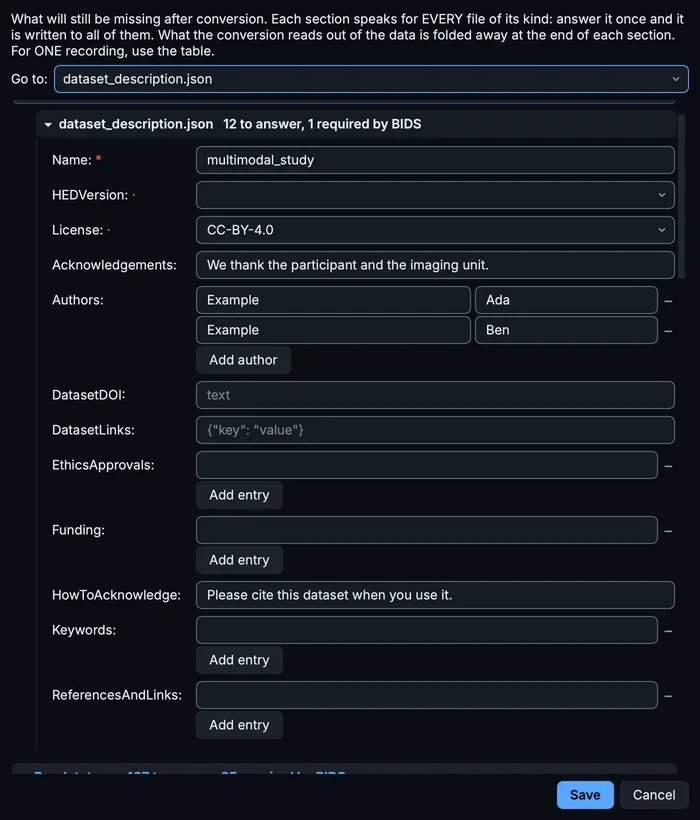
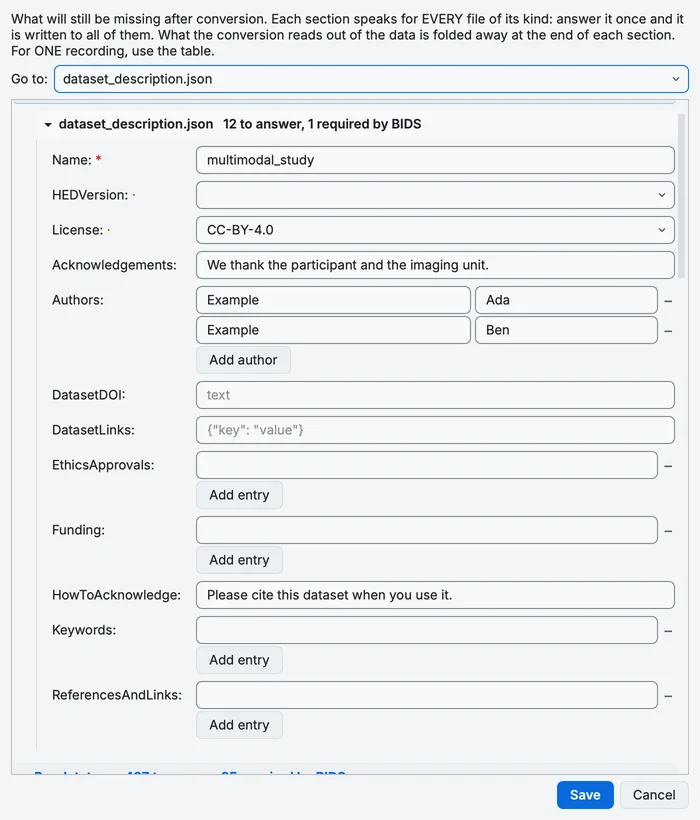
The dataset description, filled in.
Changing Name to something other than the folder's name makes BIDS Manager ask whether you meant to rename the project folder too.
Step 3. Look at a kind of file
Open every *_bold.json. Its fields go into the sidecar of every BOLD run: TaskName and TaskDescription, Instructions, CogAtlasID and others. A field the conversion will fill from the data is folded away under Already answered by the conversion; open it only to correct what the data says. A field the conversion usually fills, but could not find in your files, is marked not in your files.
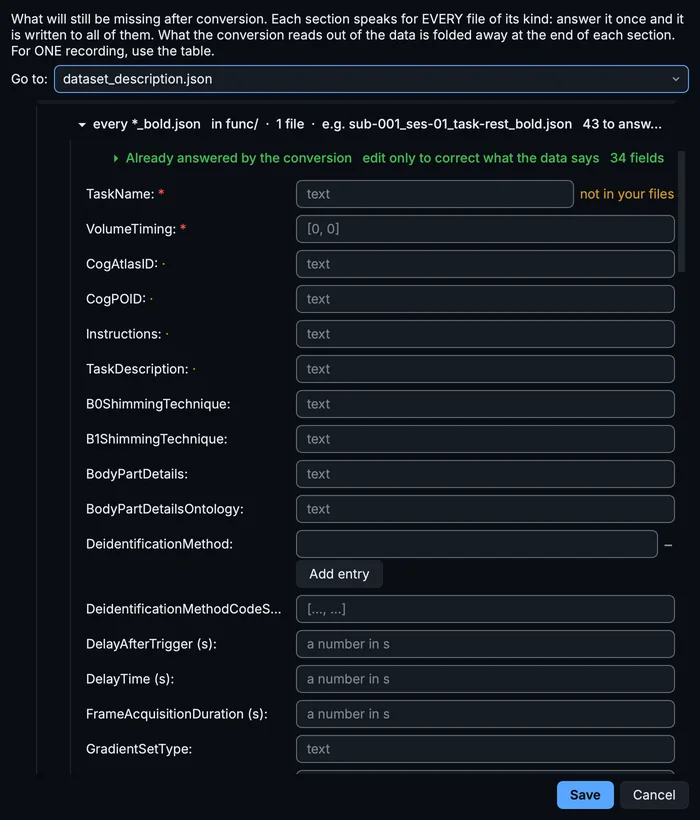
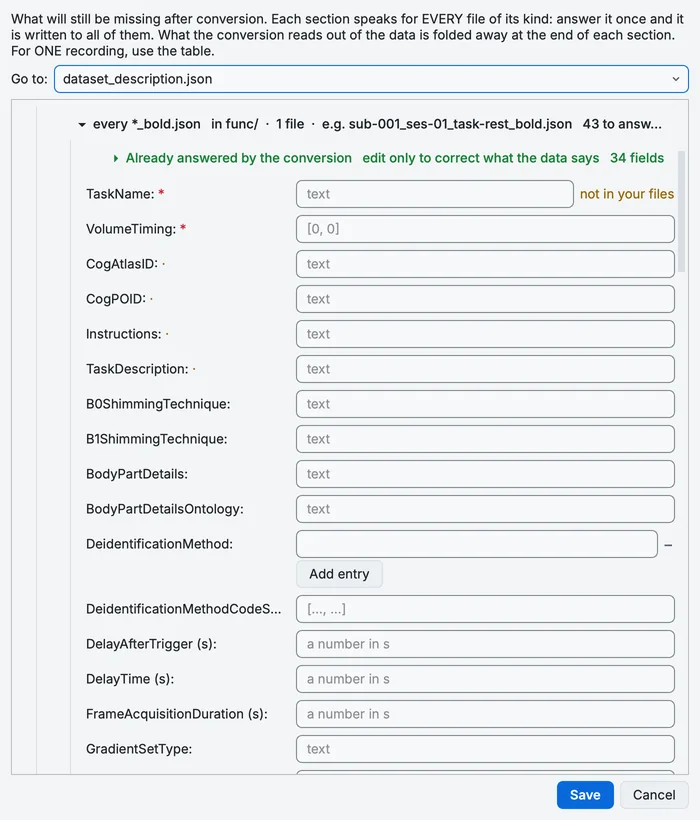
The section for every BOLD sidecar.
The course leaves these for now: chapter 10 fills a task description in the Editor, to show the other way of adding metadata.
Step 4. Import the PET dose sheet
Scroll to PET dose file under BIDS MANAGER SETTINGS, click Import… and choose dose_sheet.csv from the sample folder. The status line reads dose_.
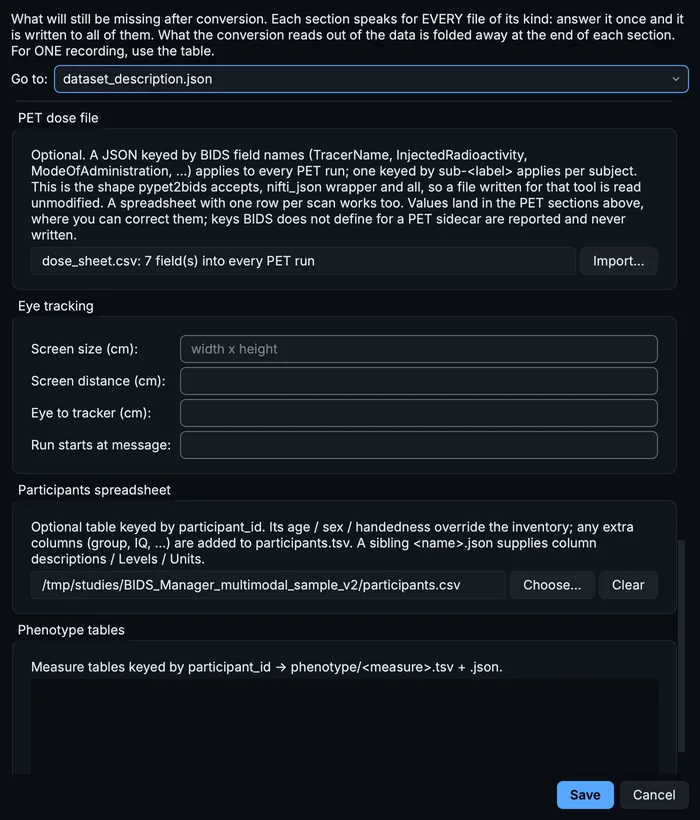
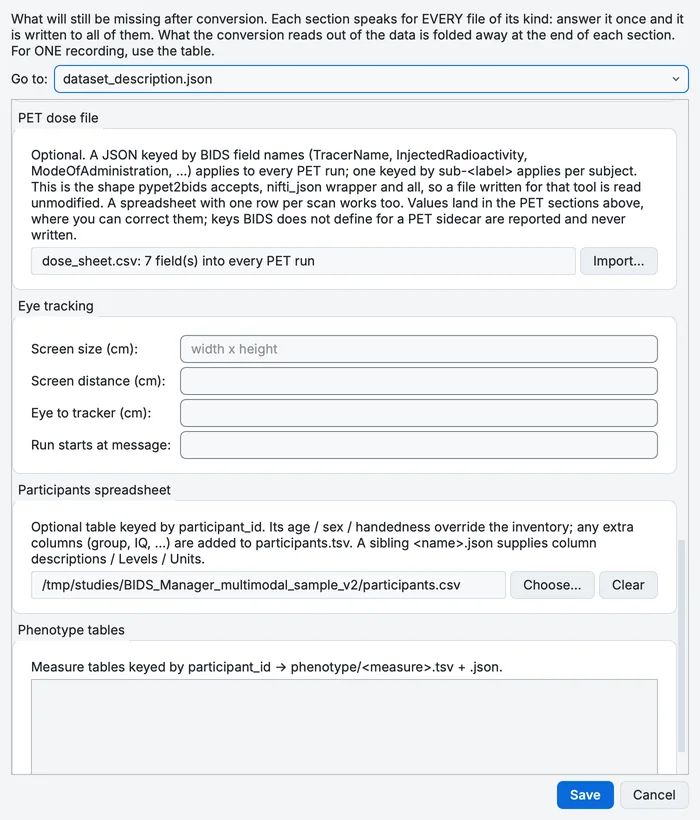
The PET dose file after the import, and the participants spreadsheet.
A dose file can be a spreadsheet (one row per field, or one row per scan) or a JSON file in the form PET2BIDS accepts. A field BIDS does not define for a PET sidecar is reported and left out.
Step 5. Choose the participants spreadsheet
In Participants spreadsheet, click Choose… and pick participants.csv. It is keyed by participant_id and gives the participant's sex, age, handedness and group. Its age, sex and handedness win over what the headers said; any other column (here group) is added to participants.tsv. A JSON file with the same name beside your spreadsheet (participants.json beside participants.csv), if you have one, describes the columns.
Step 6. Save
Click Save. The answers are kept with the scan table in the project, and the BIDS preview (chapter 6) shows them in the files they will be written to, in the colour for your own answers.
The other groups
- Events: a readable label for each event code, written into every
_events.tsv. The sample's EEG events keep the names PhysioNet gave them (T0,T1,T2); the EEG guide labels them. - Montage (EEG): the electrode layout the conversion applies, which fills
electrodes.tsvandcoordsystem.json. - Eye tracking: the screen size and distance, the eye-to-tracker distance, and the message that marks the start of a run.
- Phenotype tables: measures keyed by
participant_id, written tophenotype/<measure>.tsv.
One recording at a time
The Dataset metadata dialog answers for every file of a kind. For one recording, use the Properties panel: below the name, MINIMAL METADATA holds that row's own values: the participant's sex, age and handedness, the companion files to copy with it (events, behavioural or stimulus files), and fields of its kind, such as an EEG recording's reference, ground, montage and power line frequency.
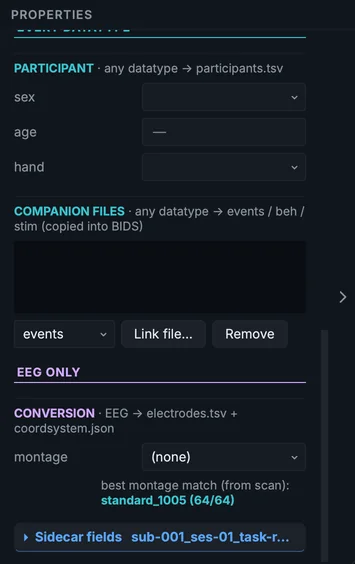
Minimal metadata of the resting EEG row.
A field you leave blank there takes the value set for its kind, which takes the value set for the dataset; a value typed on a row wins over both. The order is spelled out in How values are inherited.
Unanswered fields and TODO
A recommended field nobody answered is, by default, written into the files as the placeholder TODO, so you can find it later: the validation in chapter 9 lists every one. Settings > Convert > Write TODO into missing fields turns this on and off, and In which fields: chooses required fields only, required and recommended (the default), or every field the standard declares. Fields where a placeholder would itself be an error (numbers, true or false, fields with a fixed list of values, fields that name or link other files) never get one. More in Metadata levels and TODO placeholders.
Your progress is kept in this browser only.