
Guides
Converting eye tracking
Convert an EyeLink recording into BIDS physiological recordings, one pair of files per eye, and pair it with the run it was recorded during, so its files sit beside the run, and give the message that marks the run's start so the recording is placed on the run's clock.
What BIDS makes of an eye tracker
BIDS stores eye tracking as physiological recordings: per eye, a _physio.tsv.gz with the samples (gaze position and pupil size) and a _physioevents.tsv.gz with what the tracker detected (fixations, saccades, blinks, and the messages the experiment and the tracker logged), each with its sidecar. The two eyes of a binocular recording are told apart by recording-eye1 and recording-eye2.
The EDF file holds the samples, the events, the tracker's model and the calibration. It does not hold the run it belongs to, the size of the screen, or how far the participant sat from it, which the standard requires for gaze measured on a screen.
Pair the recording with its run
An eye tracker usually records during a task or a scan. Paired, its files are named after that run (same folder, session, task and run) and sit beside it.
Step 1. Look at the eye-tracking row
Select the row whose format is EyeLink EDF. Under EYE TRACKING in Properties, Run offers the runs it could belong to; the fields below it are what the file does not say.
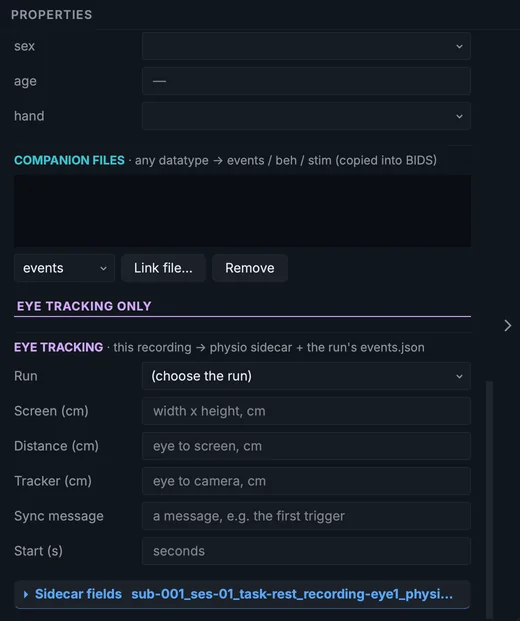
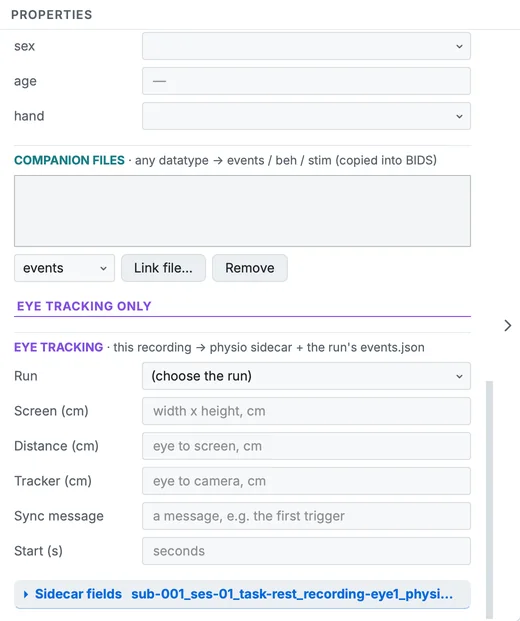
Properties of the eye-tracking row.
Step 2. Choose the run
Choose the resting BOLD run in Run (or right-click (Control-click on a Mac) the row and use Pair with a run). The row moves to func and takes the run's name, in one change you can undo.
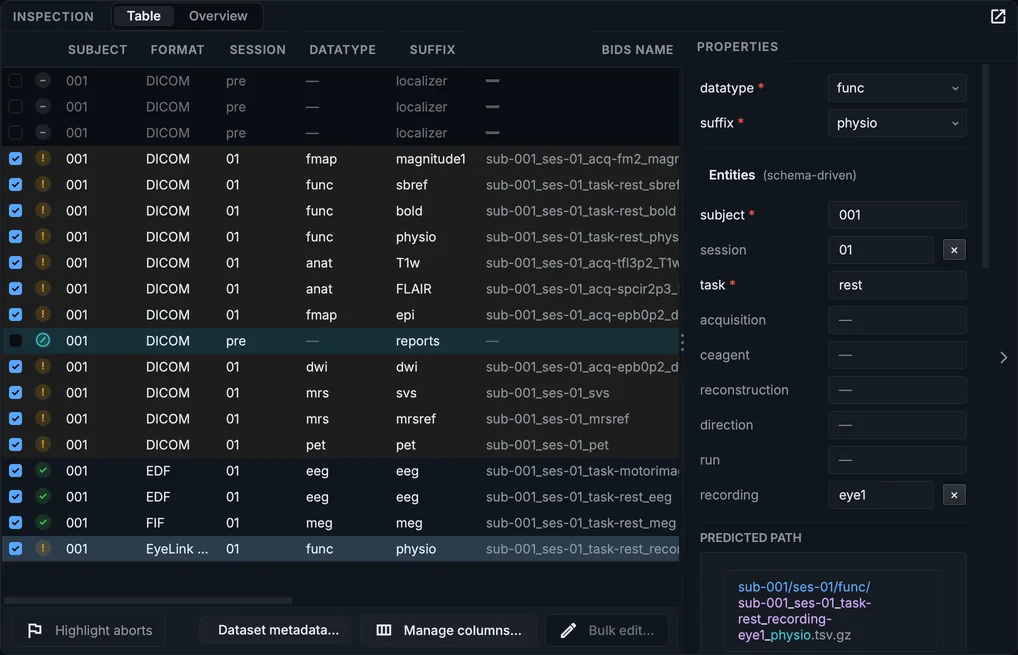
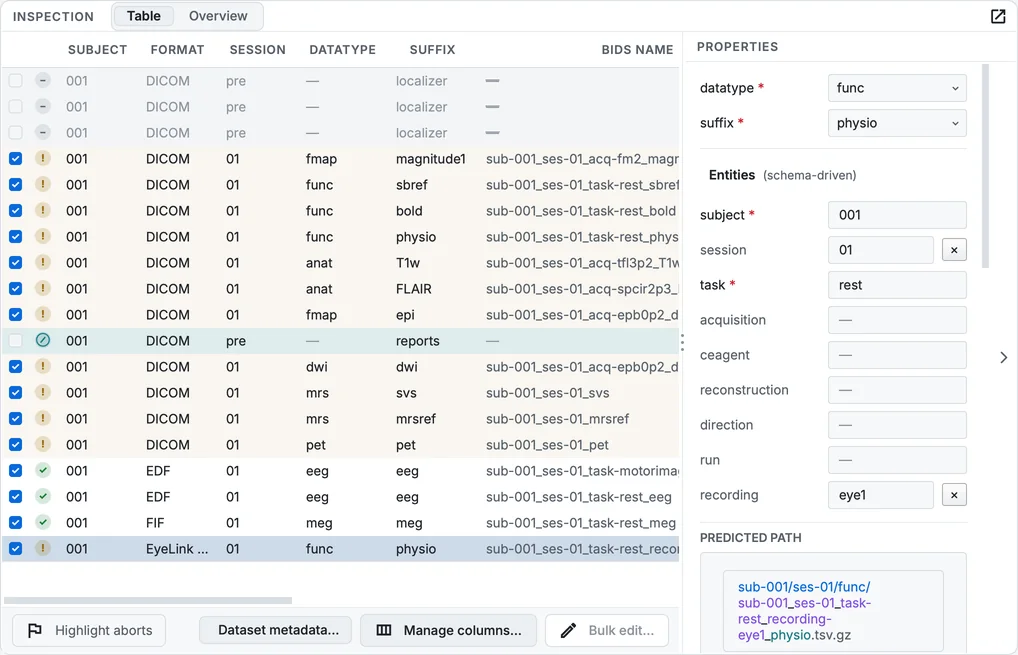
The table after pairing the eye tracker with the BOLD run.
Step 3. Give the screen and the timing
Fill Screen (cm) with the visible screen's width and height, Distance (cm) from the eye to the screen, and Tracker (cm) to the camera. If the experiment logged a message when the run started (the scanner's first trigger, say), give its text in Sync message: the recording's StartTime is then measured from it. Values for every eye tracker of the study go in Dataset metadata… under Eye tracking.
Convert and look
After the conversion, each eye has its pair of files. In the course, where the recording was not paired, they are in beh/:
sub-001/ses-01/beh/
├── sub-001_ses-01_task-rest_recording-eye1_physio.tsv.gz   + .json
├── sub-001_ses-01_task-rest_recording-eye1_physioevents.tsv.gz + .json
├── sub-001_ses-01_task-rest_recording-eye2_physio.tsv.gz   + .json
└── sub-001_ses-01_task-rest_recording-eye2_physioevents.tsv.gz + .json
Select …_recording-eye1_physio.tsv.gz in the Editor and click Visualize to draw it: the gaze position and the pupil size; the gaze traces break where the tracker lost the eye. The sidecar's RecordedEye says which eye it is.
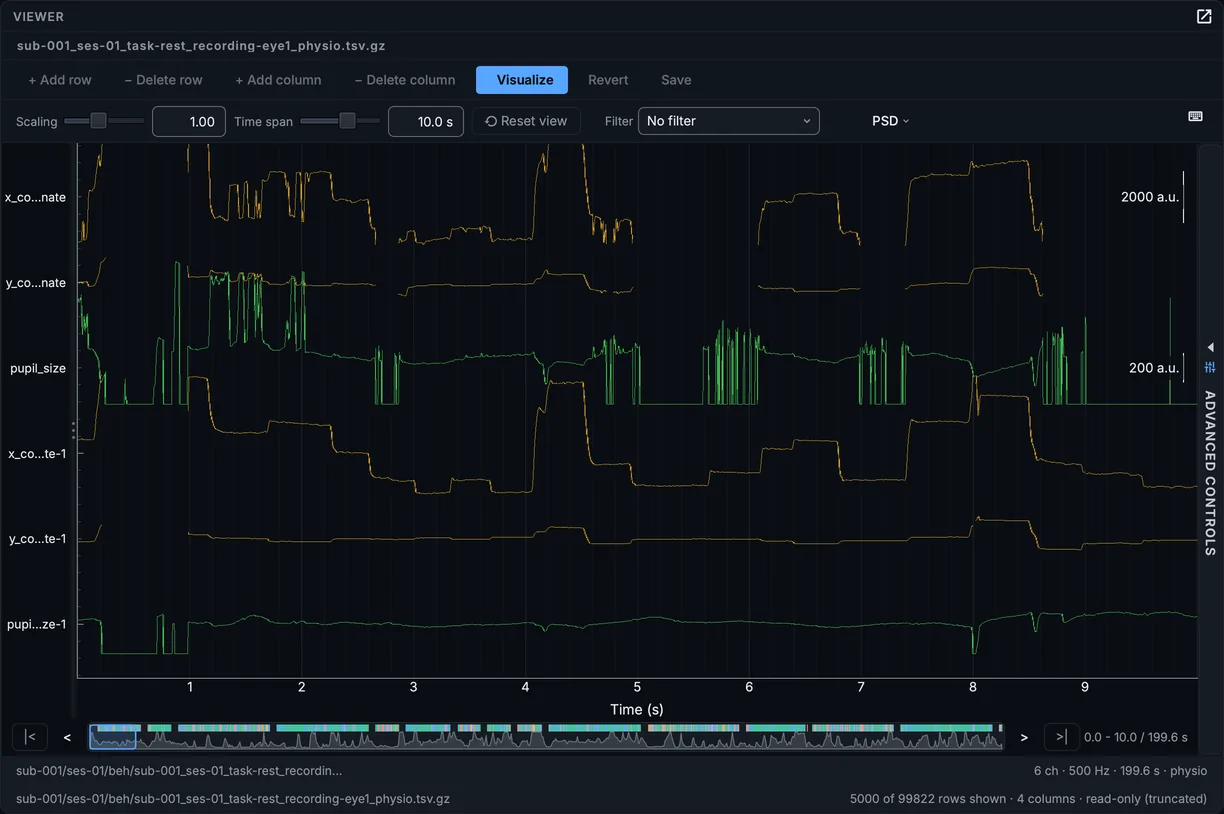
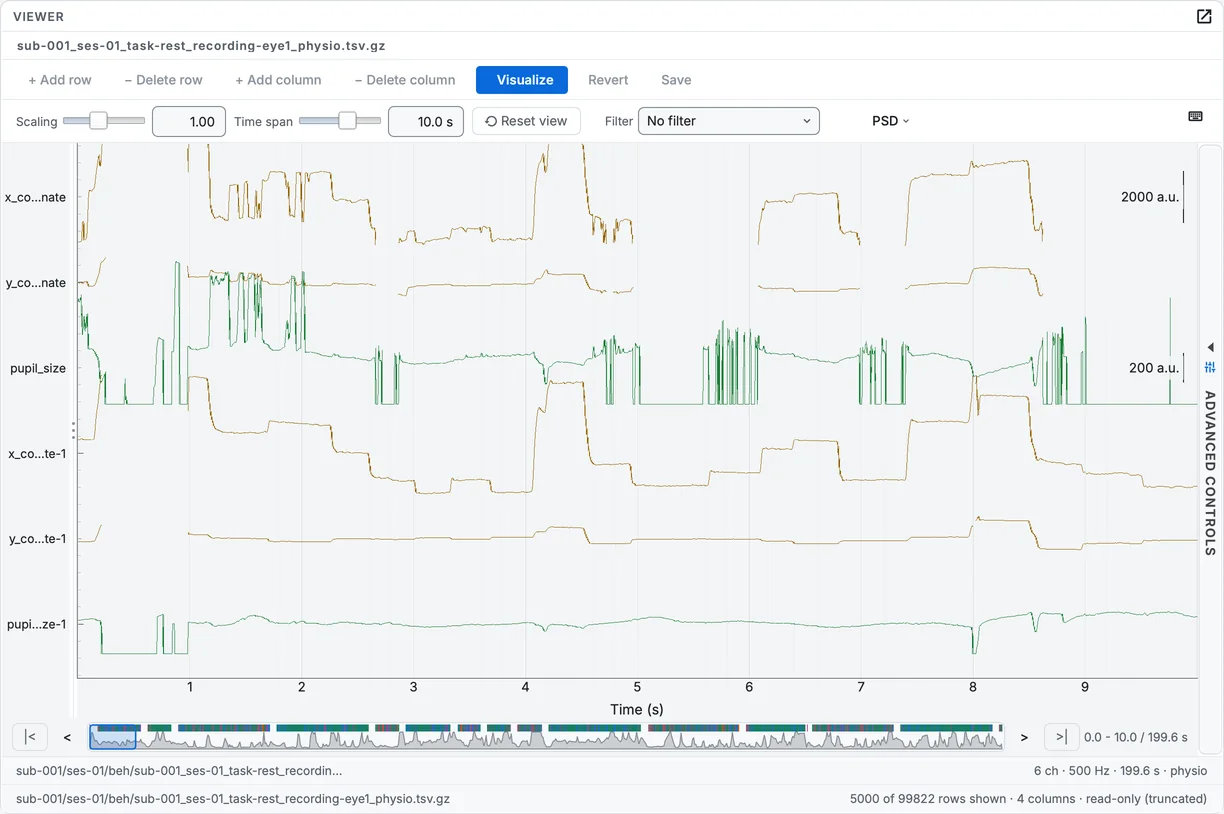
The first eye's recording, drawn.
In your own data
- ASC files (exported with SR Research's
edf2asc) are read as well as EDF. - Several eye-tracking files per participant: pair each with its run; their names then differ by task and run.
- Events of the task: the messages the experiment logged are kept in
physioevents; the task's own events belong in the run'sevents.tsv. - Generate missing companion files (Settings > Convert) writes an
events.tsvstub for eachphysioeventsfile, which BIDS does not need; delete it (Known issues).