
Guides
Worked examples
Short recipes for what comes up in real studies, each with the tool that does it and what to check afterwards. The table, Properties and bulk edit before converting; scan rules and templates for what repeats from study to study; the Editor's tools for a dataset that already exists.
Before converting: the table and Properties
Give several runs the same task at once
The situation. The file names of an EEG study say nothing about the task (S001R04.edf), so the scan uses the file name as the task.
What to do. Select the rows of one task, across participants (⌘ + Click on macOS, Ctrl + Click on Windows and Linux adds a row), click Bulk edit…, choose task, type the task's name, and click Apply to N row(s). Do the same for each task, then for the runs (Converting EEG does it for 28 recordings).
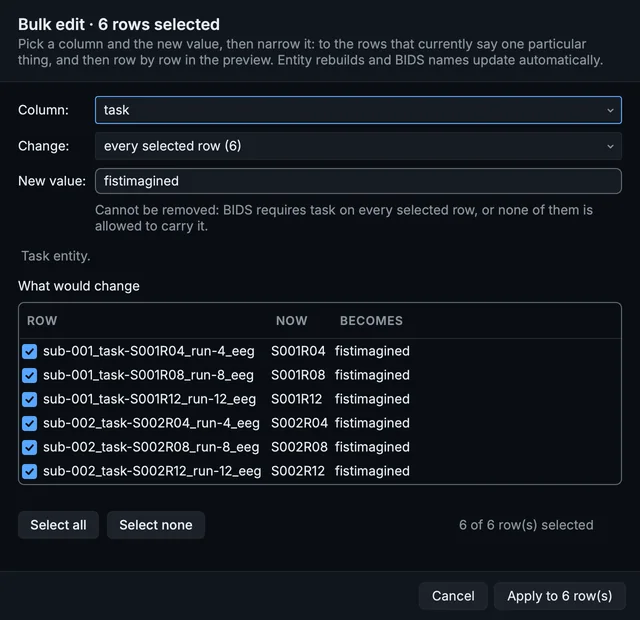
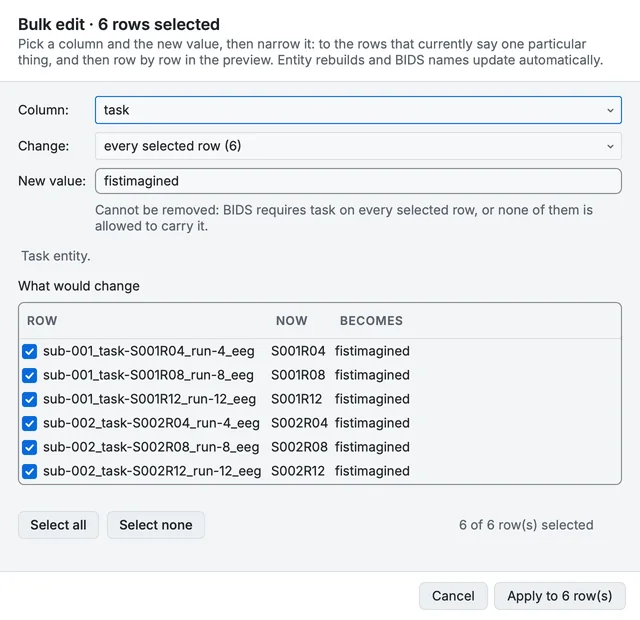
Bulk edit naming one task for six rows of two participants.
Take a label off every row that has one
The situation. The scan added an acq label to MRI series from their protocol names, and your study does not need them.
What to do. Select the rows, open Bulk edit…, choose the entity in Column:, and tick Remove this entity from the rows that have it. What would change lists each name now and after; rows without the label, and rows that are not allowed to lose it, are left alone.
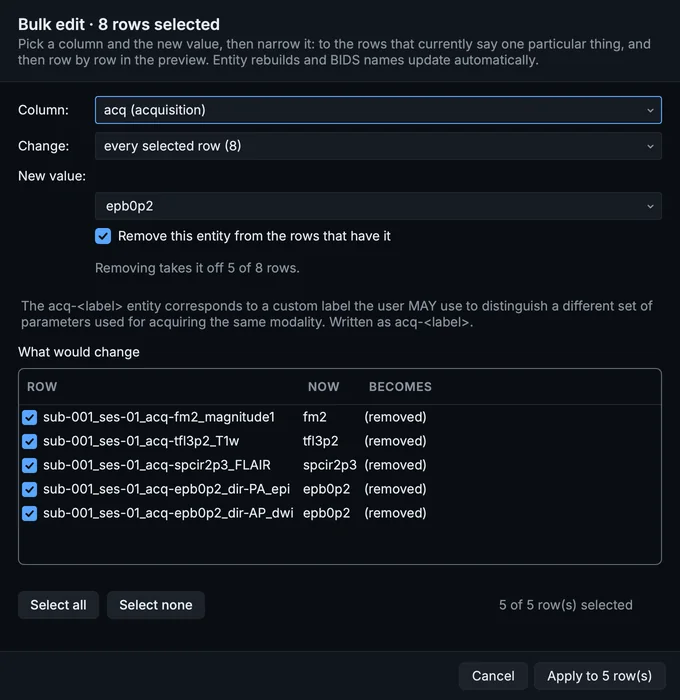
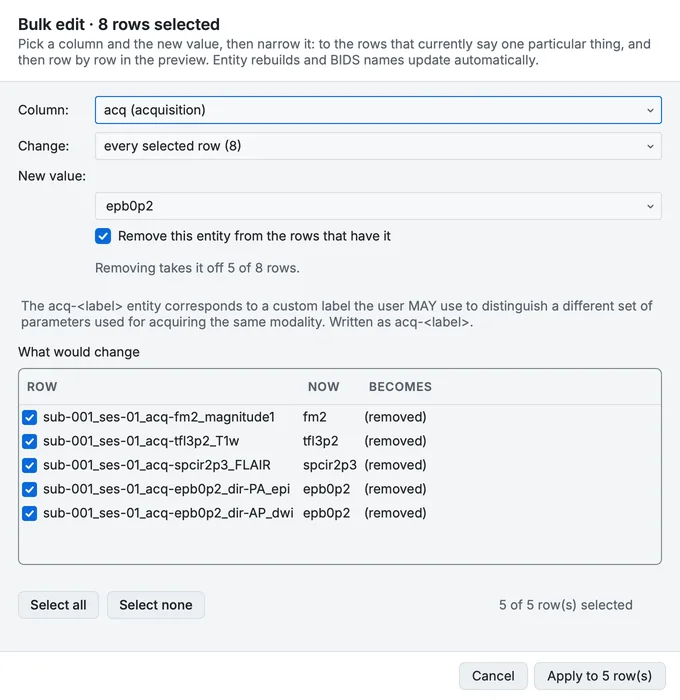
Bulk edit taking the acquisition label off the MRI rows.
Number a second batch of participants
The situation. A second batch of data comes back numbered from sub-001 again, and would collide with the first.
What to do. Select the new batch's rows, right-click (Control-click on a Mac), and choose Give new subject numbers...: each person gets the next free number, in order of acquisition, in one step you can undo.
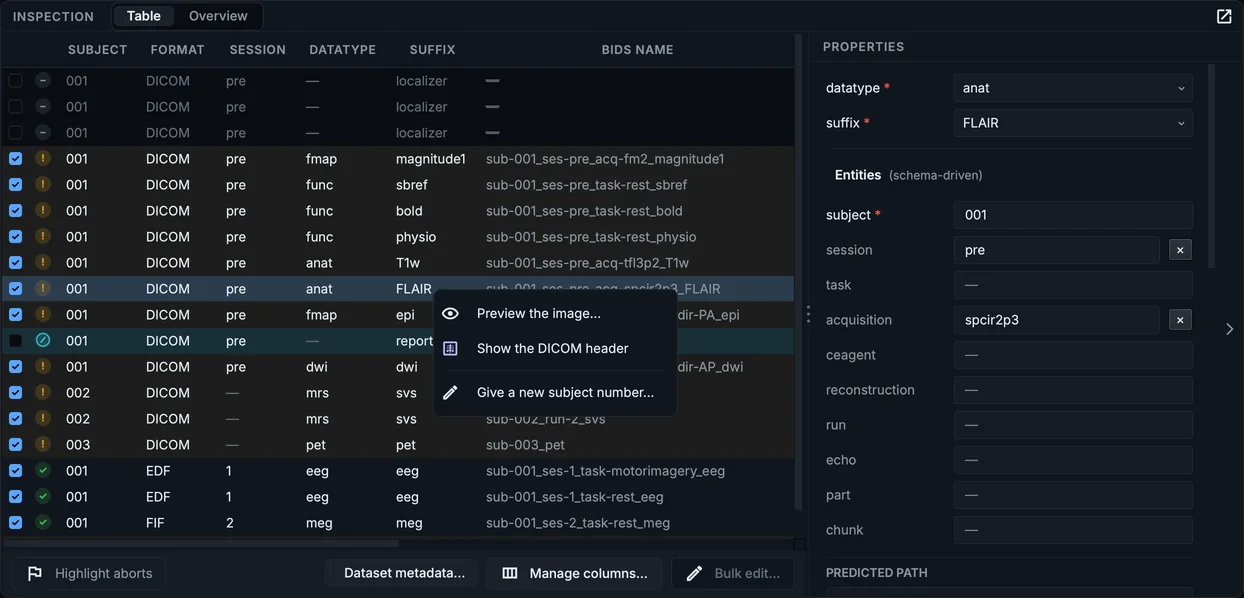
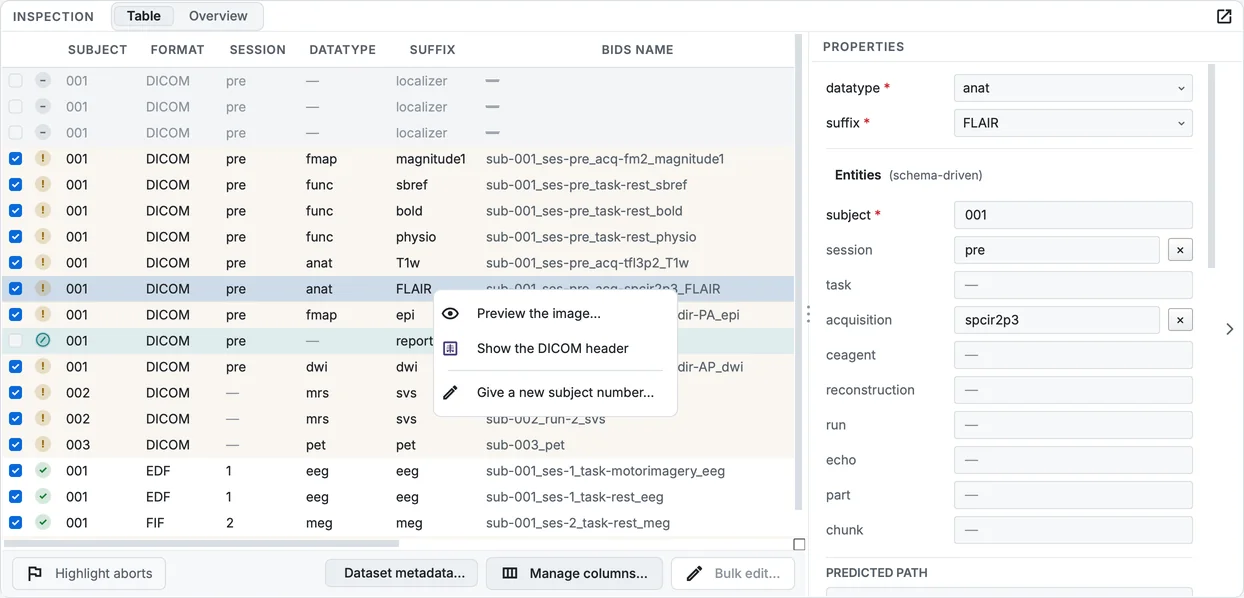
The row menu, with Give new subject numbers.
Answer a field for one recording only
The situation. One participant's EEG used a different reference from the rest.
What to do. Select that row; in Properties, under MINIMAL METADATA, set the field for that recording. It overrides the dataset's answer for that row only; clearing it gives the row the dataset's answer again (Metadata you provide).
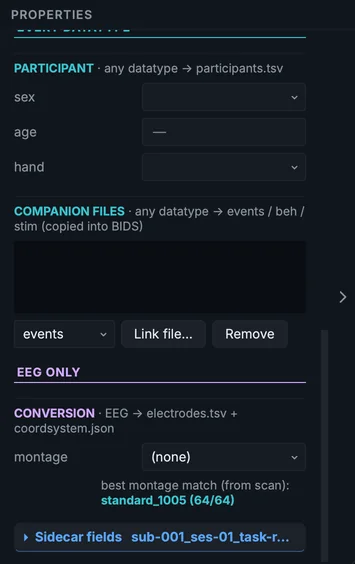
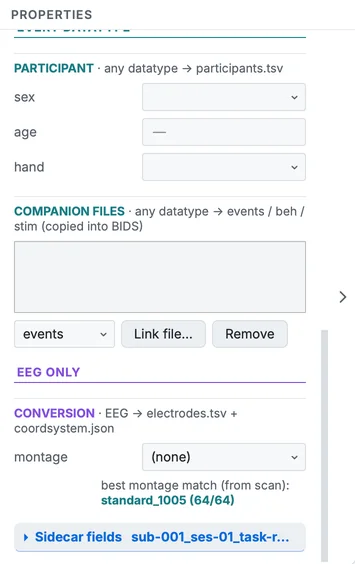
Properties of one row: the values that apply to that recording.
For what repeats: scan rules and templates
Name a sequence your scanner calls something odd
The situation. Your site's localiser or your custom sequence has a name no tool recognises, and you name it by hand in every study.
What to do. In Settings > Scan rules, add a row under Custom sequence hints: the patterns that match the series name (comma-separated), the datatype and suffix it should get, and optionally the task. Tick Force only if the rule must win over everything else, the parameter classifier and dcm2niix included; without it, the rule names only series dcm2niix did not, and the parameter classifier can still rename them (How names are decided). Every later scan applies it.
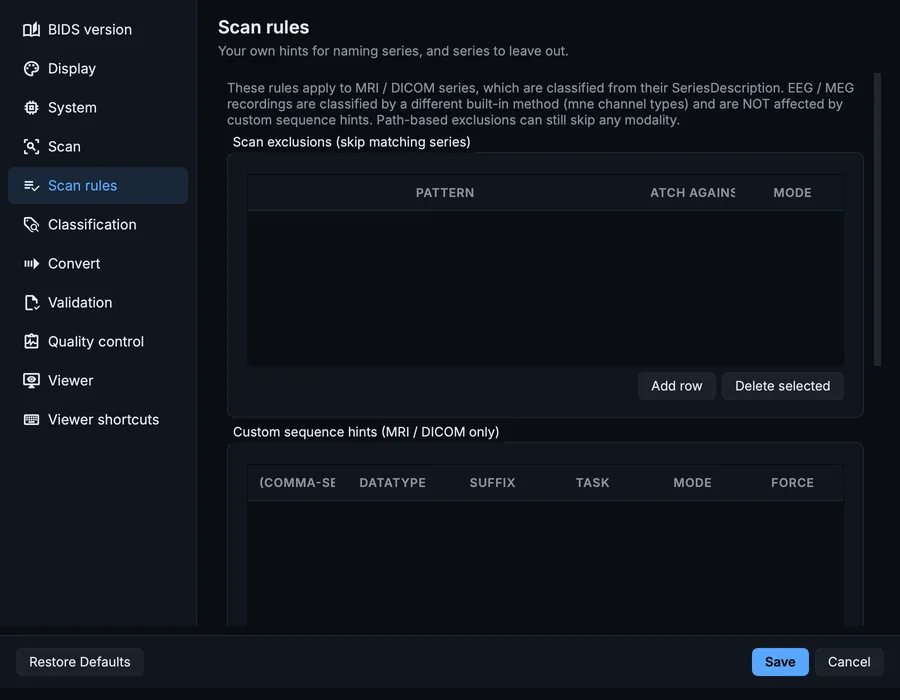
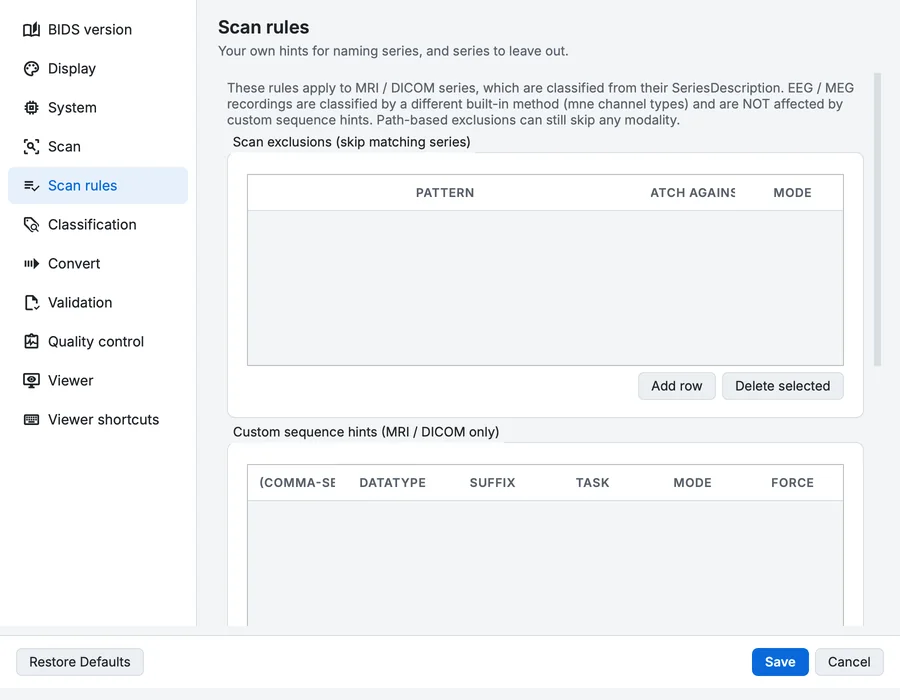
Settings, Scan rules: hints for naming series, and series to leave out.
Leave a series out of every scan
The situation. Your protocol records a test series, or a vendor's report, that never belongs in the dataset.
What to do. Add a row under Scan exclusions: a pattern, whether it matches the series name or the file path, and whether it is plain text or a regular expression. Matching series are left out of every scan, with a note saying which rule did it; to convert one again, take the rule out and scan again.
For scripts, the same rules are a JSON file that bidsmgr-scan --rules-file rules.json reads:
{
  "user_hints": [
    {"patterns": ["mprage_custom"], "datatype": "anat", "suffix": "T1w", "match_mode": "substring", "force": false}
  ],
  "scan_exclusions": [
    {"pattern": "QA_phantom", "target": "sequence", "match_mode": "substring"}
  ]
}
Answer the same field for every file of a kind
The situation. Every BOLD run of the study shares a task description and instructions, and every EEG recording the same cap.
What to do. In Dataset metadata…, open the template for that kind of file (every *_bold.json, every *_eeg.json) and answer the fields there. The answer is written into every file of that kind at the next conversion, and the template is kept with the scan table.
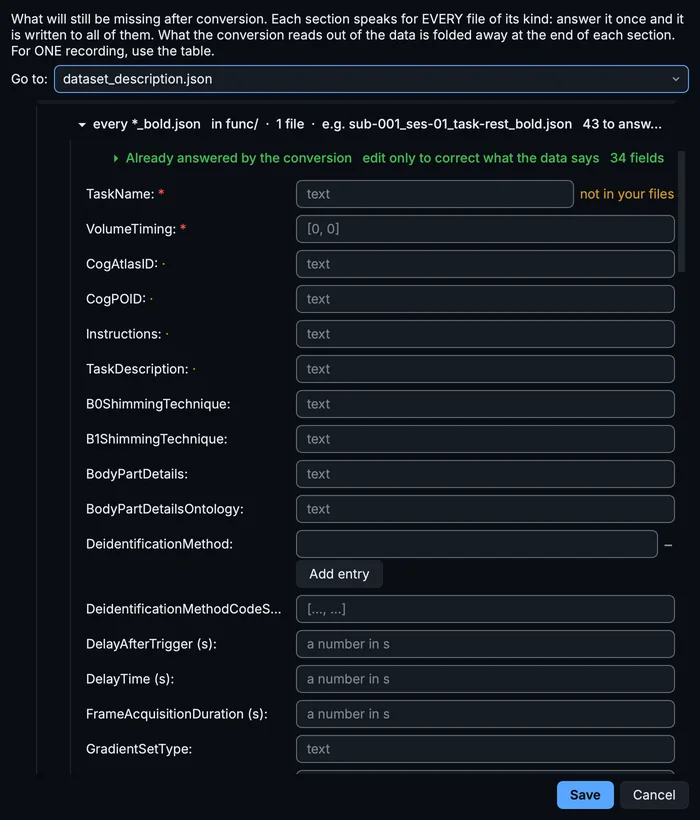
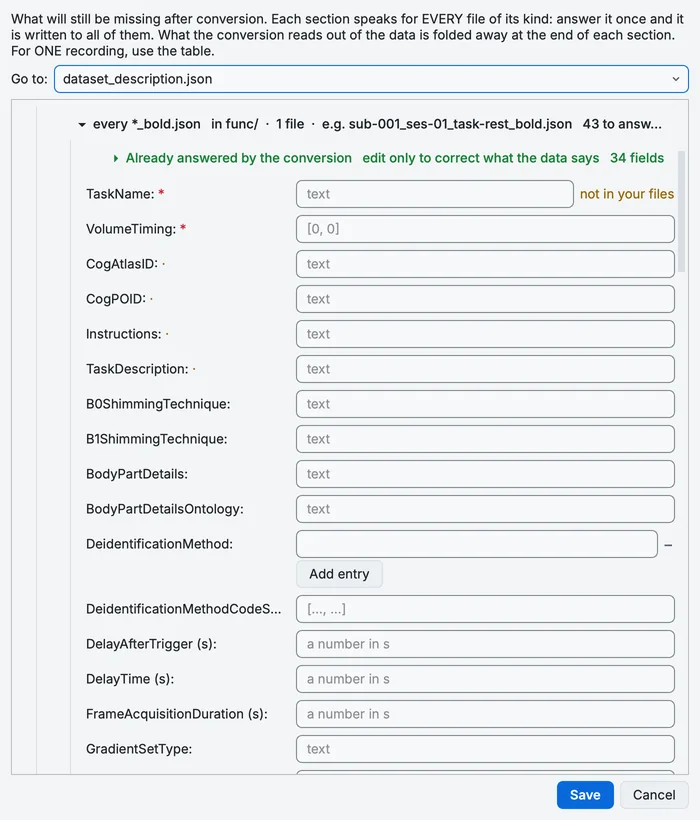
The template for every BOLD sidecar.
After converting: the Editor's tools
Fix one wrong value everywhere
The situation. An acquisition label was spelled one way in the first batch and another way later, and the dataset now has both.
What to do. Tools > Find and replace a value...: choose the entity and the value to replace, type the new one, and read the preview of every file and reference that changes. One operation, recorded in the project.
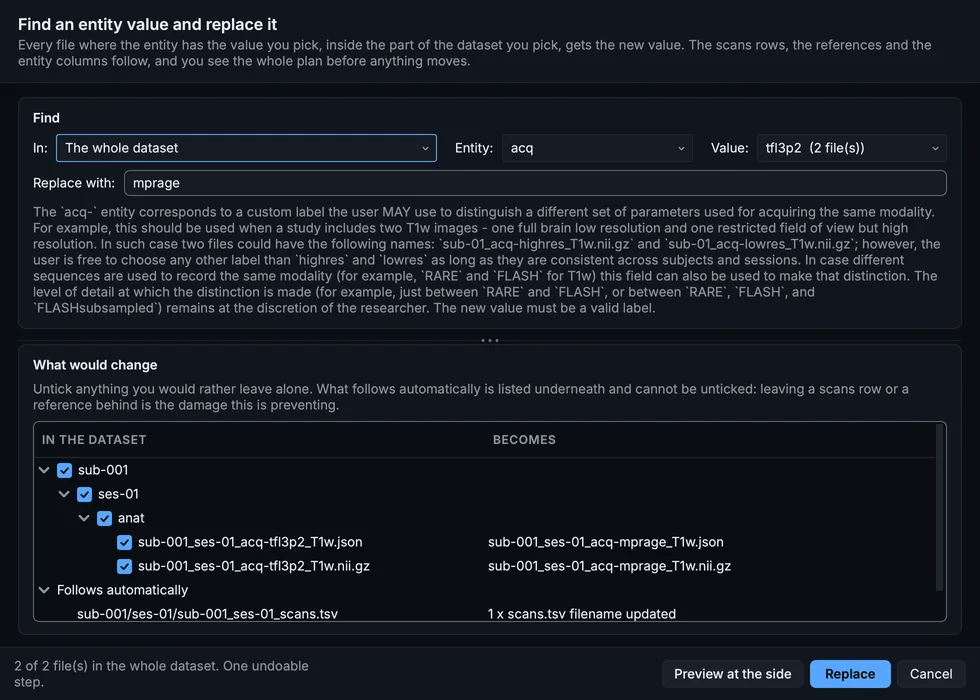
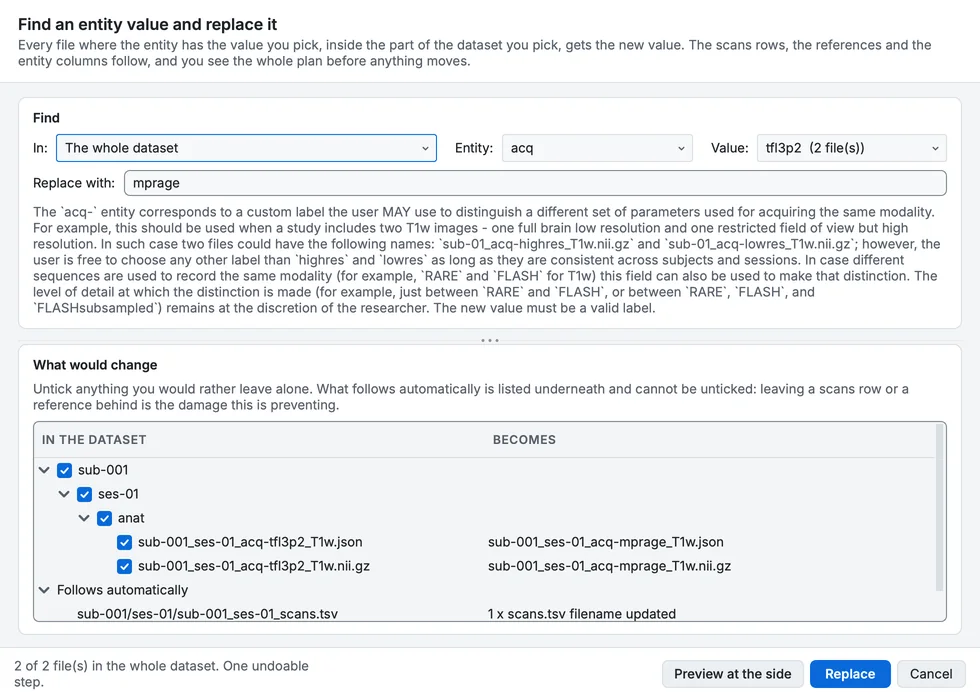
Find and replace an entity value: acq-tfl3p2 becomes acq-mprage, with the scans row that follows.
Write indices with the same width
The situation. Some runs are written run-1, others run-01, because they came from different tools.
What to do. Tools > Index widths... shows, for each index entity, the widths in use, and writes them all with the width you choose; files, scans rows and references move together.
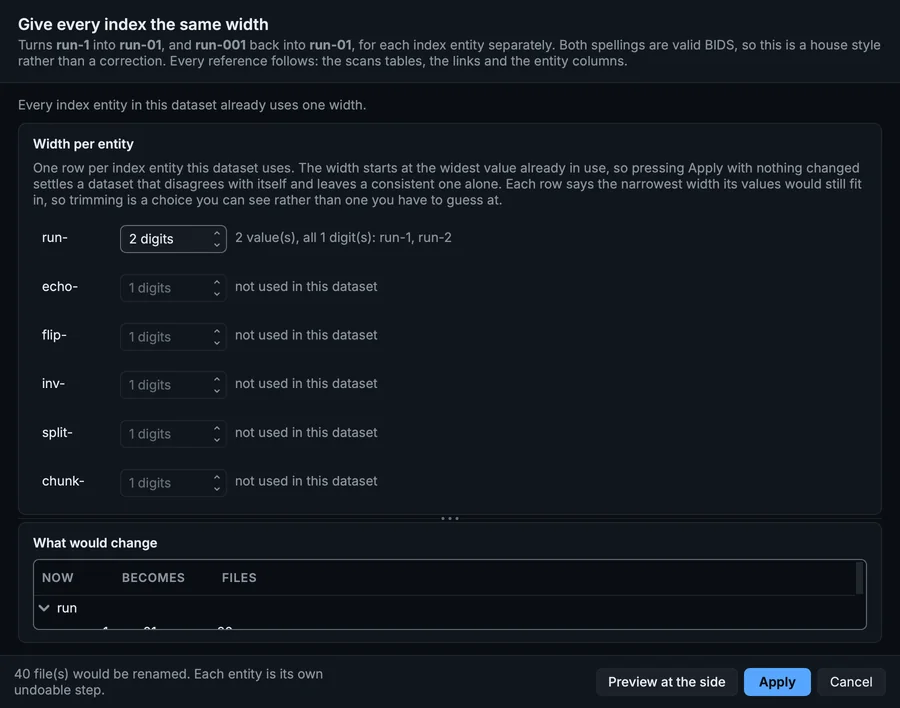
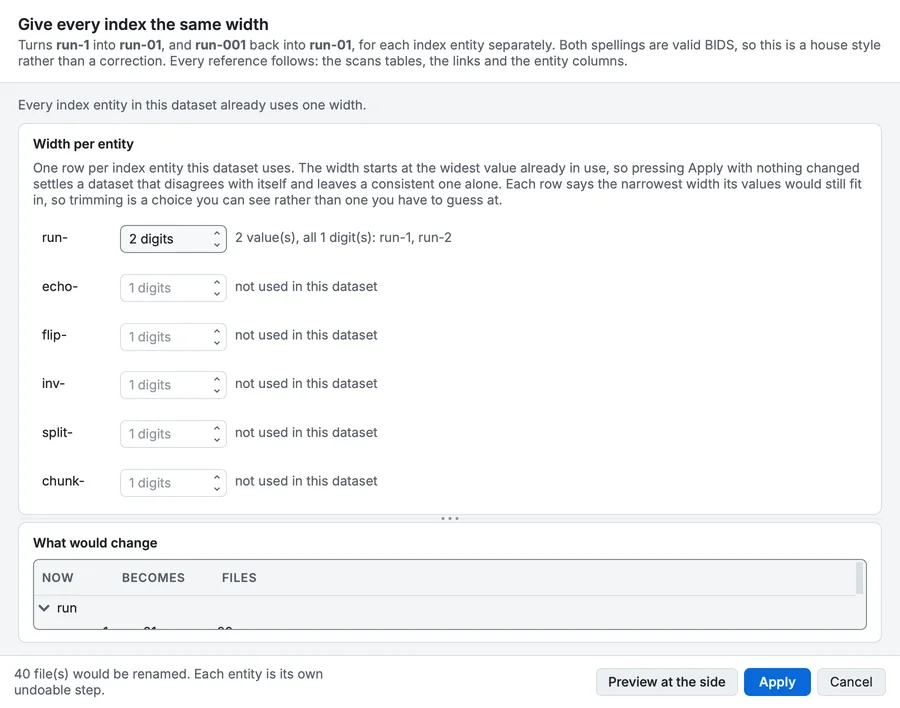
Index widths on the advanced MRI sample: every run written with two digits.
Add an entity you forgot
The situation. Two kinds of functional run were converted without the acq label that tells them apart.
What to do. Select their folder in the tree, then Tools > Add or remove an entity...: choose Add or change an entity, the entity and its value. The standard decides where it goes in each name; sidecars and companion files travel with their recording.
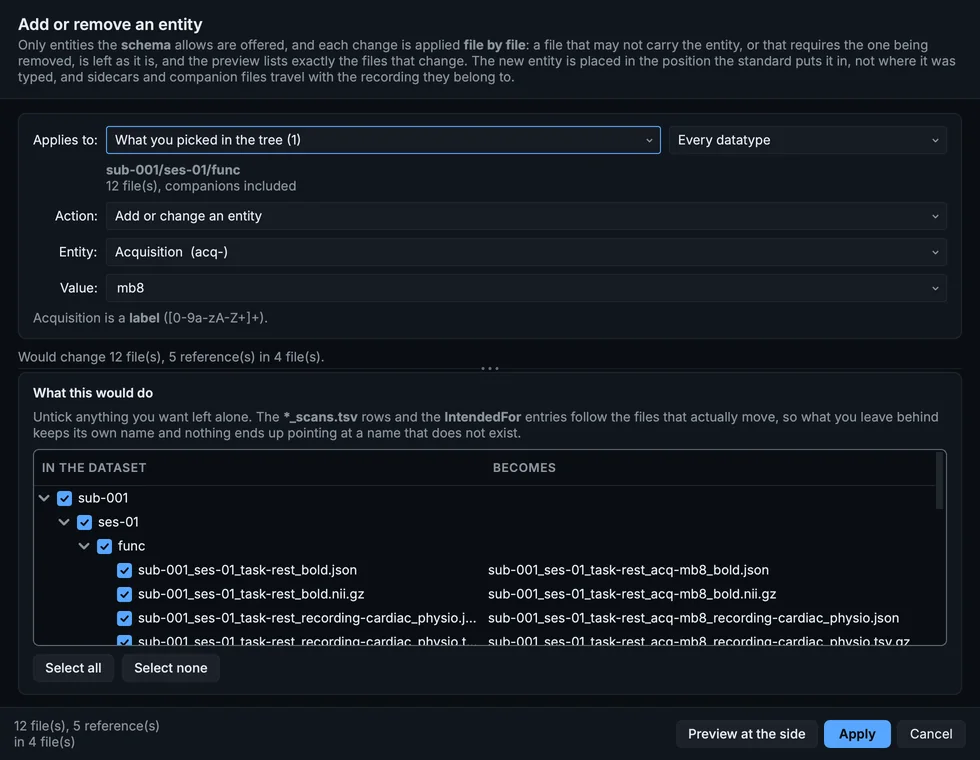
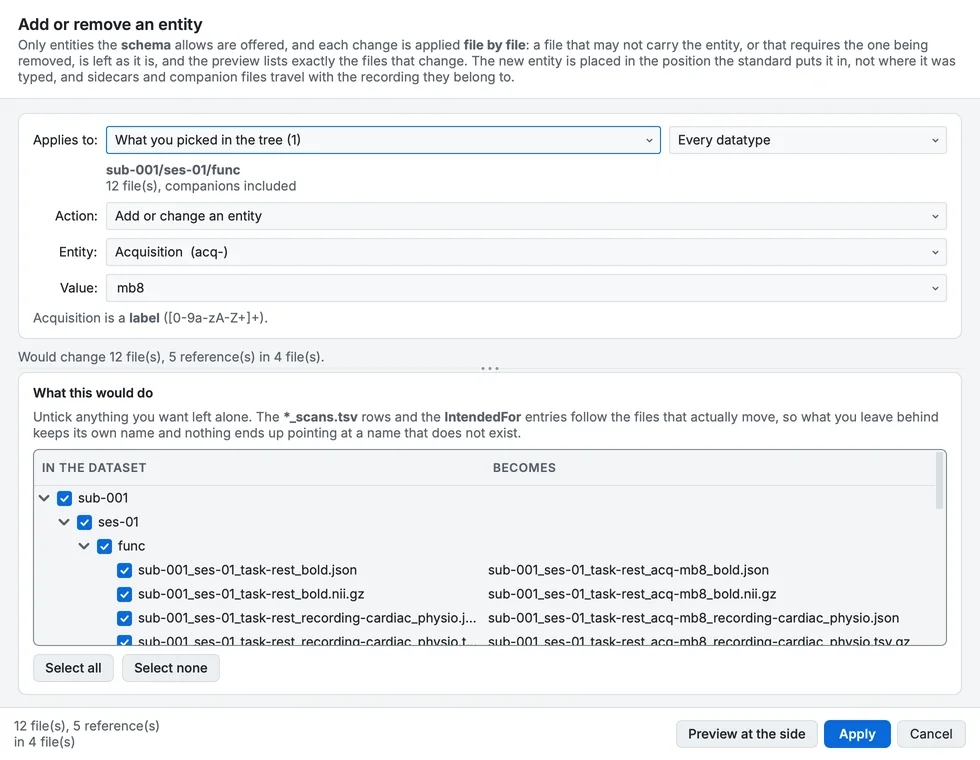
Add or remove an entity: acq-mb8 added to the functional runs.
Put a dataset into sessions afterwards
The situation. A study converted without sessions gains a second visit.
What to do. Tools > Sessions... with Create a session: every file of the chosen subjects moves into a ses- folder and takes the label in its name, and the scans tables move with them (Changing a dataset's shape).
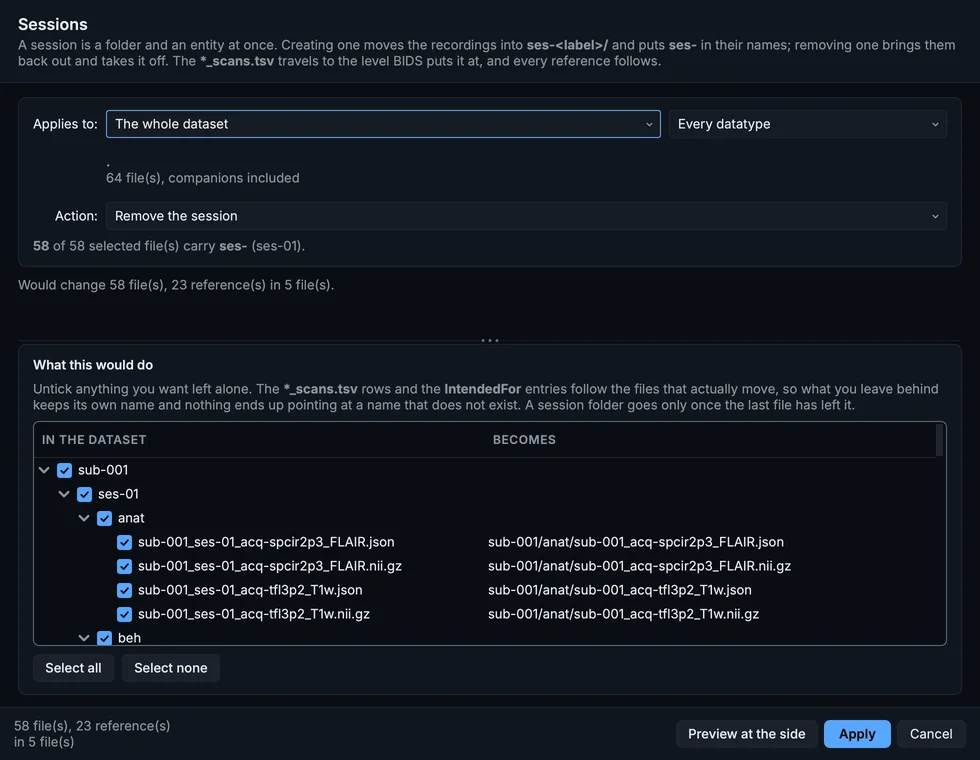
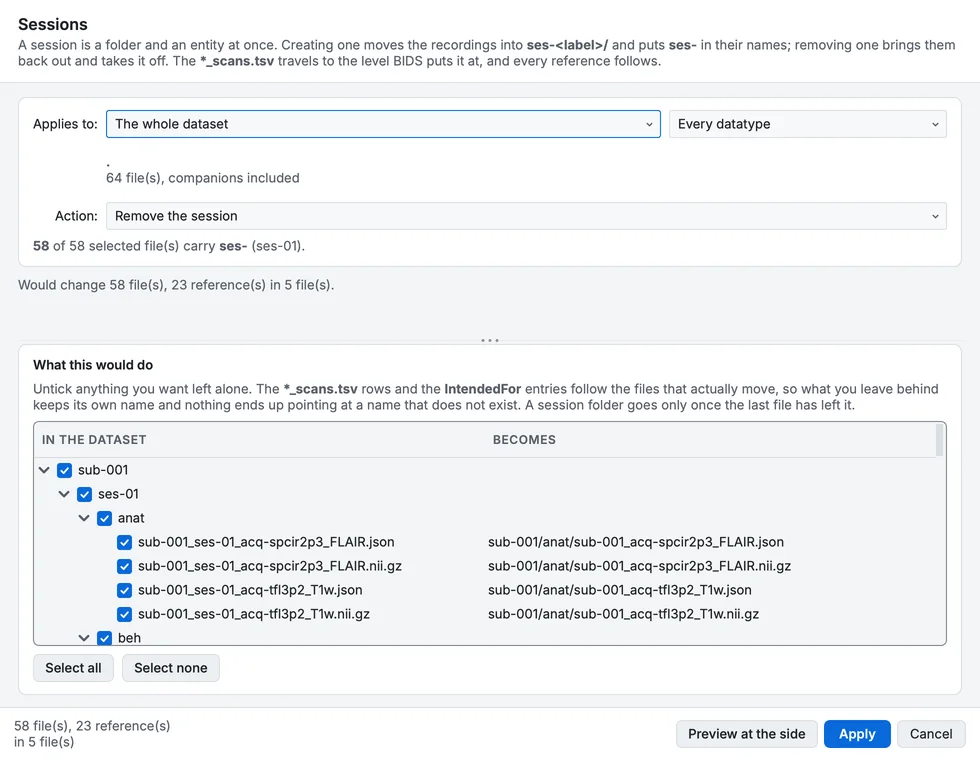
Sessions, set to remove the session; creating one is the same dialog.
Check what points at what
The situation. You need to know which runs a fieldmap corrects, or whether anything still names a file you are about to delete.
What to do. Tools > References lists, for a file, every file that names it and every file it names: IntendedFor, the scans tables, and the other fields that hold a path.
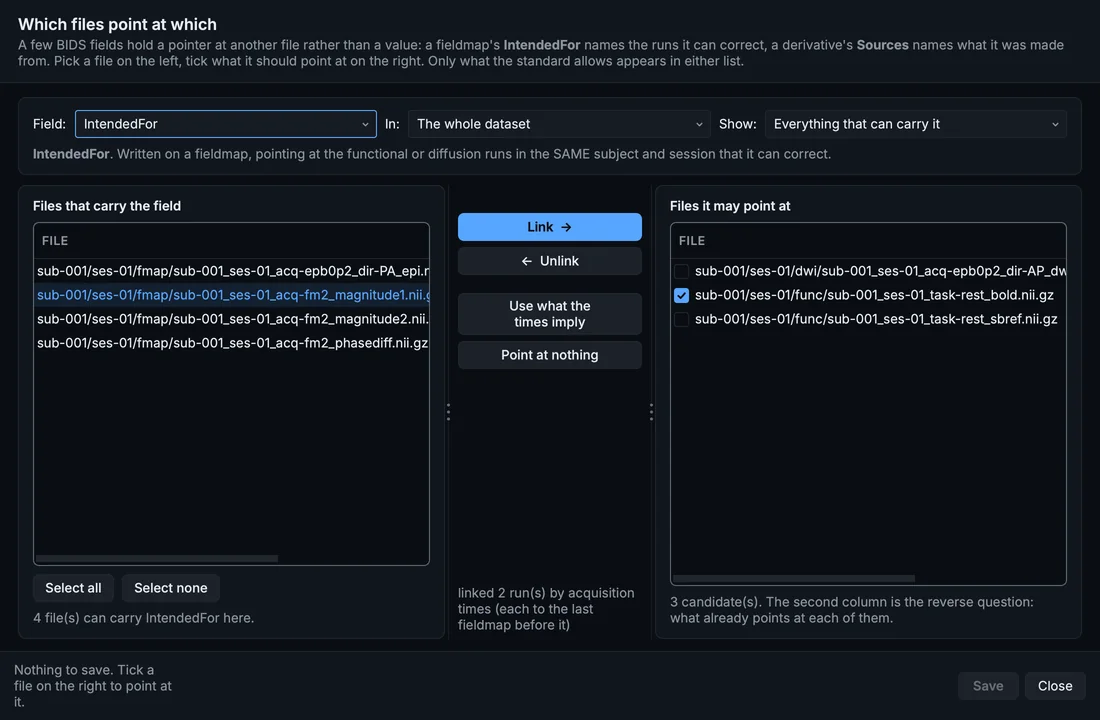
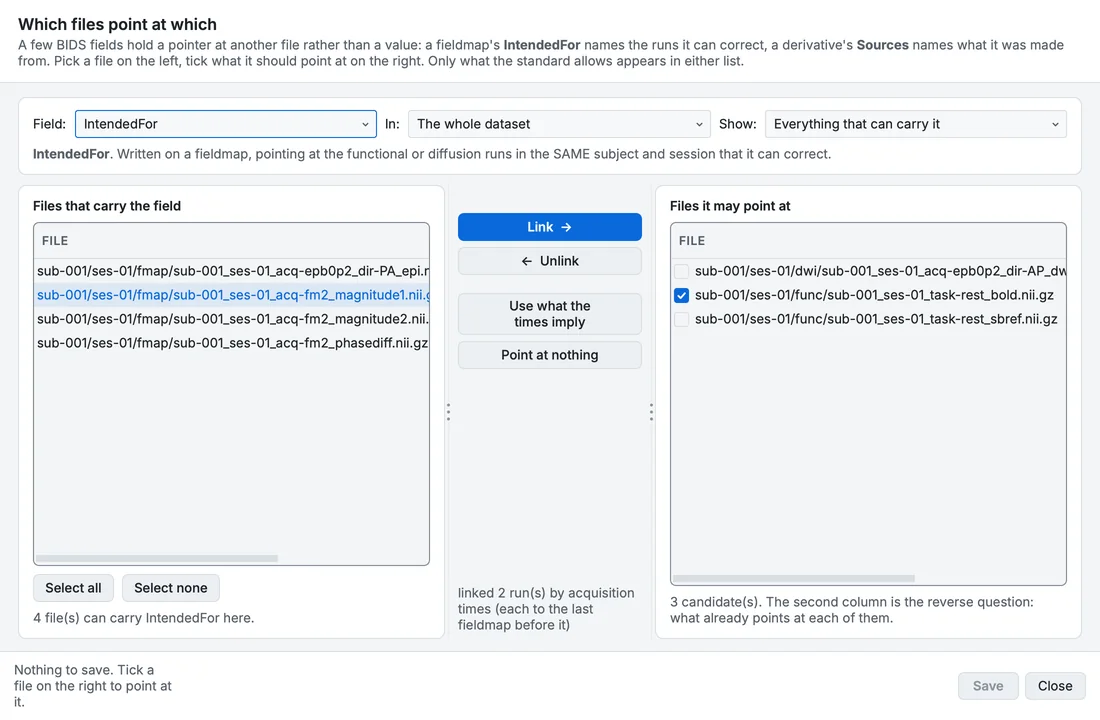
References between files: a fieldmap and the run its IntendedFor names.
Find every placeholder still to answer
The situation. Before sharing, every TODO must be gone.
What to do. Validate dataset counts them among the warnings, one finding per field, each with Set a real value; in a sidecar, the search box finds TODO in every field at once (Editing metadata).
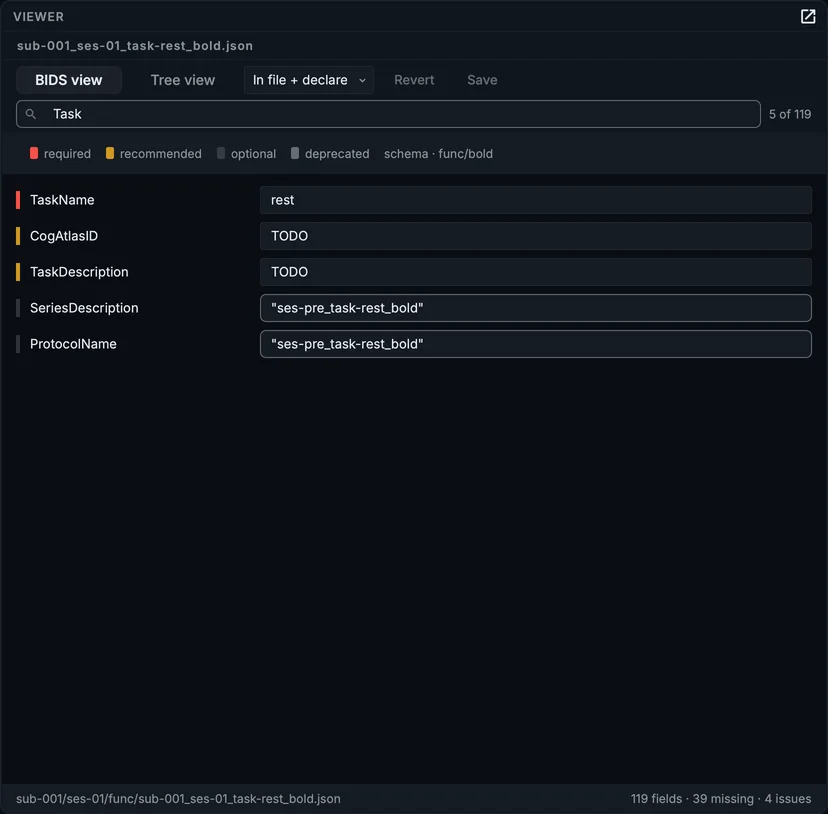
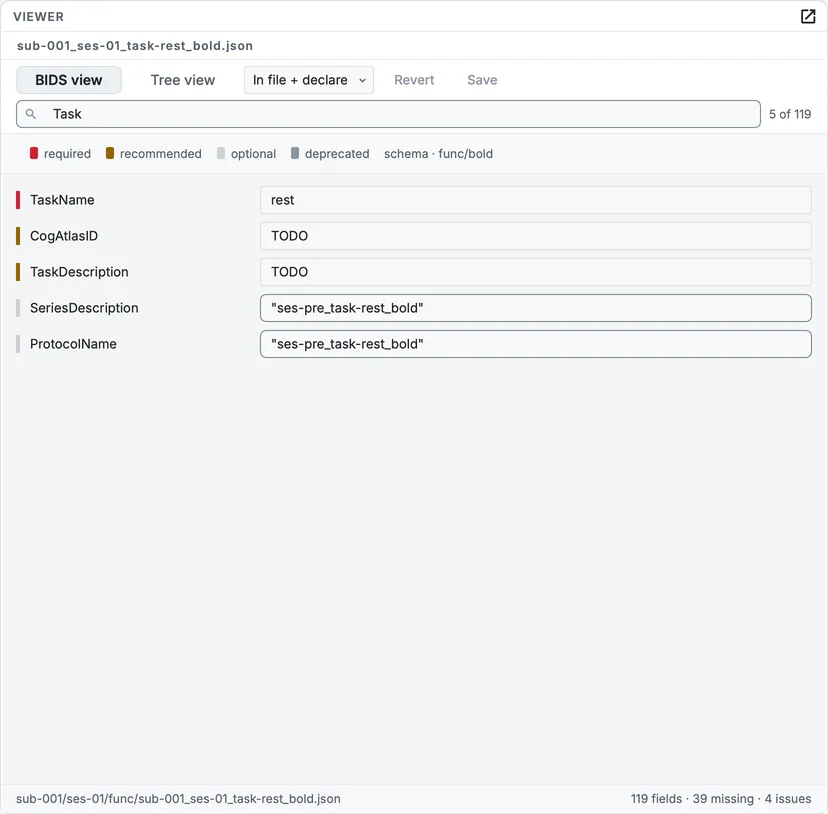
Searching a sidecar: only the fields that match stay.