
Guides
Converting PET
Convert an FDG scan with the facts no scanner records: the dose sheet, the blood curves drawn during the scan, and the conditions of the blood sampling. Then the same for a scan in the ECAT format.
The sample
BIDS_Manager_PET_sample/
├── raw/FDG_phantom_01/
│   ├── PET/     35 DICOM files, one FDG scan of a phantom on a GE Advance
│   └── blood/   whole_blood.bld and plasma_parent.bld, drawn by hand during the scan
├── dose_sheet.csv   the fields BIDS requires that this DICOM does not contain
├── dose.json        the same, in the form PET2BIDS reads
└── extra_ecat/      one Siemens HRRT scan in the ECAT format, with its own dose sheet
The scan is of a phantom, a container filled with a known solution: it behaves like a participant's scan for conversion, and identifies nobody.
What a PET scan needs that the scanner does not record
The DICOM headers carry the tracer, the radionuclide, the injected activity and the frame timing. BIDS also requires facts no scanner writes down: the injected mass, the specific activity and the mode of administration, and the reconstruction parameters as lists, which the header gives only for some methods. They are on a dose sheet beside the scanner. BIDS Manager reads that sheet before converting, so the values can be checked where they will be written.
Scan
Step 1. Create a project and scan raw
Create a dataset named pet_study, choose the sample's raw folder in Raw input, and click Scan…. The PET series is 1 row. The blood files are not recordings, so they are not rows: you attach them to the run below.
The dose sheet
Step 2. Import it
Click Dataset metadata…, scroll to PET dose file, click Import… and choose dose_sheet.csv. The box beside the button says how many fields it took, and the PET fields higher up in the dialog now hold them. Click Save to keep them.
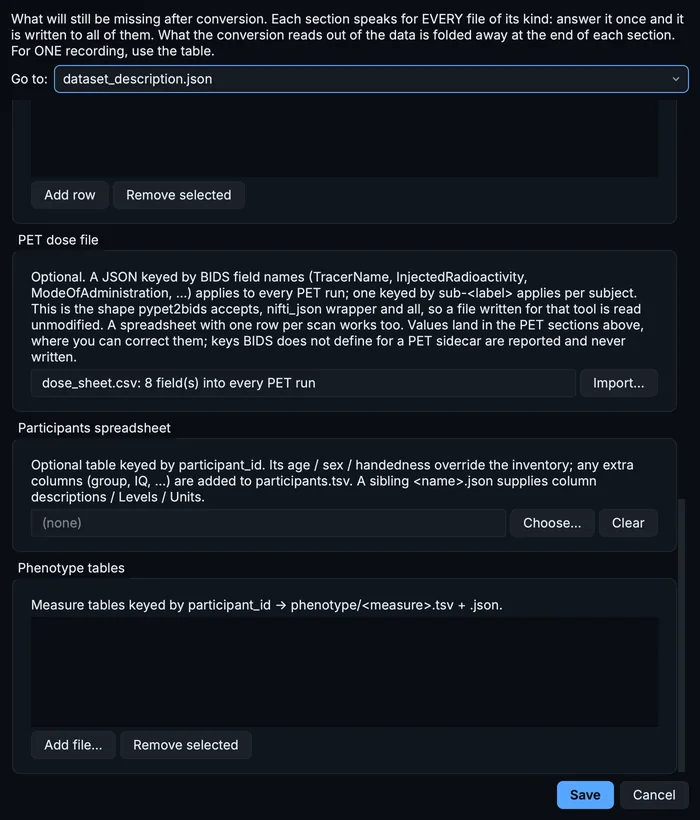
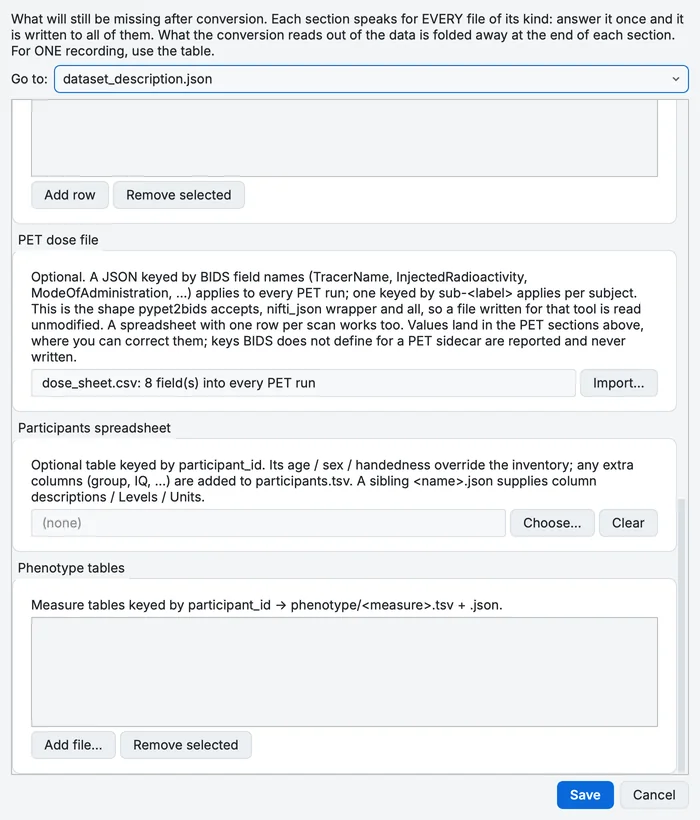
Dataset metadata after importing the dose sheet.
A dose file can be a spreadsheet with one row per field, one with one row per scan, or the JSON file PET2BIDS reads (dose.json): a lab that already keeps one for PET2BIDS can use it as it is. BIDS Manager takes over the PET fields it has a place for; anything else in the file is left out (and noted in the log), so check the PET fields after importing.
The blood curves
Step 3. Attach them to the run
Select the PET row. Under BLOOD SAMPLING in Properties, click Link beside Whole blood and choose blood/whole_blood.bld, then beside Plasma and choose blood/plasma_parent.bld. Keep manual: both were drawn by hand.
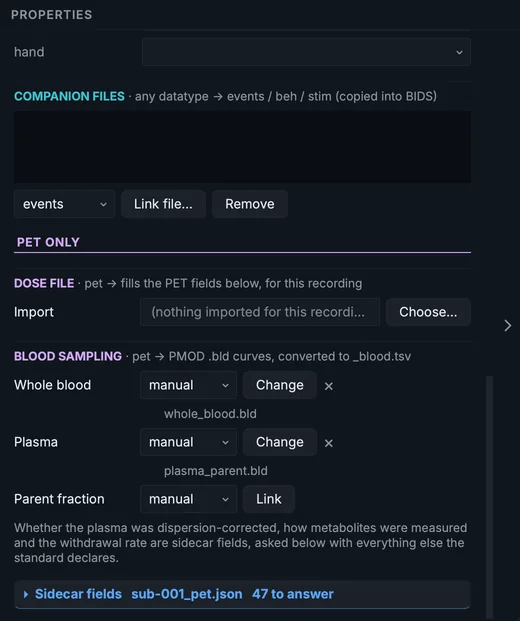
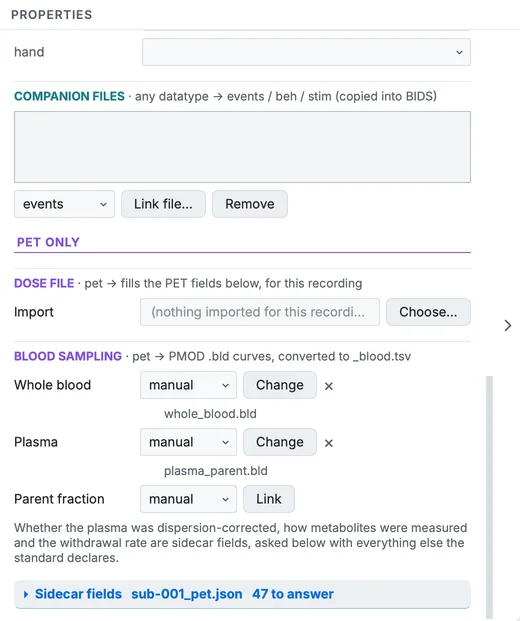
The PET row's blood sampling, both curves attached.
Hand-drawn and autosampled blood are kept apart in BIDS, in tables named recording-manual and recording-automatic; each table gets the sidecar that describes it.
Convert and check
Step 4. Convert
Click Run conversion. The PET image, its sidecar and the blood table are written into sub-001/pet/: 11 files in all.
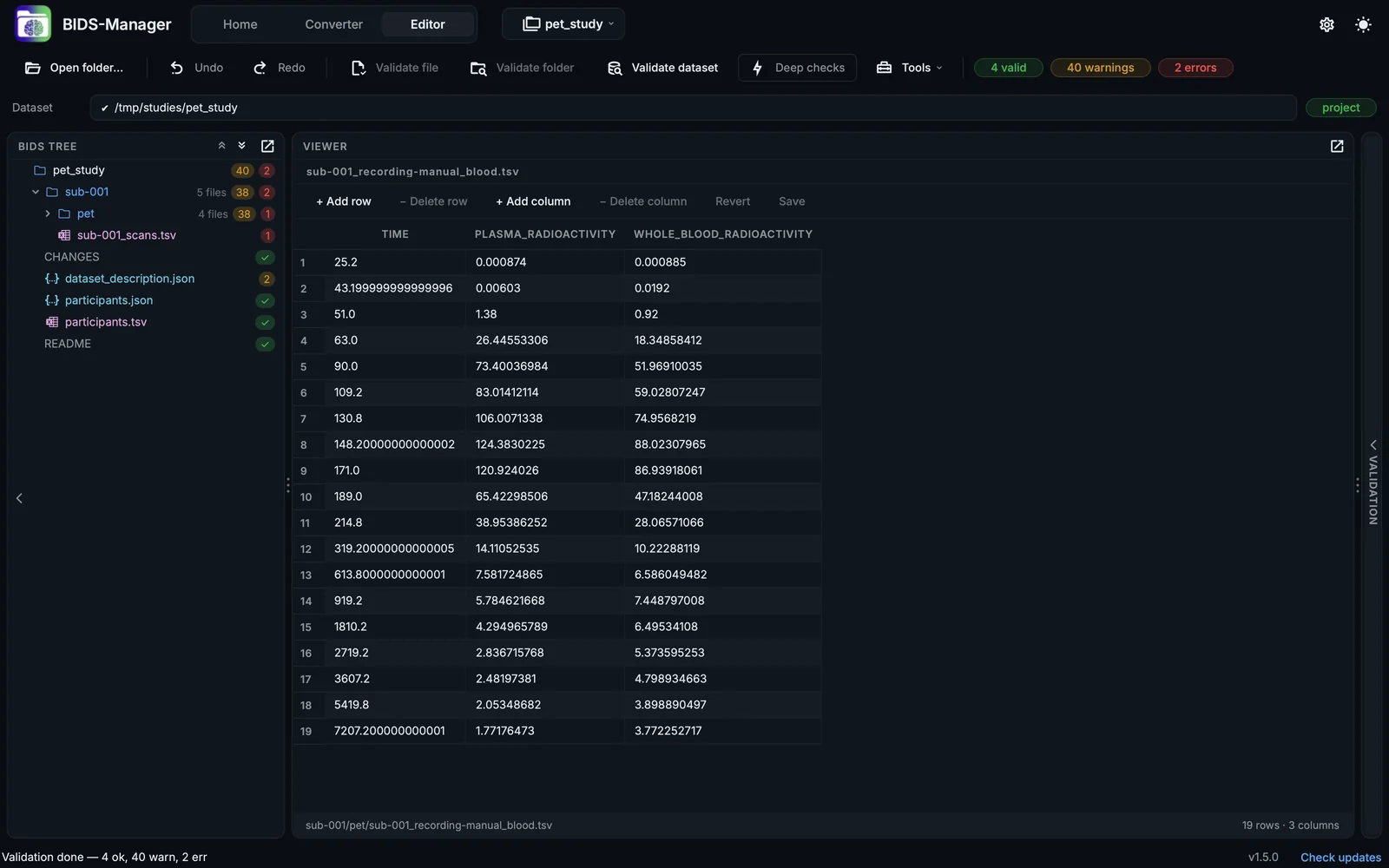
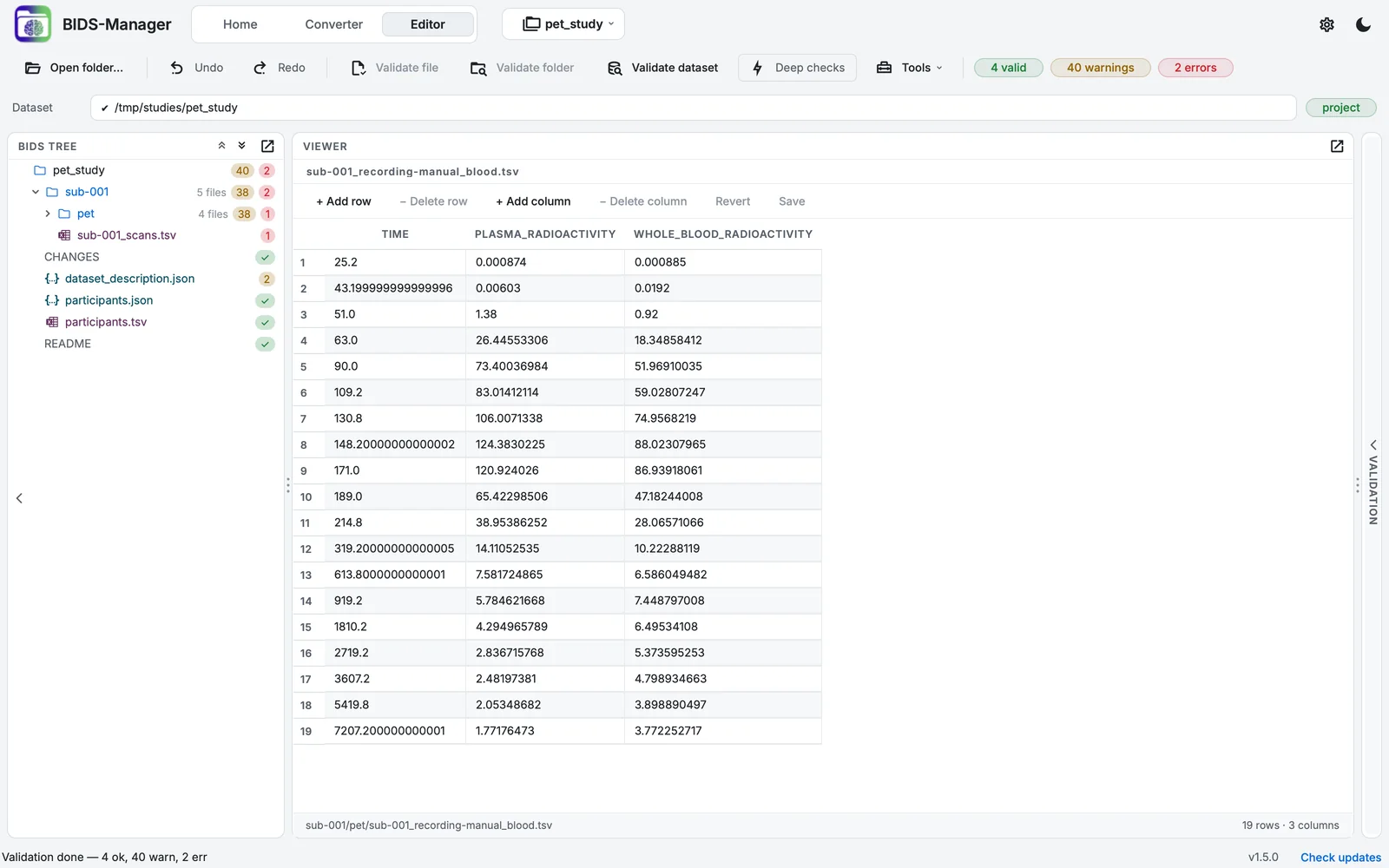
The converted PET sample in the Editor, with the blood table.
Step 5. Validate and answer what is left
Validate dataset reports 2 errors and 40 warnings:
| Error | What to do |
|---|---|
| The blood sidecar has no DispersionCorrected | Say whether the blood data were corrected for dispersion (true or false) in sub-001_. A yes-or-no field never gets a TODO placeholder: it has to be answered. |
The subject's _scans.tsv has a time without a date |
This GE header records no acquisition date. Type the date in front of the time, or n/a (Validating in the Editor). |
The warnings are TODO placeholders and recommended fields: the tubing, the withdrawal rate, the institution.
A scan in the ECAT format
ECAT is the older single-file format of Siemens and CTI scanners. BIDS Manager recognises it by the signature at the start of the file (the file must end in .v, .img or .ecat, or have no extension), and converts it with nibabel, reading the header fields PET2BIDS knows.
Step 6. Scan extra_ecat in a project of its own
Create a dataset named pet_ecat_study and scan the sample's extra_ecat folder. The scan is one row, its format ECAT.
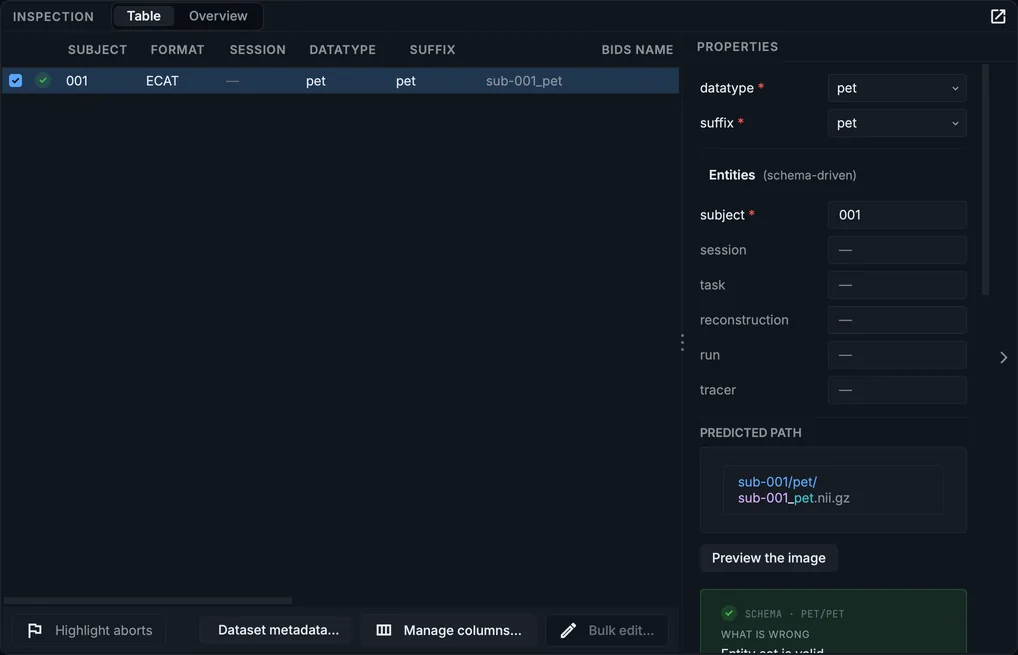
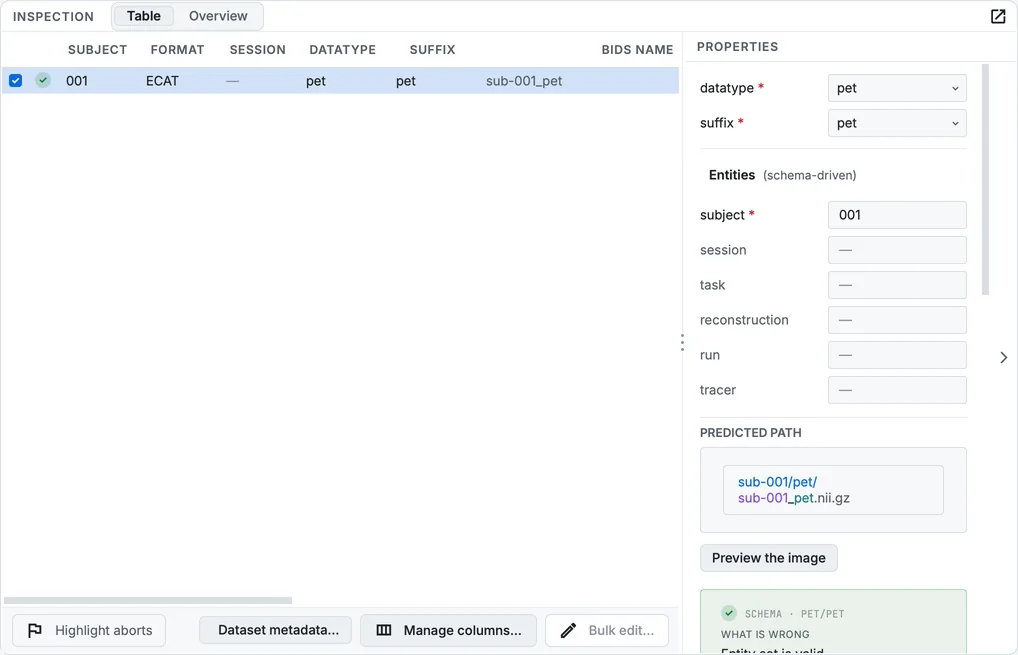
The ECAT scan of the PET sample.
Step 7. Import its dose sheet and convert
An ECAT header carries less than a DICOM one, so its dose sheet answers more: import extra_ecat/dose_sheet_ecat.csv in Dataset metadata…, then convert. The ECAT scan validated with 0 errors and 28 warnings.
In your own PET data
- The time zero. Every frame time and blood sample is measured from
TimeZero. BIDS Manager derives it from the DICOM series time, from which the frame times themselves are computed; check it if your scanner's clock was wrong. - One dose per study, or one per scan: on the command line,
bidsmgr-convert --pet-spreadsheetreads a sheet with one row per scan and matches each row to its run by participant or source file name. A sheet with one row per scan imported in Dataset metadata… does not reach the runs in this version (Known issues). - Blood from an autosampler is linked the same way, with automatic instead of manual. One run can have both kinds, for example autosampled whole blood and hand-drawn plasma, but each curve takes one file.
- PET with MRI: a PET/MR study converts in one pass, the MR series as anatomy and functional runs beside the PET.